
Migrating an established ecommerce store from MijoShop to WooCommerce requires careful planning. The process can involve much more than moving products from one platform to another. Product catalogs, categories, customers, orders, images, URLs, custom fields, payment methods, and third-party integrations may all need to be reviewed.
MijoShop was designed as an ecommerce solution connected with Joomla and based around OpenCart functionality. WooCommerce, on the other hand, operates within the WordPress ecosystem and provides a flexible environment for ecommerce, content, extensions, integrations, and custom development.
Businesses considering this transition need to plan the migration around both their existing store structure and their future ecommerce requirements.
This guide covers 10 companies that businesses can consider when planning a MijoShop to WooCommerce Migration, with a focus on ecommerce development, migration capabilities, WooCommerce services, web development, SEO, and related technical expertise.
Why Businesses Consider Moving From MijoShop to WooCommerce
There can be several reasons for changing ecommerce platforms.
Businesses may want to move to WooCommerce because they are looking for:
- A WordPress-based ecommerce environment
- Greater flexibility in website customization
- Easier integration between content and ecommerce
- A large ecosystem of plugins and extensions
- More options for custom development
- Greater control over website functionality
- Better integration with content marketing
- Flexible ecommerce integrations
- More control over the overall website environment
For businesses already using WordPress for their content strategy, WooCommerce can bring ecommerce and website content into the same platform.
However, the decision should be based on the actual requirements of the business. Before migration, the existing MijoShop website should be audited to determine what needs to be transferred, rebuilt, replaced, or removed.
What Should a MijoShop to WooCommerce Migration Include?
A migration plan should cover the entire ecommerce environment rather than focusing only on products.
The exact requirements will depend on the size and complexity of the existing store.
Product Data
Product information can include:
- Product names
- SKUs
- Product descriptions
- Short descriptions
- Prices
- Images
- Categories
- Attributes
- Variations
- Stock information
- Product tags
- Custom fields
The source data should be reviewed and mapped before it is imported into WooCommerce.
Categories and Product Structure
The existing catalog should be analyzed before creating the new WooCommerce structure.
This may include:
- Main categories
- Subcategories
- Product attributes
- Product tags
- Brands
- Filters
- Category descriptions
- Category images
A properly planned catalog structure can make the new store easier to manage and navigate.
Customer Data
Customer information may include:
- Customer names
- Email addresses
- Phone numbers
- Billing addresses
- Shipping addresses
- Customer groups
- Account information
The migration team should determine which fields can be transferred directly and which require data transformation.
Order History
Historical orders may be important for customer service, accounting, reporting, and business records.
Depending on the requirements, the migration can involve:
- Order numbers
- Customer information
- Purchased products
- Quantities
- Order totals
- Payment details
- Shipping information
- Taxes
- Order statuses
Order relationships should be validated after migration to make sure customers, products, and orders remain correctly connected.
Website Content and Media
A complete migration may also involve:
- Website pages
- Blog posts
- Images
- PDFs
- Landing pages
- Navigation
- Contact pages
- Policy pages
- Promotional content
Not every page necessarily needs to be moved exactly as it exists. Some content may benefit from restructuring during the migration.
Why SEO Planning Matters
An ecommerce migration can affect organic visibility when URLs, page structures, metadata, internal links, or indexation settings change.
This is particularly important for an established store that already receives organic traffic.
An SEO migration plan should include:
- Existing URL inventory
- New URL mapping
- 301 redirects
- Meta titles
- Meta descriptions
- Heading structure
- Canonical URLs
- XML sitemap
- Robots.txt
- Internal links
- Image alt text
- Structured data
- Search Console monitoring
The objective is to make the transition as smooth as possible for both users and search engines.
Businesses can also review the concepts of data migration, WooCommerce, WordPress, and Joomla when planning a platform transition.
Top 10 MijoShop to WooCommerce Migration Companies
1. EbizON
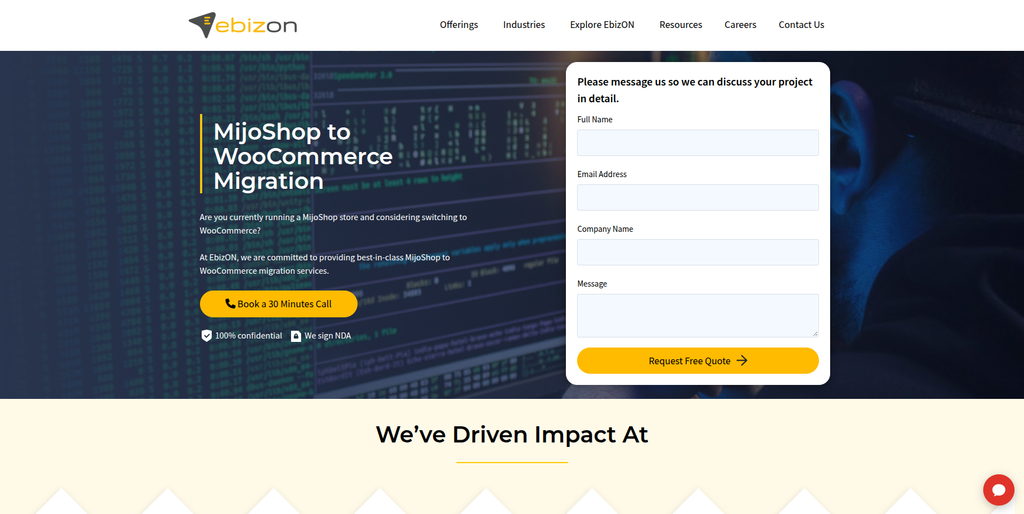
EbizON is a digital technology and ecommerce development company offering services across WooCommerce, WordPress, ecommerce development, SEO, integrations, and custom web development.
The company has a dedicated MijoShop to WooCommerce Migration service for businesses moving their ecommerce store to WooCommerce.
A migration project can involve transferring important ecommerce information such as products, categories, customers, orders, images, variations, custom fields, reviews, coupons, and other store data.
EbizON’s wider WooCommerce capabilities also make it suitable for businesses that want to combine migration with custom development, integrations, SEO, performance optimization, or ongoing ecommerce support.
Best suited for:
- MijoShop to WooCommerce Migration
- WooCommerce migration
- Ecommerce development
- Custom WooCommerce development
- API integrations
- SEO migration
- Ecommerce optimization
- Performance improvements
Service Page:
MijoShop to WooCommerce Migration
2. CMSTOWP
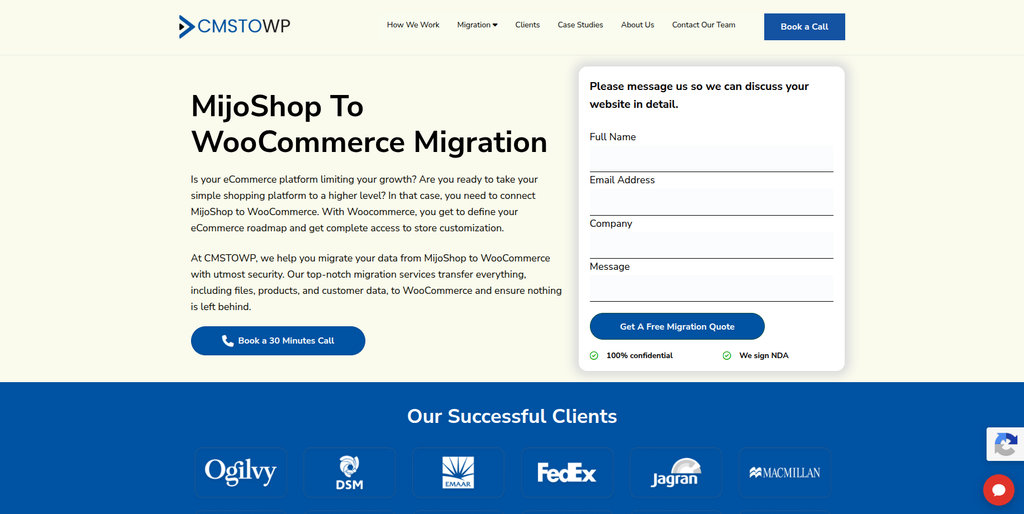
CMSTOWP specializes in website migration, WordPress, WooCommerce, and related ecommerce development services.
Its broader migration capabilities include website content, assets, taxonomies, SEO information, redirects, and ecommerce-related data.
For businesses moving from MijoShop, its WooCommerce and WordPress experience can be relevant when the project involves both data migration and rebuilding the website on a new platform.
Best suited for:
- Ecommerce migration
- WooCommerce development
- WordPress migration
- SEO-focused migration
- Ecommerce data migration
- Custom WooCommerce functionality
- Performance optimization
Service Page:
MijoShop to WooCommerce Migration
3. Bubblegum Marketing
Bubblegum Marketing combines ecommerce development with digital marketing services.
Its capabilities include ecommerce development, WooCommerce, Shopify, payment integrations, ecommerce funnels, conversion optimization, and digital marketing.
This combination may be useful for businesses that want to connect a platform migration with a broader ecommerce growth strategy.
Potential fit:
- WooCommerce development
- Ecommerce development
- Payment integrations
- Conversion optimization
- Ecommerce marketing
- Retention marketing
4. Brainshub
Brainshub is included among the companies to consider when researching web and technology providers for ecommerce projects.
For a MijoShop migration, businesses should evaluate its experience with WooCommerce, ecommerce development, data migration, custom functionality, and third-party integrations.
Potential fit to verify:
- Ecommerce development
- Web development
- WooCommerce
- Custom functionality
- Data migration
5. Desarol
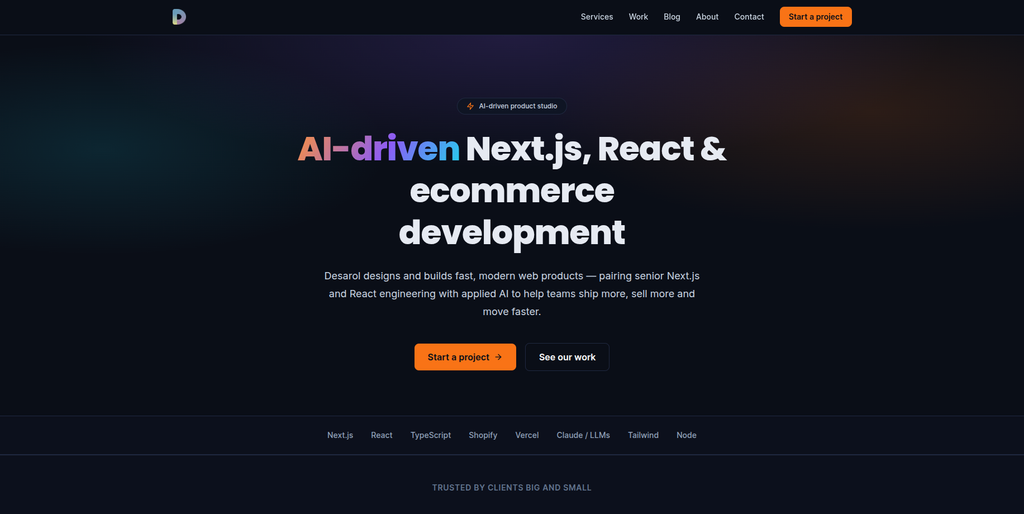
Desarol focuses on product engineering and modern ecommerce development, with capabilities around Shopify, custom storefronts, modern frontend technologies, and ecommerce architecture.
Its technology-led approach may be useful for companies looking at broader ecommerce modernization rather than a straightforward platform transfer.
Potential fit:
- Ecommerce development
- Custom storefronts
- Ecommerce modernization
- API-based development
- Digital product development
- Shopify development
6. WebEllio
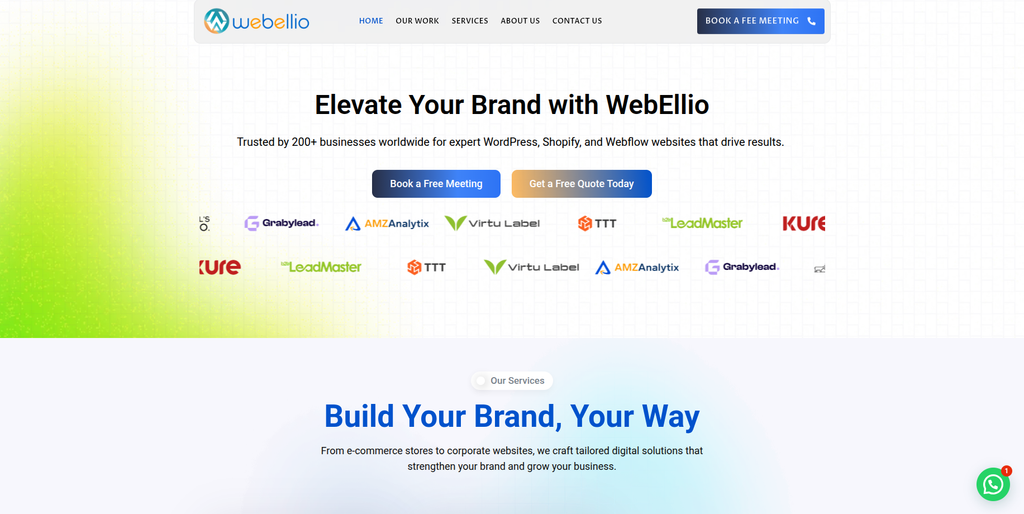
WebEllio works across WordPress, WooCommerce, Shopify, and ecommerce website development.
Its ecommerce capabilities include payment integrations, subscriptions, inventory management, order fulfillment, discounts, and other store functionality.
The company also works across design, development, testing, migration, launch, and ongoing website support.
Potential fit:
- WooCommerce development
- Ecommerce websites
- WordPress development
- Payment integration
- Inventory management
- Ecommerce customization
- Website maintenance
7. Big Salami
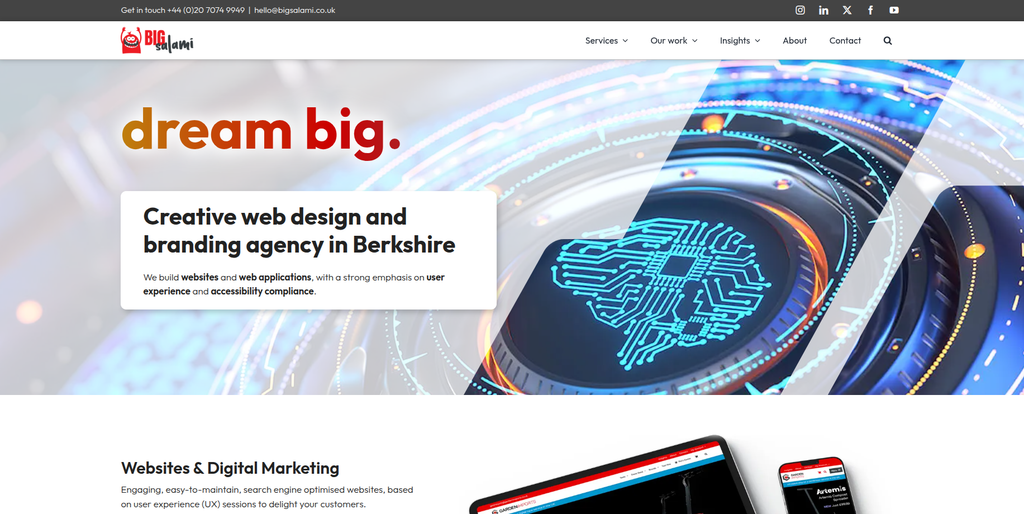
Big Salami is a web design and development agency offering ecommerce, UX, SEO, branding, custom applications, accessibility, and website support.
Its WooCommerce capabilities make it potentially relevant for businesses that want to combine their platform migration with a website redesign or customer-experience improvement.
Potential fit:
- WooCommerce development
- Ecommerce website design
- UX improvements
- SEO
- Custom web development
- Website support
8. Triitans
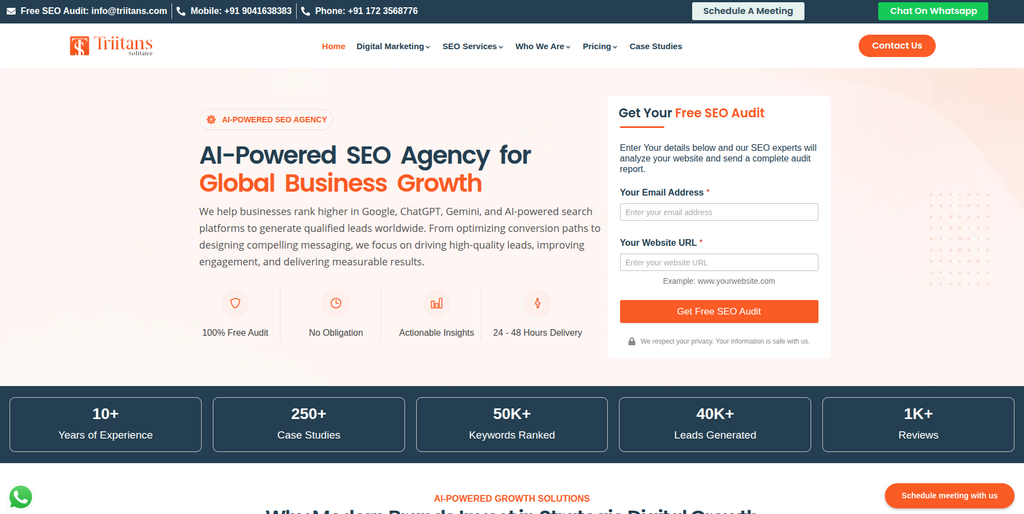
Triitans focuses heavily on ecommerce marketing and SEO, including WooCommerce-related services.
Its capabilities include ecommerce SEO, product-page optimization, search visibility, user-experience improvements, and conversion-focused marketing.
This can make it relevant when organic visibility and ecommerce marketing are major parts of the migration strategy.
Potential fit:
- WooCommerce SEO
- Ecommerce SEO
- Product optimization
- Search visibility
- Conversion optimization
- Digital marketing
9. Sixth Sense IT
Sixth Sense IT is included as a potential technology provider for businesses researching ecommerce and web development options.
For a MijoShop migration, businesses should specifically review its WooCommerce capabilities, ecommerce development experience, data migration process, custom integrations, and technical support.
Potential fit to verify:
- Web development
- Ecommerce development
- Custom integrations
- WooCommerce
- Technical support
10. Twanneman
Twanneman is included among the companies businesses can evaluate when researching web and ecommerce development providers.
For a MijoShop to WooCommerce project, businesses should discuss its experience with WooCommerce development, ecommerce migration, custom functionality, integrations, SEO, and post-launch support.
Potential fit to verify:
- Ecommerce development
- Web development
- WooCommerce-related work
- Website customization
- Technical support
How to Choose the Right MijoShop to WooCommerce Migration Company
The right provider should be evaluated based on the actual requirements of the migration rather than simply the number of services listed on its website.
Check Experience With Ecommerce Migrations
Ask whether the company has worked with:
- MijoShop
- Joomla
- OpenCart
- WooCommerce
- WordPress
- Other ecommerce platforms
Experience with both the source and destination platforms can make the migration planning process more efficient.
Review Data Migration Capabilities
Ask how the provider will handle:
- Products
- Categories
- Customers
- Orders
- Images
- Reviews
- Attributes
- Variations
- Coupons
- Custom fields
Discuss Custom Functionality
Existing MijoShop stores may contain custom features that cannot simply be copied to WooCommerce.
Each feature should be classified as something that will be:
- Rebuilt
- Replaced with a plugin
- Connected through an integration
- Redesigned
- Removed
Evaluate SEO Knowledge
A migration partner should understand:
- URL mapping
- 301 redirects
- Metadata
- Canonical URLs
- XML sitemaps
- Internal linking
- Indexation
- Search Console
Ask About Testing
Before launch, the new store should be tested across:
- Product pages
- Categories
- Product variations
- Search
- Cart
- Checkout
- Payments
- Shipping
- Taxes
- Customer accounts
- Coupons
- Orders
- Mobile devices
Consider Post-Migration Support
Ask whether the provider can support the store after launch with:
- Technical fixes
- Plugin conflicts
- Performance improvements
- SEO monitoring
- Analytics
- Security
- WooCommerce updates
- New integrations
Benefits of Moving From MijoShop to WooCommerce
WooCommerce provides businesses with an ecommerce environment that operates within WordPress.
Ecommerce and Content in One Platform
Businesses can manage products and ecommerce functionality alongside blogs, pages, landing pages, and other website content.
Flexible Customization
WooCommerce stores can be customized through themes, plugins, extensions, templates, and custom development.
Extensive Extension Options
Businesses can add new capabilities through WooCommerce extensions and WordPress plugins.
Development Flexibility
Developers can customize different areas of the store, including the frontend, backend, templates, integrations, and functionality.
Content Marketing Opportunities
Businesses that rely heavily on content marketing can manage their ecommerce and content operations within the same WordPress environment.
Integration Capabilities
WooCommerce can be connected with systems such as:
- Payment gateways
- Shipping platforms
- CRMs
- ERPs
- Email marketing platforms
- Analytics tools
- Inventory systems
- Business applications
MijoShop to WooCommerce Migration Checklist
Before Migration
- Audit the existing MijoShop website
- Back up the website and database
- Review the product catalog
- Export product data
- Review customer records
- Review order history
- Document third-party integrations
- Record existing URLs
- Identify custom functionality
- Record SEO information
Migration Planning
- Define the WooCommerce structure
- Map MijoShop data to WooCommerce
- Identify required plugins
- Identify custom development requirements
- Plan the URL structure
- Create redirect mappings
- Plan payment configuration
- Plan shipping configuration
- Define the testing process
Development
- Set up WordPress
- Install WooCommerce
- Configure the theme
- Build custom functionality
- Configure products
- Create categories
- Configure payment gateways
- Configure shipping
- Configure taxes
- Connect third-party integrations
Data Migration
- Import products
- Import categories
- Transfer product images
- Transfer attributes
- Transfer variations
- Import customer information
- Transfer order history where required
- Transfer reviews
- Transfer coupons where applicable
- Validate custom fields
- Check duplicate records
SEO Migration
- Crawl the existing website
- Create URL mappings
- Implement 301 redirects
- Transfer metadata
- Review canonical URLs
- Check internal links
- Generate the XML sitemap
- Review robots.txt
- Verify Search Console
- Monitor indexing
Testing
- Test product pages
- Test categories
- Test variations
- Test search
- Test cart
- Test checkout
- Test payments
- Test shipping
- Test taxes
- Test customer accounts
- Test coupons
- Test orders
- Test mobile responsiveness
Launch
- Complete the final backup
- Perform final data synchronization
- Deploy the WooCommerce website
- Verify the domain
- Check SSL
- Test important URLs
- Test redirects
- Submit the sitemap
- Monitor Search Console
- Monitor analytics
- Check crawl errors
Frequently Asked Questions
What is MijoShop to WooCommerce Migration?
MijoShop to WooCommerce Migration is the process of moving an existing ecommerce store from MijoShop to WooCommerce while transferring the required products, customers, orders, content, images, and other relevant store information.
Can MijoShop products be migrated to WooCommerce?
Yes. Product information can be transferred, but the exact migration method depends on the structure of the existing MijoShop store. Custom attributes, variations, and fields may require additional mapping.
Can customer information be transferred?
Customer information can potentially be migrated when the required source data is available and can be mapped correctly to WooCommerce.
Can historical orders be migrated?
Historical orders can potentially be transferred depending on the available source data and the requirements of the new WooCommerce store.
Will existing URLs change?
Some URLs may remain unchanged, while others may need to be modified to fit the WooCommerce structure. Changed URLs should be mapped and redirected appropriately.
Will migration affect SEO?
It can. Changes to URLs, metadata, content, internal links, redirects, and indexation can affect search visibility. SEO should therefore be part of the migration plan from the beginning.
Can the existing MijoShop design be retained?
The existing design can potentially be recreated in WooCommerce through theme customization or custom development. Some elements may need to be redesigned to work properly within WordPress.
What happens to MijoShop extensions?
Each extension should be reviewed individually. A WooCommerce plugin may provide equivalent functionality, while specialized features may require custom development.
How long does MijoShop to WooCommerce Migration take?
There is no standard timeline. Project duration depends on the size of the store, number of products, customer and order data, custom functionality, integrations, design requirements, SEO work, and testing.
Should the new WooCommerce store be tested before launch?
Yes. The website should be tested before going live, including products, categories, checkout, payments, shipping, customer accounts, integrations, redirects, and mobile functionality.
Conclusion
A MijoShop to WooCommerce Migration can provide an established ecommerce business with a flexible WordPress-based environment while creating an opportunity to improve its website structure and functionality.
However, the project should not be treated as a simple product import. A complete migration needs to consider products, categories, customers, orders, images, content, custom fields, integrations, URLs, SEO, checkout, payments, and testing.
Among the companies reviewed, EbizON and CMSTOWP are the most directly relevant options because both provide dedicated MijoShop to WooCommerce migration services. The other companies offer different combinations of ecommerce development, web development, SEO, technology, and digital services, but their direct experience with this particular migration should be verified.
The right migration partner should be able to provide a clear plan explaining how your existing MijoShop data will be transferred, how custom functionality will be handled, how SEO will be protected, how the WooCommerce store will be tested, and what support will be available after launch.