
So your CS-Cart store feels stuck. Maybe the design tools feel old. Maybe plugins are hard to find. Maybe you just want more freedom to grow. If that sounds like you, you’re not alone. A lot of store owners are making the jump to WooCommerce this year, and picking the right partner for a CS Cart to WooCommerce migration can make or break the whole move.
This guide breaks down the top 10 CS Cart to WooCommerce migration companies worth knowing about right now. We’ll keep it simple, skip the jargon, and tell you what each one actually brings to the table.
Why Store Owners Are Leaving CS-Cart for WooCommerce
WooCommerce runs on WordPress, which means you get a huge library of themes, plugins, and payment tools. It’s easier to find developers who know it. It’s easier to customize. And since WooCommerce powers a big chunk of online stores worldwide, you’re not stepping into some niche corner of the internet, you’re joining a platform with real staying power.
A good migration keeps three things safe:
- Your product data, customers, and order history
- Your SEO rankings and URLs
- Your store’s uptime during the switch
That last point matters more than people think. A sloppy migration can knock your rankings down for months. A good one barely makes a dent.
What to Look For Before You Hire Anyone
Before you pick a team for your CS Cart to WooCommerce migration, ask a few questions:
- Have they done this exact migration before, not just “WordPress work” in general?
- Do they promise zero downtime, or close to it?
- Will they keep your old URLs and meta tags in place?
- Do they test the new store before handing it over?
- What happens if something breaks after launch?
Keep those questions in mind as you go through the list below.
The Top 10 CS Cart to WooCommerce Migration Companies
1. EbizON
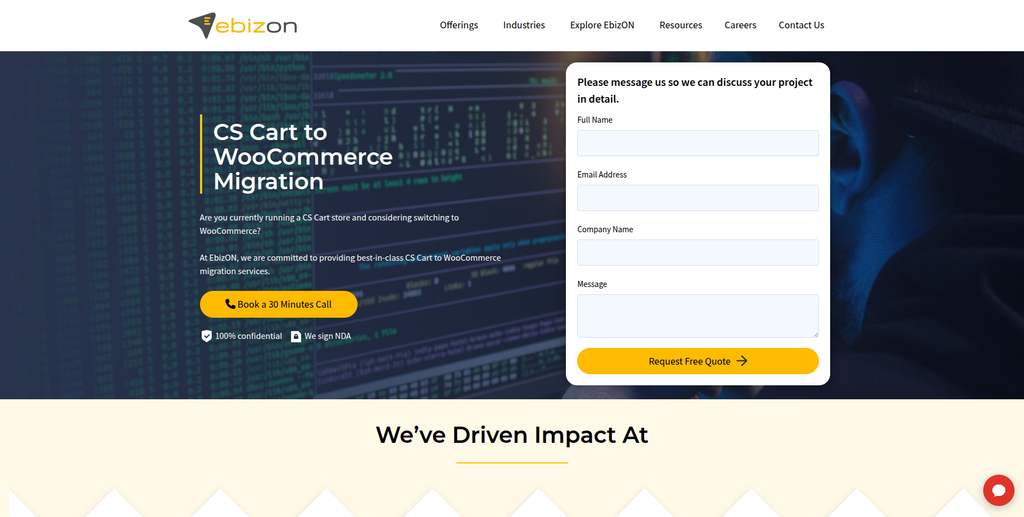
EbizON has spent over 15 years in eCommerce development, and migration is one of their core specialties. Their team handles the full move: products, categories, customer accounts, images, reviews, and order history, all while keeping your SEO settings, URLs, and meta tags intact. They back it with a zero-downtime promise and a couple months of performance monitoring after launch, which is a nice safety net most agencies skip.
If you want a hands-off, fully managed CS Cart to WooCommerce migration service with real post-launch support, their team behind the CS-Cart to WooCommerce migration process is worth a call.
2. CMSTOWP
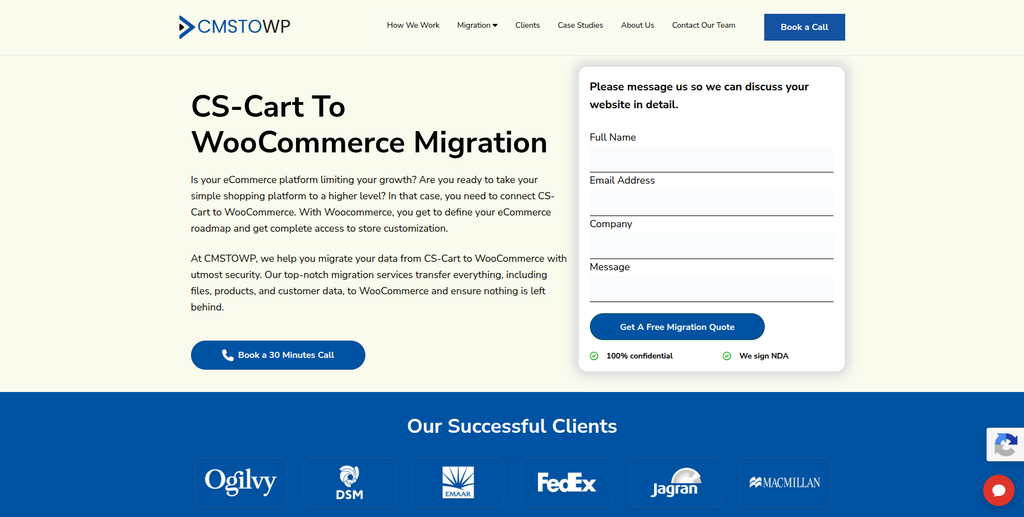
CMSTOWP focuses entirely on platform migrations, and CS-Cart to WooCommerce is one of their most requested jobs. They walk through a clear process: planning and backup, theme selection, SEO groundwork, data migration, testing, and go-live. Their guarantees mirror the industry’s best, including SEO retention and zero downtime, and their team has handled migrations for publishers, manufacturers, and retail brands alike.
For store owners who want an affordable, migration-focused CS Cart to WooCommerce transition without extra frills, CMSTOWP’s dedicated migration workflow is built exactly for that.
3. Piedmont Website Designer (Greensboro, NC)

Piedmont Website Designer has been building WordPress sites for over 25 years, mostly for small and mid-sized businesses in North Carolina. They’re not a migration-only shop, but their deep WordPress and WooCommerce chops make them a solid pick if you also want your new store redesigned, not just moved over as-is. Good option if you’re local to the Southeast US and want someone you can actually meet in person.
4. Anne Schmidt Co. (Austin, TX)
This is a small, boutique studio, female-founded, based in Austin, that handles everything from custom web design to full eCommerce builds. They’re not a huge team, so you get more direct attention on your project. If you care about a clean, custom-designed storefront and not a cookie-cutter theme, this one’s worth a look for smaller catalogs.
5. DesignTork

DesignTork runs on a flat-rate subscription model, unlimited design and development requests for one monthly price. Their stack includes WordPress, WooCommerce, Elementor, and Divi, so they can handle both the technical migration work and the visual redesign that usually comes with it. Good fit if you want ongoing design support after the move, not just a one-time project.
6. Virtual Creatives

Based on the East Coast of the US, Virtual Creatives is a small team covering web design, graphic design, content writing, and SEO. They’re generalists more than migration specialists, but they’ve built eCommerce sites before, and their all-in-one approach can help if you want your store, your branding, and your blog content handled by one team.
7. 151 Digital (Calgary, AB)
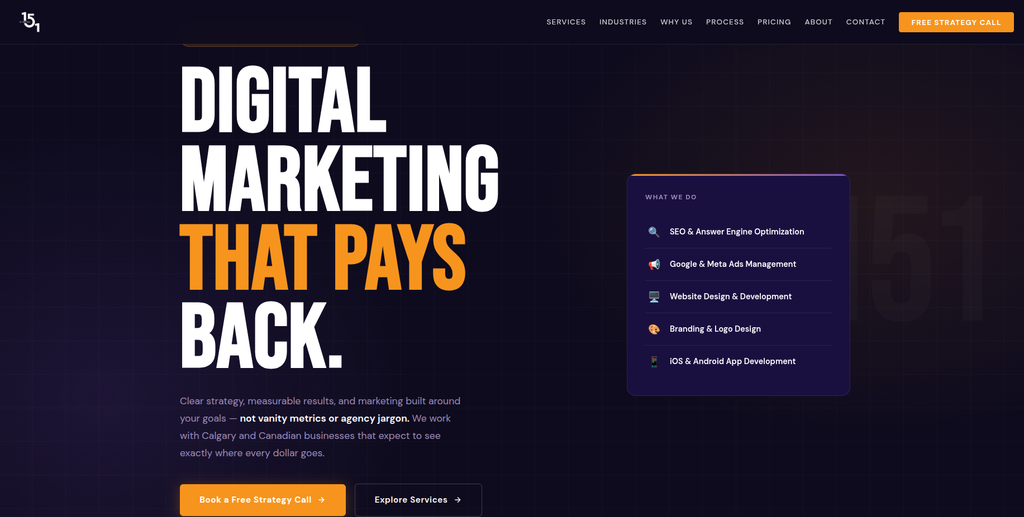
151 Digital is a full-stack digital marketing agency out of Calgary, covering SEO, paid ads, website design, branding, and app development, with e-commerce listed as one of their focus industries. They lean more on the marketing and growth side than pure migration work, so they’re a strong pick if you want your new WooCommerce store to also come with an SEO and ads plan from day one.
8. Media Design Services
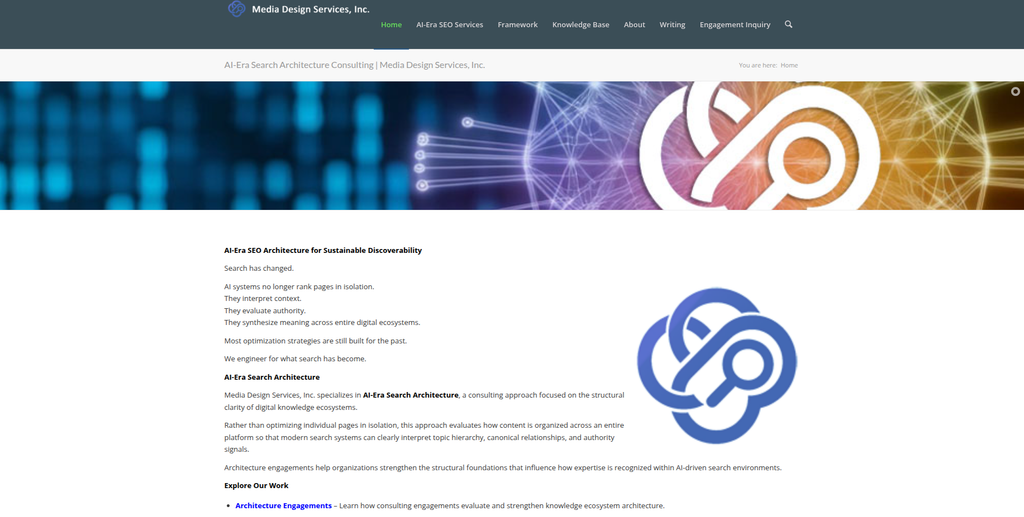
Worth a quick clarification here: Media Design Services is an AI-era search architecture consultancy, not a hands-on migration agency. What they’re good at is structuring your content and site architecture so it holds up in modern, AI-driven search results. If you migrate your store elsewhere and want a second opinion on how to structure it for long-term visibility, they’re a specialist voice on that side of things.
9. The Bogdanov Group (Wisconsin)
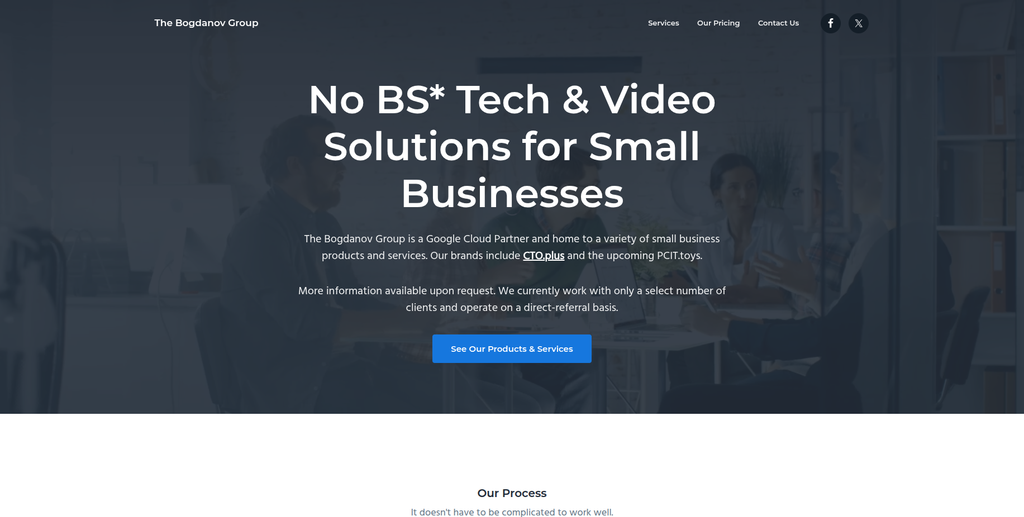
The Bogdanov Group is a small, Wisconsin-based tech shop that handles web development, tech strategy, and video production, and they’re a certified Google Cloud Partner. They’re not a dedicated CS-Cart or WooCommerce migration specialist, but if you already have a relationship with them or need broader tech support alongside your store move, they’re a capable general partner.
10. Palladium
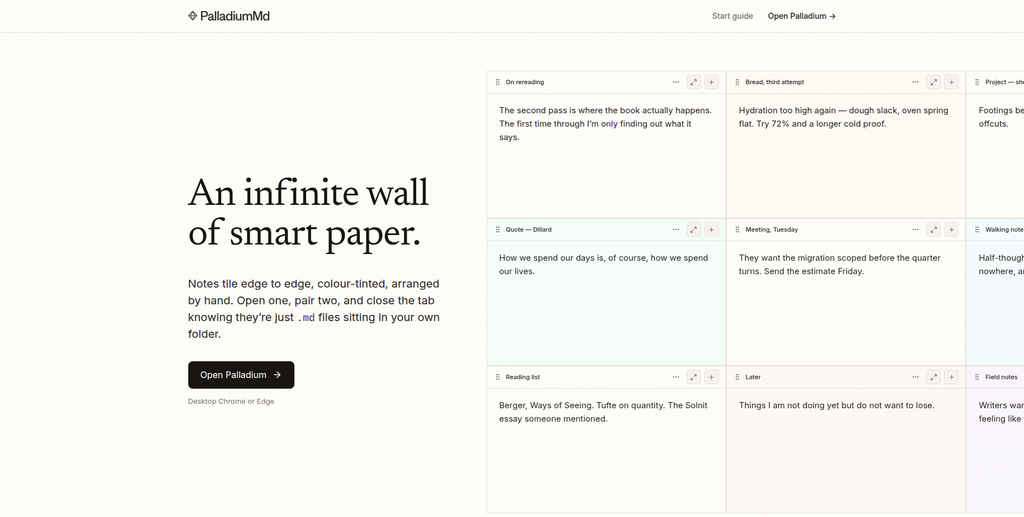
A quick honest note on this one: Palladium is actually a markdown note-taking app for writers, not a web design or migration agency. It doesn’t offer CS-Cart or WooCommerce services. We’re including it here because it was on the list we were asked to cover, but if you’re hiring for a migration, this isn’t the place to call.
Quick Comparison: What Each Company Is Actually Best At
| Company | Best For |
|---|---|
| EbizON | Full-service, zero-downtime CS-Cart to WooCommerce migration |
| Piedmont Website Designer | WordPress redesign + local Southeast US support |
| Anne Schmidt Co. | Small, custom-designed storefronts |
| DesignTork | Ongoing design support after migration |
| CMSTOWP | Migration-only specialists, affordable pricing |
| Virtual Creatives | All-in-one design, content, and SEO |
| 151 Digital | Migration paired with marketing strategy |
| Media Design Services | Post-migration search architecture advice |
| The Bogdanov Group | General tech partner, not migration-focused |
| Palladium | Not a migration company (note-taking app) |
Frequently Asked Questions
1. What does “CS Cart to WooCommerce migration” actually mean? It means moving your entire online store, products, customers, orders, images, and settings, from the CS-Cart platform over to WooCommerce, which runs on WordPress.
2. Why do people switch from CS-Cart to WooCommerce? WooCommerce has a bigger community, more plugins, more themes, and it’s usually easier to find developers who know how to work with it. It also gives you more room to grow and customize your store over time.
3. Will I lose my Google rankings during the move? Not if it’s done right. A good migration team keeps your old URLs working, either by matching them exactly or setting up proper redirects, and keeps your meta titles and tags the same. Some ranking dips can happen for a few weeks, but they usually bounce back.
4. How long does a CS Cart to WooCommerce migration take? It depends on how big your store is. A small catalog with a few hundred products might take one to two weeks. A large store with thousands of products, custom fields, and years of order history can take a month or more.
5. Does my store go offline while it’s being migrated? It shouldn’t. Most experienced teams build and test your new WooCommerce store on a separate server first, then switch things over once everything’s confirmed working. That keeps your live store running the whole time.
6. What data gets moved during the migration? Usually everything: products, categories, product variants, custom fields, customer accounts, order history, reviews, coupon codes, tax settings, and images. A good CS Cart to WooCommerce migration company will give you a checklist upfront.
7. How much does a CS-Cart to WooCommerce migration cost? Cost depends on your store size, how much custom work you need, and how much design change you want alongside the migration. Small stores can cost less than larger ones with thousands of SKUs and custom integrations. Most companies offer a free quote after reviewing your store.
8. Do I need to hire a developer, or can I do this myself? Technically there are migration tools and plugins you can try yourself. But for anything beyond a tiny store, a wrong setting or missed redirect can cause real damage, lost orders, broken pages, or SEO drops. Hiring a company that specializes in this cuts that risk way down.
9. Is WooCommerce actually better than CS-Cart? It depends on your goals. WooCommerce tends to win on flexibility, plugin support, and long-term scalability, especially if you’re already comfortable with WordPress. CS-Cart has its own strengths for certain B2B and multi-vendor setups. For most small to mid-sized retailers, WooCommerce ends up being the easier long-term home.
10. How do I pick the right CS Cart to WooCommerce migration company? Look for a team that’s done this specific migration before, not just general WordPress work. Ask about their zero-downtime process, how they handle SEO retention, and what support looks like after launch. Read their guarantees closely, and don’t be afraid to ask for references from past migration clients.
Final Thoughts
Switching platforms always feels a little scary, but it doesn’t have to be. The right CS Cart to WooCommerce migration company will handle the heavy lifting, protect your SEO, and get your store running on WooCommerce without you losing sleep over it. Compare a couple of the options above, ask the questions we listed, and pick the team that answers them clearly and confidently.