
Adobe ColdFusion has been used for years to build dynamic, database-driven websites and web applications. It can handle complex business logic, databases, forms, and external system connections.
But business needs change.
Some companies no longer need a complex ColdFusion setup for their public website. They may want easier content updates, more control over SEO, a simpler publishing process, access to WordPress plugins, and a website their marketing team can manage without calling a developer for every small change.
That is where Adobe ColdFusion to WordPress Migration comes in.
This is not always a simple content transfer. Adobe describes ColdFusion as a rapid web application development platform that supports database integration, dynamic content, and connections with external systems.
So, before moving a ColdFusion website, you need to understand what is actually running behind it.
Some pages may be simple content. Others may use CFML code, database queries, forms, user accounts, APIs, search tools, or custom business logic.
A good migration company needs to know what should be moved, rebuilt, replaced, integrated, or retired.
There is another reason businesses may be reviewing older ColdFusion environments in 2026. Adobe says ColdFusion 2021 ended core support on November 10, 2025, with extended support ending November 10, 2026.
Below are the Top 10 Adobe ColdFusion to WordPress Migration Companies in 2026 to consider when planning a move to WordPress.
Best Adobe ColdFusion to WordPress Migration Companies in 2026
The companies covered in this guide are:
- EbizON: Best overall for complex ColdFusion to WordPress migration and custom development
- CMSTOWP: Best for structured ColdFusion website migration to WordPress
- MRK WP: Best for WordPress development and ongoing website support
- Webres Studio: Worth evaluating for web development and WordPress migration requirements
- Hergosoft: Worth considering for custom website migration and development
- Woland: An option to evaluate for web development and WordPress implementation
- Kidis: Worth reviewing for Australian web development and migration projects
- iSmarts: Best for WordPress development, integrations, and ongoing support
- Peregrine Digital: Worth evaluating for WordPress development and digital website work
- AlternaDR: An option to assess for custom web development and migration support
Not every company on this list publicly promotes a dedicated ColdFusion-to-WordPress migration service. For that reason, businesses should verify direct ColdFusion migration experience, technical capabilities, and relevant case studies before choosing a provider.
Why Move From Adobe ColdFusion to WordPress?
ColdFusion and WordPress were created for different types of work.
ColdFusion is an application development platform. Adobe explains that it supports dynamic, data-driven applications, database integration, and connections with external systems. WordPress, on the other hand, is designed around website and content management while also allowing extensive customization through themes, plugins, APIs, and custom development.
A business may consider migration when its public website no longer needs all the application-level complexity of its old ColdFusion environment.
Common reasons include:
- Easier website content management
- Simpler page publishing
- More control for marketing teams
- Access to WordPress plugins
- Better control over SEO elements
- Easier blog management
- More theme and design options
- Simpler ongoing maintenance
- Better access to WordPress developers
- Reduced dependence on legacy website code
However, WordPress should not automatically replace every ColdFusion application.
If your ColdFusion environment runs important business processes, complex calculations, private portals, internal applications, or advanced database workflows, those functions need technical review before migration.
What Should Be Checked Before a ColdFusion to WordPress Migration?
The first step should be a complete website audit.
Do not begin by copying pages.
Start by finding out what the existing ColdFusion website actually does.
Your audit should review:
- CFM and CFML templates
- Website pages
- Database connections
- Forms
- User accounts
- Search functionality
- APIs
- Third-party integrations
- Custom applications
- Downloads and documents
- Images and media
- Metadata
- Existing URLs
- Analytics
- SEO landing pages
- Pages receiving backlinks
Each item can then be marked as migrate, rebuild, replace, integrate, archive, or remove.
WordPress itself supports importing content from other publishing systems, but its official documentation makes an important point: the process varies depending on the source system. It also recommends reviewing the site after imports because failed or repeated imports can create duplicate data.
That is why a custom ColdFusion website usually needs more planning than a standard CMS-to-CMS import.
How We Selected These Adobe ColdFusion to WordPress Migration Companies
We looked at the factors that matter most when moving a legacy or custom website to WordPress.
These include:
- ColdFusion migration relevance
- WordPress development knowledge
- Database migration capabilities
- Custom development experience
- Content migration planning
- Integration experience
- SEO migration knowledge
- URL and redirect planning
- Testing and QA
- Security awareness
- Post-launch support
The goal is not simply to find a WordPress designer. A ColdFusion migration may need developers who can understand the old system before building the new one.
1. EbizON
Best for Complex Adobe ColdFusion to WordPress Migration and Custom Development
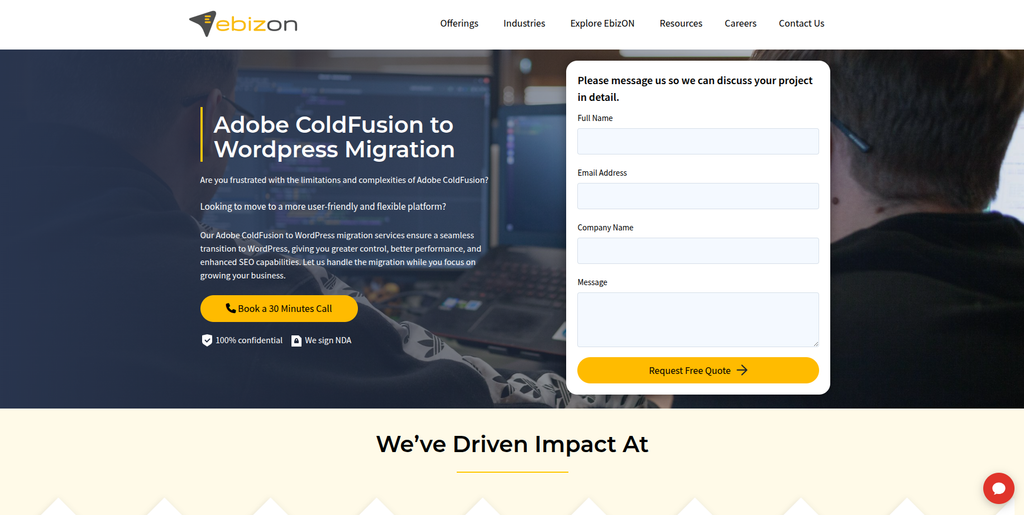
EbizON is a strong choice when a ColdFusion website includes more than basic pages and blog posts. A business may have databases, custom forms, integrations, user workflows, or application features that need to be reviewed before moving to WordPress. In these cases, migration requires both development and content expertise. The new WordPress website also needs to preserve important URLs, SEO value, functionality, and user journeys. This makes EbizON worth considering for businesses with more complex migration requirements.
- Custom migration planning: Useful for ColdFusion websites with non-standard functionality.
- WordPress development: Supports rebuilding the new website around WordPress requirements.
- Integration planning: Relevant when the existing site connects with APIs, CRM, databases, or external tools.
- SEO migration: Important URLs, content, metadata, redirects, and tracking can be included in planning.
- Best suited for: Businesses needing an end-to-end Adobe ColdFusion website migration to WordPress with custom development.
A ColdFusion migration can uncover technical requirements that are easy to miss during a basic website review. Companies with databases, custom code, integrations, or business workflows can explore EbizON’s Adobe ColdFusion to WordPress migration services for complex business websites when defining the technical migration scope.
2. CMSTOWP
Best for Structured ColdFusion Website Migration to WordPress
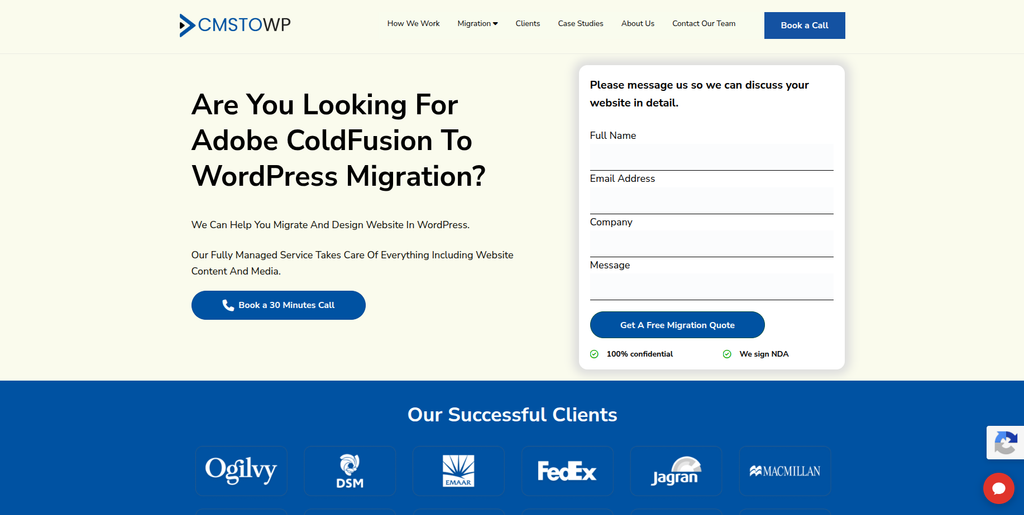
CMSTOWP is a good fit when the main objective is moving an existing website from ColdFusion to WordPress in a structured way. The migration should begin with an inventory of pages, media, metadata, URLs, forms, and other important website elements. Content then needs to be mapped into the right WordPress structure instead of simply being copied. Redirects and SEO checks are also important when URLs change. This makes CMSTOWP particularly relevant for businesses looking for a migration-focused approach.
- Migration-focused process: Suitable when moving the website is the main project objective.
- Content transfer: Pages, images, documents, and other content can be included in migration planning.
- WordPress setup: The destination website can be structured around easier WordPress management.
- SEO preservation: Existing URLs, metadata, internal links, and redirects should be reviewed.
- Best suited for: Companies seeking a structured ColdFusion to WordPress website migration service.
3. MRK WP
Best for WordPress Development and Long-Term Website Support
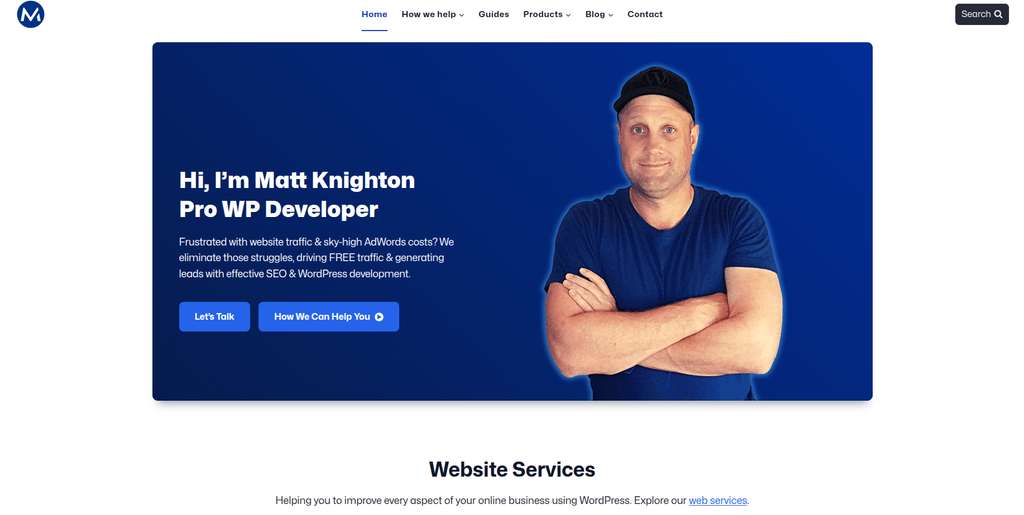
MRK WP has a clear public focus on WordPress development and related website services. Its published service information includes WordPress websites, SEO, ecommerce, plugins, managed hosting, and agency support. The company also says it has worked with more than 300 agencies through its white-label offering. For a ColdFusion migration, its WordPress background makes it worth evaluating for the destination side of the project. Businesses should still verify direct ColdFusion experience before hiring the company for the full migration.
- WordPress expertise: Publicly offers WordPress development and related services.
- Custom development: Plugin and development capabilities may help when replacing old website functions.
- SEO support: Useful when organic search preservation is part of the migration.
- Experience to verify: Ask specifically about ColdFusion code, databases, and previous migration work.
- Best suited for: Businesses needing WordPress development and ongoing support after a legacy website migration.
4. Webres Studio
A Web Development Option to Evaluate for ColdFusion Website Modernization
Webres Studio is one of the companies worth evaluating when building a shortlist for a ColdFusion migration. The most important step is to confirm its direct experience with both the source and destination technologies. A migration company should understand how existing ColdFusion templates, content, databases, and custom functions will map into WordPress. Ask the team to explain what can be migrated directly and what must be rebuilt. A technical discovery phase should happen before a final migration estimate is accepted.
- Technical discovery: Ask for a full audit before agreeing on migration scope.
- WordPress capability: Verify recent WordPress projects of similar size and complexity.
- Database handling: Confirm how database-driven ColdFusion content will be moved.
- ColdFusion experience: Request examples involving CFML or legacy ColdFusion environments.
- Best suited for: Businesses comparing custom web development teams for ColdFusion website modernization.
5. Hergosoft
A Custom Development Partner to Assess for Legacy ColdFusion Migration
Hergosoft should be evaluated based on how well its technical team understands the existing ColdFusion website and the WordPress environment that will replace it. A legacy site can contain years of custom code that is not visible from the frontend. Forms, database queries, integrations, and special workflows can all affect migration complexity. Businesses should ask for a clear feature inventory and technical plan before development starts. Relevant ColdFusion-to-WordPress examples should also be requested during the selection process.
- Legacy website assessment: Determine which ColdFusion functions are still required.
- Custom development: Check whether old functionality can be recreated in WordPress.
- Data planning: Confirm how database content and relationships will be transferred.
- Migration evidence: Ask for relevant WordPress and legacy platform migration examples.
- Best suited for: Organizations needing a custom development approach for an older ColdFusion website.
6. Woland
A Development Option for Rebuilding ColdFusion Website Features in WordPress
Woland is another company to consider when the migration requires more than copying website content. Older ColdFusion sites can contain custom templates, forms, data connections, and functions that need a new home in WordPress. The development team should identify which functions can use existing WordPress features and which ones require custom development. Businesses should also check how the company approaches staging, testing, redirects, and launch. Direct ColdFusion migration experience should be confirmed before making a final choice.
- Website redevelopment: Relevant when migration includes rebuilding the website.
- Feature mapping: Existing ColdFusion functionality should be mapped to WordPress solutions.
- Testing: Ask how forms, links, mobile layouts, and custom features will be tested.
- Experience to verify: Confirm hands-on ColdFusion and complex WordPress migration experience.
- Best suited for: Businesses needing WordPress redevelopment alongside ColdFusion content migration.
During this stage, it is useful to separate content migration from application migration. Adobe’s current ColdFusion documentation and developer resources can help technical teams understand the source platform before deciding how individual functions should be handled.
7. Kidis
An Australian Web Development Option for ColdFusion Migration Projects

Kidis is another company from the shortlist to assess for a ColdFusion-to-WordPress project. Businesses should begin by asking how the team would audit an existing ColdFusion installation before creating the new WordPress website. The migration plan should identify content, custom functions, database requirements, URLs, integrations, and SEO considerations. A test environment is especially important when the current website is still being used by customers. Direct examples of similar migration work should be reviewed before signing the project.
- Migration discovery: The existing website should be audited before development begins.
- WordPress experience: Ask for recent WordPress projects with similar requirements.
- Custom functions: Determine how important ColdFusion features would be replaced.
- Launch planning: Look for staging, testing, backup, and rollback procedures.
- Best suited for: Australian businesses evaluating web development support for a ColdFusion to WordPress migration.
8. iSmarts
Best for WordPress Development, Integrations, and Ongoing Australian Support
iSmarts has a strong public focus on WordPress web development in Melbourne. The company says it builds custom WordPress websites and works with system integrations, plugins, mobile compatibility, PHP, HTML, CSS, and JavaScript. It also provides ongoing technical support and website maintenance. These skills can be useful on the WordPress side of a ColdFusion migration, especially when the new site needs integrations or custom functionality. Direct ColdFusion experience should still be checked before selecting iSmarts for the source-system migration.
- WordPress development: Publicly specializes in WordPress website development.
- System integrations: Relevant when the new site needs APIs, CRM, payment, or third-party connections.
- Custom themes: Useful when the migration includes a new frontend design.
- Ongoing support: Maintenance can help businesses after the WordPress site launches.
- Best suited for: Australian companies seeking custom WordPress development after migrating from a legacy platform.
9. Peregrine Digital
A WordPress Development Option for Website Migration and Redesign

Peregrine Digital is another option to review when planning a new WordPress environment. Publicly indexed information shows WordPress development-related work, including a development theme for WordPress. For a ColdFusion project, however, WordPress experience is only one part of the job. The team also needs to understand how existing content, databases, URLs, and custom functionality will move from the old system. Businesses should therefore ask for migration methodology and relevant project examples before making a decision.
- WordPress development: Relevant for building the destination website.
- Website redesign: Can be considered when migration also includes a visual refresh.
- Content planning: Ask how existing ColdFusion content would be structured in WordPress.
- Experience to verify: Confirm direct ColdFusion and complex migration capabilities.
- Best suited for: Businesses combining legacy website migration with a new WordPress website experience.
10. AlternaDR
A Development Partner to Evaluate for Structured ColdFusion Migration
AlternaDR completes this list of companies to consider for an Adobe ColdFusion to WordPress project. The company should be assessed using the same technical questions as every other migration provider. Ask how it would audit ColdFusion templates, database connections, forms, integrations, content, and existing URLs. The proposal should clearly explain what will be migrated, rebuilt, replaced, or removed. Direct ColdFusion and WordPress migration evidence should be requested before the company reaches your final shortlist.
- Website assessment: Look for a detailed review of the existing ColdFusion environment.
- Migration planning: Every important feature should have a destination in the new system.
- WordPress implementation: Confirm the team’s experience with custom WordPress requirements.
- Technical evidence: Request relevant examples instead of relying on general development claims.
- Best suited for: Businesses comparing structured development partners for ColdFusion to WordPress migration.
For businesses that want the project centered specifically around platform migration, another option is CMSTOWP’s Adobe ColdFusion to WordPress migration solution for moving legacy websites safely. This is particularly relevant when content, URLs, SEO elements, and the WordPress structure all need to be planned together.
What Needs to Move From ColdFusion to WordPress?
Every website is different, so there is no universal migration checklist.
A content-led website may need:
- Pages
- Blog or news content
- Images
- PDFs and downloads
- Categories
- Authors
- Metadata
- Forms
- Menus
- Internal links
- Existing URLs
A more complex ColdFusion website may also have:
- Database-driven content
- User accounts
- Member areas
- Custom search
- Calculators
- API connections
- CRM integrations
- Custom forms
- Business workflows
- Authentication systems
These features cannot always be “imported” into WordPress.
They may need to be rebuilt using WordPress core functionality, plugins, custom plugins, APIs, or separate applications.
How to Protect SEO During a ColdFusion to WordPress Migration
SEO should be part of the migration plan from day one.
Changing your CMS can also change URLs, page templates, navigation, metadata, internal links, structured data, and site performance.
Before migration, crawl the existing ColdFusion website and create a list of important URLs.
Pay special attention to:
- Pages receiving organic traffic
- Pages with backlinks
- Service pages
- High-converting landing pages
- Blog posts
- Resource pages
- PDFs receiving search traffic
- Important category pages
Map each important old URL to its new WordPress destination.
When URLs change, use appropriate permanent redirects instead of sending everything to the homepage.
After launch, crawl the new website again and check redirects, broken links, indexability, canonical tags, metadata, sitemaps, robots rules, analytics, and search performance.
Why Testing Matters Before Launch
Never treat the first successful content import as the end of migration.
WordPress’s official documentation warns that imports can fail because of issues such as memory limitations and that retrying failed imports may create duplicate content. It recommends reviewing imported content carefully.
A staging website gives the team room to find these problems before real visitors see them.
Test:
- Page content
- Images
- Downloads
- Navigation
- Internal links
- Forms
- Search
- User accounts
- Custom functionality
- Integrations
- Mobile layouts
- Page speed
- Analytics
- Redirects
- 404 errors
- SEO metadata
If the ColdFusion website contains business-critical applications, those features need their own testing plan.
How to Choose the Best Adobe ColdFusion to WordPress Migration Company
Do not choose a company simply because it builds attractive WordPress websites.
The source platform matters too.
Ask every shortlisted company these questions:
- Have you migrated ColdFusion or another custom database-driven platform to WordPress before?
- How will you audit our CFML code and database dependencies?
- Which functionality can be migrated and which must be rebuilt?
- How will you transfer our content and media?
- How will you protect existing SEO rankings and URLs?
- Will you create a staging website before launch?
- How will you test custom forms and integrations?
- What is your backup and rollback plan?
- Who handles problems immediately after launch?
- How long is post-migration support included?
The answers are more useful than a generic “we migrate websites” statement.
Adobe ColdFusion Security and Legacy Platform Considerations
Security can also influence migration decisions.
Adobe continues to actively maintain ColdFusion. As recently as September 8, 2026, Adobe released ColdFusion 2025 Update 13 addressing critical, important, and moderate vulnerabilities. Adobe recommends applying current updates and following its security configuration guidance.
This does not mean ColdFusion itself is unsafe or obsolete.
It means organizations running older versions need to understand their support status, patching requirements, and security responsibilities.
For some businesses, upgrading ColdFusion may be the right answer.
For others, especially when ColdFusion is mainly supporting a content-driven public website, moving that website to WordPress may reduce the need to maintain application technology that the site no longer requires.
The choice should come from a technical audit rather than an assumption that every ColdFusion system needs replacing.
Best Adobe ColdFusion to WordPress Migration Company by Business Need
If you need a complex migration with custom development and integrations, EbizON is a strong company to evaluate.
If you want a migration-focused process for moving an existing ColdFusion website into WordPress, consider CMSTOWP.
If your priority is WordPress development and ongoing support, MRK WP and iSmarts are worth reviewing based on their publicly documented WordPress capabilities.
For Webres Studio, Hergosoft, Woland, Kidis, Peregrine Digital, and AlternaDR, request direct evidence of relevant ColdFusion and WordPress migration work before making a final decision.
The right company is the one that understands both what your ColdFusion website does today and what your WordPress website needs to do tomorrow.
FAQs About Adobe ColdFusion to WordPress Migration
1. What is Adobe ColdFusion to WordPress Migration?
Adobe ColdFusion to WordPress migration is the process of moving a website or suitable application content from a ColdFusion environment to WordPress. It may involve pages, images, documents, databases, URLs, metadata, forms, integrations, and custom functionality. Complex ColdFusion applications usually require redevelopment rather than a simple content import.
2. Why migrate a ColdFusion website to WordPress?
Businesses may migrate because they want easier content management, more WordPress plugins, simpler publishing, greater marketing control, or less dependence on custom ColdFusion development for a content-focused website. The decision should depend on what the existing ColdFusion system actually does.
3. Can all ColdFusion functionality be moved directly to WordPress?
No. ColdFusion and WordPress use different architectures. Basic content may be straightforward to move, but custom CFML applications, database workflows, integrations, calculators, portals, or authentication systems may need to be rebuilt or replaced.
4. Can ColdFusion database content be migrated to WordPress?
Often yes, but the database structure must first be reviewed. The migration team needs to map the existing information to WordPress posts, pages, custom post types, users, custom fields, taxonomies, or custom database structures.
5. Will ColdFusion to WordPress migration affect SEO?
It can if URLs, content, metadata, internal links, or technical SEO signals change without proper planning. A migration should include URL mapping, redirects, metadata review, crawl testing, sitemap updates, and post-launch monitoring.
6. Do I need 301 redirects when moving from ColdFusion to WordPress?
You generally need permanent redirects when an important old URL changes. Each valuable ColdFusion URL should be mapped to the most relevant new WordPress page instead of redirecting all old pages to the homepage.
7. How long does a ColdFusion to WordPress migration take?
It depends on the size and complexity of the website. A content-focused site may be much simpler than a ColdFusion application with databases, user accounts, APIs, and custom workflows. A technical audit should happen before the provider gives a firm timeline.
8. Should we redesign the website during migration?
You can, but doing both at once increases the number of changes that need testing. A redesign can make sense if the old site is outdated, but important content, URLs, functionality, and SEO signals still need careful migration.
9. How should I choose a ColdFusion to WordPress migration company?
Look for WordPress development skills, experience with database-driven websites, understanding of ColdFusion or similar legacy applications, SEO migration knowledge, a clear testing process, staging, backup planning, and post-launch support. Ask for relevant examples rather than relying on general claims.
10. Which is the best Adobe ColdFusion to WordPress migration company?
There is no single best provider for every website. EbizON is worth considering when the migration involves custom development and complex technical requirements, while CMSTOWP is relevant for businesses seeking a migration-focused approach. The other companies on this list should be compared based on your website’s exact functionality and verified migration experience.
Conclusion
Moving from ColdFusion to WordPress can give a business a website that is easier for marketing and content teams to manage.
But the move needs planning.
ColdFusion can power far more than website pages. It can contain databases, custom code, integrations, user systems, and business logic. Those parts need to be understood before anyone starts rebuilding the site in WordPress.
Start with an audit.
Identify what should be migrated, rebuilt, replaced, integrated, or retired. Protect important URLs and SEO value. Build the new WordPress website in staging. Test everything before launch. Then monitor the site closely after it goes live.
For businesses with complex technical requirements, EbizON is a strong option to evaluate. For organizations that want a more migration-focused approach, CMSTOWP is also worth considering.
Most importantly, choose a partner based on proven technical fit, migration planning, WordPress knowledge, SEO protection, and post-launch support, not simply the lowest quote.