
Moving a large website from one CMS to another can feel like moving an entire office while people are still working inside it.
Your pages, images, URLs, metadata, forms, integrations, user roles, templates, and SEO value all need to reach the new website safely. If even one important part is missed, you may end up with broken pages, missing content, lost rankings, or a website that does not work the way your team expects.
That is why DotCMS to WordPress Migration needs careful planning.
WordPress is a popular choice for businesses that want easier content management, flexible design options, plugins, custom development, and more control over their website. WordPress.org says WordPress powers more than 43% of the web and supports everything from simple websites to complex portals and enterprise websites.
But moving from DotCMS to WordPress is not simply about copying pages.
You need to understand what exists in DotCMS, decide where it belongs in WordPress, move it correctly, test it, and protect the URLs that search engines and visitors already know.
Below are 10 DotCMS to WordPress migration companies to consider in 2026, along with what businesses should check before choosing a migration partner.
Best DotCMS to WordPress Migration Companies in 2026
The 10 companies covered in this guide are:
- EbizON Digital
- CMSTOWP
- Sociopedia
- Madeofzero
- Aritom Technologies
- SALATAGS
- Todou Studio
- Genwizz
- Soft Innovation
- Hybersky
EbizON Digital and CMSTOWP are the most directly relevant options in this list because they have dedicated DotCMS to WordPress migration offerings. For the other companies, businesses should verify direct DotCMS migration experience, WordPress expertise, migration methodology, and similar project examples before making a decision.
Why Businesses Move From DotCMS to WordPress
There is nothing automatically wrong with using DotCMS. A CMS migration should solve a real business or technical problem.
Companies often consider WordPress when their marketing or content teams want a simpler publishing experience, greater flexibility, easier access to developers, more design choices, or a wider plugin ecosystem.
WordPress supports pages, posts, media management, user roles, custom content types, themes, plugins, and REST API development. WordPress also gives businesses control over their website data and source code.
This flexibility can be useful for websites that publish content regularly.
Your marketing team may want to create landing pages faster. Your SEO team may want better control over URLs and metadata. Your content team may want an easier editing experience. Your developers may want to create custom post types, integrations, or plugins.
The important thing is to plan the migration around those business needs rather than simply rebuilding the old website exactly as it was.
What Should Be Included in a DotCMS to WordPress Migration?
Every DotCMS website is different.
A small company website may contain a few hundred pages. A large business website may contain thousands of pages, different content types, documents, images, integrations, forms, user permissions, multilingual content, and custom applications.
A migration plan should normally review:
- Pages and website content
- Images and media files
- Content types and fields
- Categories and taxonomies
- Page titles and metadata
- Existing URLs
- Internal links
- Forms and submissions
- User accounts and permissions
- Templates and page layouts
- Custom functionality
- Third-party integrations
- Analytics and tracking
- SEO settings
- Redirect requirements
WordPress provides tools for importing content from different publishing systems. Its official documentation also explains that import procedures can vary depending on the source platform, so migration teams may need different tools or custom processes for different websites.
This is why a proper website audit should happen before anyone promises a migration timeline.
Why SEO Planning Matters During a DotCMS Migration
SEO can be one of the biggest risks in a CMS migration.
Imagine that Google currently knows one of your service pages as:
/services/example-service/
After migration, the WordPress version becomes:
/solutions/example-service/
If the old URL disappears without the correct redirect, visitors and search engines may reach a dead page.
Multiply that problem across hundreds or thousands of URLs and the impact can become serious.
A good DotCMS website migration to WordPress with SEO protection should review important URLs, page titles, descriptions, headings, canonical tags, internal links, images, indexability, XML sitemaps, structured data, and redirects.
WordPress itself includes several features that support search engine visibility, including permalinks and built-in tools that help search engines crawl posts, pages, and categories.
The CMS helps, but the migration plan matters more.
Top 10 DotCMS to WordPress Migration Companies
1. EbizON Digital
DotCMS to WordPress Migration Support for Complex Business Websites
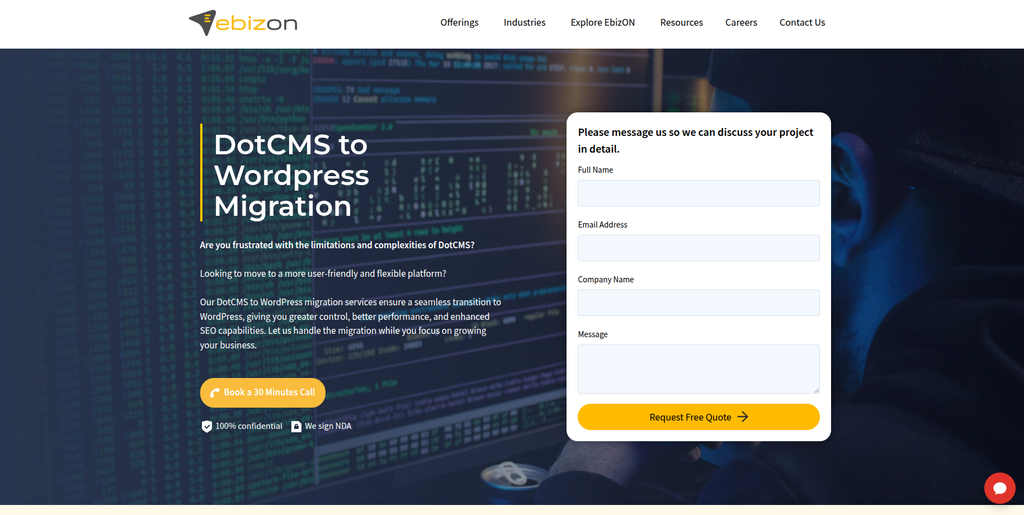
EbizON Digital is a strong option for businesses that need more than a simple content transfer. A DotCMS website may contain custom content structures, integrations, large media libraries, special page templates, and years of SEO value. These elements need to be reviewed before the migration starts. EbizON can be considered when the project also needs WordPress development, custom functionality, design work, integration support, or post-launch improvements. This makes it useful for businesses treating migration as a wider website modernization project.
- Migration planning: Existing DotCMS content, functionality, URLs, integrations, and technical requirements can be reviewed before development starts.
- WordPress development: Useful when the destination website needs custom templates, features, plugins, or content structures.
- SEO protection: URL mapping, redirects, metadata, internal links, and important organic pages should form part of the migration plan.
- Custom requirements: Suitable for websites where existing DotCMS functionality needs to be rebuilt or replaced in WordPress.
- Best suited for: Businesses needing a DotCMS to WordPress migration with custom development and long-term technical support.
For businesses planning a larger CMS transformation, EbizON provides a dedicated DotCMS to WordPress migration service for complex business websites that can be reviewed while building the project scope.
2. CMSTOWP
Focused DotCMS to WordPress Migration for Content-Heavy Websites
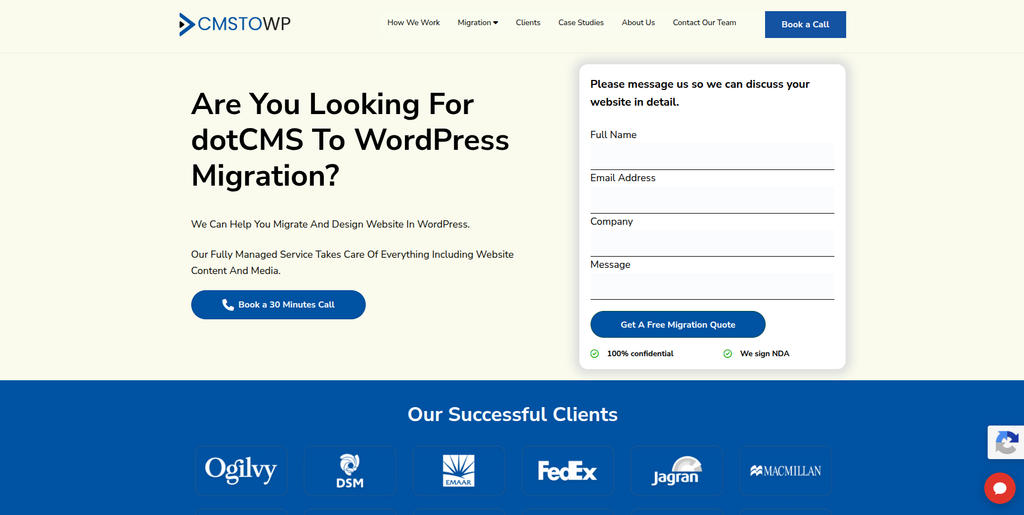
CMSTOWP is worth considering when moving website content from DotCMS to WordPress is the main goal of the project. Content migration can involve much more than pages because the old CMS may use custom fields, categories, media, metadata, and different content relationships. These items need to be mapped into a WordPress structure that editors can manage after launch. A focused migration process can also help businesses identify what should be moved, rebuilt, redirected, or removed. This makes CMSTOWP relevant for organizations looking for a migration-led approach rather than a general website project.
- CMS migration focus: Relevant for businesses specifically moving content from one CMS environment to another.
- Content mapping: Existing DotCMS content types can be reviewed against WordPress posts, pages, custom post types, fields, and taxonomies.
- Media migration: Images, documents, and other important media assets should be included in migration planning.
- SEO migration: Existing URLs, metadata, internal links, and redirects should be checked before launch.
- Best suited for: Content-heavy businesses looking for a structured DotCMS website migration to WordPress.
Before finalizing the content mapping process, businesses can review CMSTOWP’s structured DotCMS to WordPress migration solution for content-heavy websites to understand how a focused migration can be approached.
3. Sociopedia
Website Development Support for Brands Moving to a New CMS
Sociopedia presents itself publicly as a creative digital marketing agency and includes website design and development among its services. Its broader services also include SEO, content, paid advertising, and brand strategy. This mix can be useful when a CMS migration is connected with a larger website or marketing refresh. However, general website development experience should not be treated as proof of direct DotCMS migration expertise. Businesses should ask for relevant WordPress projects and CMS migration examples before choosing the company for this type of work.
- Website development: Publicly lists website design and development among its digital services.
- SEO knowledge: Its broader marketing offering includes SEO, which may be useful when discussing migration-related search requirements.
- Content support: Relevant when old content also needs restructuring or improvement during migration.
- Experience to verify: Ask for direct DotCMS, WordPress, and large CMS migration examples.
- Best suited for: Businesses combining a CMS migration project with website and digital marketing improvements.
4. Madeofzero
WordPress Development for Migration Projects That Also Need a Website Refresh
Madeofzero publicly lists WordPress, Webflow, headless CMS, custom web applications, ecommerce development, technical SEO, page speed optimization, and CRM integrations among its capabilities. That wider technical mix can be useful when a company does not simply want to copy its old DotCMS website. A migration may also be a chance to improve speed, content structure, conversion paths, and integrations. Direct DotCMS migration experience is not established by the public information reviewed for this article, so that should be checked separately. Businesses should also confirm how content migration, redirects, QA, and launch support would be handled.
- WordPress development: WordPress is publicly listed among the company’s web technologies.
- Technical SEO: Useful when migration is combined with performance and search improvements.
- Integration capabilities: CRM and marketing technology work may help websites connected with business systems.
- Experience to verify: Ask for DotCMS migration examples and details of the proposed content migration process.
- Best suited for: Companies seeking WordPress migration support combined with design, performance, and conversion improvements.
5. Aritom Technologies
WordPress and Custom Development for Integration-Heavy CMS Projects
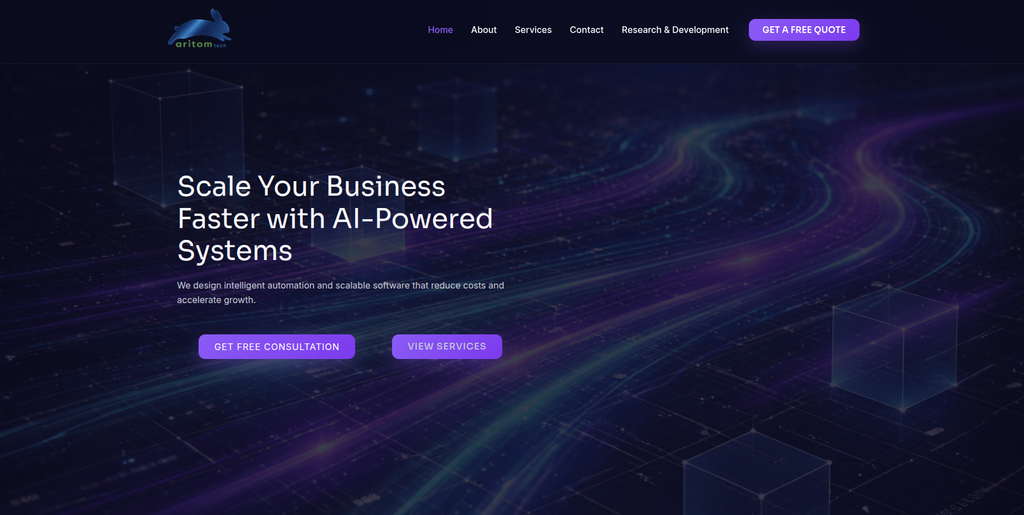
Aritom Technologies publicly offers web development using WordPress, Shopify, and custom technologies. Its services also include ecommerce, AI solutions, custom software development, and digital marketing. This broader development background may be useful when a DotCMS website is connected to custom systems or business workflows. Still, a company that can build WordPress websites is not automatically a DotCMS migration specialist. Businesses should verify direct migration experience and ask how existing DotCMS content structures would be mapped into WordPress.
- WordPress development: WordPress is specifically mentioned within its web development services.
- Custom software: Relevant when the existing website contains special functionality or business workflows.
- Scalable development: The company positions its web work around performance, scalability, and user experience.
- Experience to verify: Request examples of CMS-to-WordPress migrations and DotCMS-specific work.
- Best suited for: Businesses with a technical DotCMS migration involving WordPress and custom system requirements.
6. SALATAGS
Custom Web Development for Businesses Rebuilding Their Website Experience
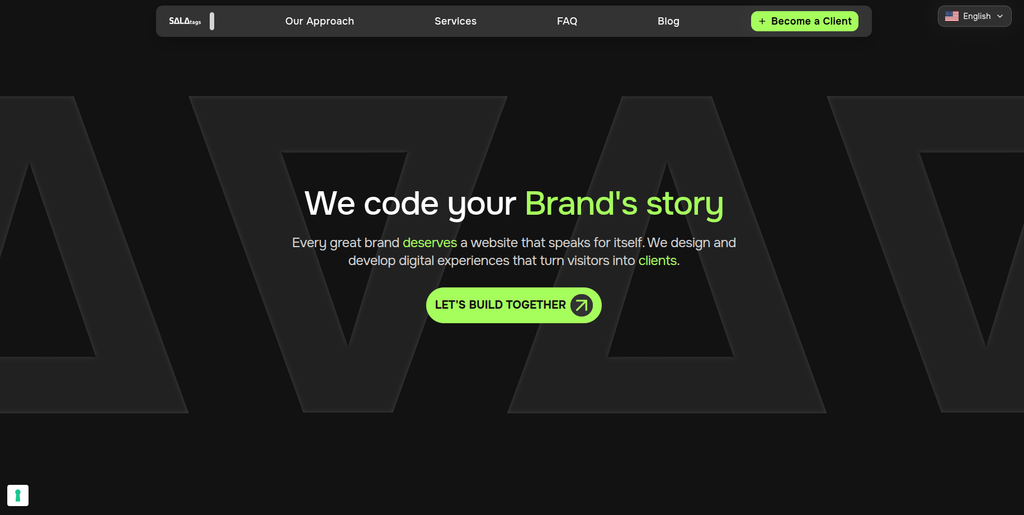
SALATAGS describes itself as a custom web development studio focused on websites built around specific business requirements. Its published process covers discovery, design, development, testing, launch, and support. The company says its typical technology stack is based on Next.js and React rather than WordPress. This makes technical qualification particularly important for a DotCMS to WordPress project. Businesses should confirm WordPress delivery experience and whether SALATAGS would recommend WordPress for the specific migration before moving forward.
- Custom development: Focuses on websites designed around individual business needs rather than fixed templates.
- Structured process: Publicly describes discovery, design, development, testing, launch, and ongoing support.
- Performance focus: Its published approach emphasizes speed, stability, accessibility, and maintainability.
- Experience to verify: WordPress and DotCMS migration capabilities should be confirmed directly.
- Best suited for: Businesses evaluating a custom website rebuild where CMS architecture is still being reviewed.
7. Todou Studio
A Web Development Option to Qualify for WordPress Migration Projects
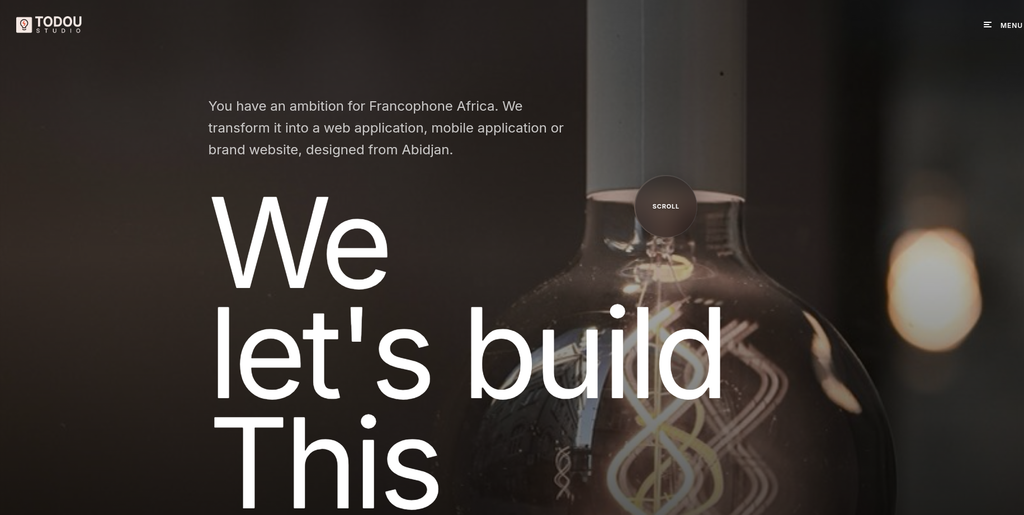
Todou Studio is included in this shortlist as a company businesses may evaluate for a DotCMS migration project. For a migration of this type, the key question is not simply whether an agency can build an attractive website. The team also needs to understand content extraction, field mapping, media transfer, URL preservation, redirects, testing, and WordPress architecture. Public evidence found during research was not sufficient to verify direct DotCMS migration expertise. Businesses should therefore request recent WordPress and CMS migration examples before adding Todou Studio to the final shortlist.
- Website capability: Review recent website development work that is similar in size to your existing DotCMS site.
- WordPress expertise: Confirm experience with custom post types, taxonomies, fields, templates, plugins, and user roles.
- Migration planning: Ask how existing content and media would be extracted and mapped into WordPress.
- Experience to verify: Request direct examples of DotCMS or comparable enterprise CMS migrations.
- Best suited for: Businesses willing to validate technical WordPress migration experience during the discovery process.
8. Genwizz
A Development Partner to Assess for Structured CMS Data Migration
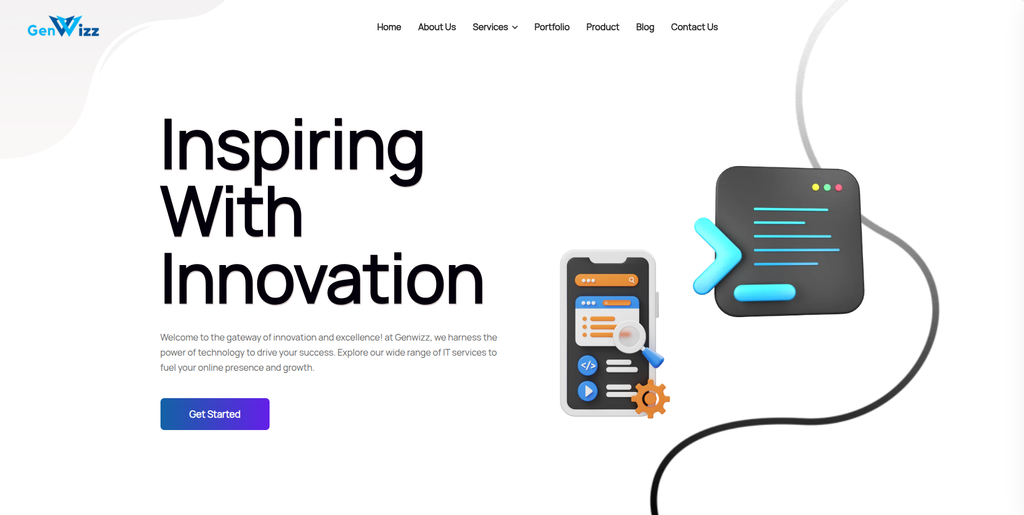
Genwizz is another company from the requested shortlist that should be assessed through technical discovery. CMS migration projects can become complicated when content is spread across many templates, content types, custom fields, media folders, and integrations. A capable team should be able to explain how those elements will be identified before migration starts. Public information found during our research was not enough to establish specific DotCMS to WordPress migration experience. Ask Genwizz to demonstrate relevant WordPress work and explain its proposed migration, QA, redirect, and launch processes.
- Technical discovery: Ask for an audit of the current DotCMS website before accepting a fixed migration scope.
- Content mapping: Confirm how pages, fields, categories, media, and custom content would map to WordPress.
- Testing process: Look for staging, automated or manual checks, and pre-launch content validation.
- Experience to verify: Ask specifically for WordPress migrations involving complex CMS platforms.
- Best suited for: Businesses comparing development partners for a carefully planned DotCMS content migration.
9. Soft Innovation
Full-Stack Development Support for Technically Complex Website Migrations

Soft Innovation describes itself as a software development company with experience in mobile and web applications, full-stack development, IoT, scalable architecture, and application migration. Its public website specifically mentions migration experience involving mobile applications, although that should not be confused with DotCMS migration experience. Its broader technical background may be relevant where a website includes complex integrations or custom applications. Businesses should confirm WordPress capability and direct CMS migration experience before selecting the company for a DotCMS project.
- Full-stack development: Publicly describes expertise across front-end and back-end software development.
- Application architecture: Relevant when a website migration also involves custom technical systems.
- Migration mindset: The company publicly discusses application migration work, though not specifically DotCMS to WordPress.
- Experience to verify: Confirm current WordPress expertise and request direct CMS migration examples.
- Best suited for: Organizations evaluating a technically complex migration with broader software requirements.
10. Hybersky
A Web Development Company to Evaluate for Custom WordPress Migration Needs
Hybersky completes this list of companies to investigate for a DotCMS to WordPress project. Before selecting any development provider, businesses should compare its WordPress experience against the actual complexity of the existing DotCMS website. The discussion should cover content types, templates, media, URLs, SEO data, integrations, custom functionality, and post-launch support. Public information available through our research was not sufficient to confirm direct DotCMS migration expertise. For that reason, businesses should treat technical discovery and relevant project references as important parts of the selection process.
- Website assessment: Start by asking the team to review the existing DotCMS architecture and content volume.
- WordPress capability: Verify custom WordPress development experience rather than only basic website setup.
- Migration methodology: Ask for a clear plan covering extraction, mapping, import, testing, redirects, and launch.
- Experience to verify: Request direct DotCMS or comparable CMS migration references before hiring.
- Best suited for: Businesses researching custom WordPress development partners for a CMS migration project.
How to Choose a DotCMS to WordPress Migration Company
Do not choose your migration company only because its website looks good.
Your current website may have taken years to build. It could contain hundreds or thousands of pages and important SEO value.
Ask every shortlisted company the same questions.
1. Ask How They Will Audit Your DotCMS Website
The migration company should first understand what is inside your current website.
The audit should cover:
- Content types
- Number of pages
- Custom fields
- Categories
- Images and documents
- Forms
- User roles
- Integrations
- Languages
- Existing URLs
- Metadata
- Custom functionality
Without this information, an accurate migration plan is difficult to create.
2. Ask How Content Will Be Mapped Into WordPress
DotCMS and WordPress do not organize every piece of content in exactly the same way.
A content type in DotCMS may become a custom post type in WordPress. Fields may become custom fields. Categories may become WordPress taxonomies.
WordPress supports custom post types, taxonomies, and metadata, which gives developers flexibility when rebuilding content structures.
Ask for a content mapping document before the full migration starts.
3. Protect Existing URLs and SEO Value
Create a list of your existing URLs before migration.
Then decide what the matching WordPress URL should be.
Some URLs may remain exactly the same. Others may need redirects.
Your team should also check:
- Meta titles
- Meta descriptions
- H1 headings
- Canonical tags
- Image alt text
- Internal links
- XML sitemap
- Robots settings
- Structured data
- Indexability
- Analytics
- Search Console
This work should happen before launch, not after rankings start dropping.
4. Test the Content Before Launch
Never assume an import is correct just because the migration script completed successfully.
WordPress warns that failed imports can sometimes create partial or duplicate content, which is another reason migration results should be reviewed carefully.
Compare the old and new websites.
Check page counts, media, URLs, formatting, categories, links, forms, menus, templates, and custom fields.
For larger websites, automated checks can help find problems that are difficult to catch manually.
5. Test Images and Media Files
Images are easy to forget during a CMS migration.
Check that files have moved into the WordPress media environment and that pages reference the correct files.
WordPress provides tools for importing media and creating attachments from local files or URLs, which can be useful when designing a custom migration workflow.
Also check image alt text, file quality, broken images, captions, and important downloadable documents.
6. Create a Staging Website
The new WordPress website should normally be tested away from the live website.
This gives developers, SEO specialists, content editors, and stakeholders time to check the new site without affecting current visitors.
Your staging environment should be protected from accidental search engine indexing.
Once testing is complete, the team can prepare the final content sync and launch.
7. Plan for Post-Launch Monitoring
Migration work continues after launch.
Check:
- Broken links
- 404 pages
- Redirects
- Forms
- Analytics
- Search Console
- Page speed
- Mobile pages
- Images
- Tracking scripts
- Search visibility
- Server errors
- Plugin conflicts
Keep the old website backup available until you are confident that the new WordPress website is working properly.
WordPress’s own migration guidance emphasizes keeping backups when moving websites and databases.
DotCMS to WordPress Migration Checklist
Before starting the project, use this simple checklist:
- Back up the DotCMS website
- Create a complete URL inventory
- List all content types
- List custom fields
- Identify images and documents
- Review forms
- Document integrations
- Identify custom functionality
- Map DotCMS content to WordPress
- Plan the WordPress architecture
- Create a staging environment
- Run a test migration
- Compare old and new content
- Prepare redirects
- Review SEO elements
- Test forms and integrations
- Check mobile layouts
- Check analytics and tracking
- Launch the new website
- Monitor errors after launch
Why WordPress Can Be a Good Destination After DotCMS
WordPress gives businesses a mix of ease of use and development flexibility.
Content teams can create and edit pages. Developers can create custom themes, plugins, post types, taxonomies, integrations, and applications. WordPress also supports different user roles, which is useful when marketing teams, editors, authors, and administrators need different levels of access.
It is also open source.
That gives businesses more freedom to modify their website and choose their own hosting, development partners, themes, and plugins.
WordPress.org currently says the platform powers more than 43% of the web.
Popularity alone is not a reason to migrate. But the size of the WordPress ecosystem can make it easier to find tools, developers, documentation, and support as your website grows.
FAQs
1. What is DotCMS to WordPress Migration?
DotCMS to WordPress Migration is the process of moving website content, media, URLs, metadata, users, and required functionality from DotCMS into WordPress. The exact migration scope depends on how the existing DotCMS website has been built.
2. Why do businesses migrate from DotCMS to WordPress?
Businesses may move because they want easier content editing, greater design flexibility, a larger plugin ecosystem, more WordPress developers, or more control over marketing and SEO. The decision should still be based on the company’s actual website requirements.
3. Can all DotCMS content be moved to WordPress?
Most website content can usually be migrated, but the method depends on how it is stored. Custom content types and fields may need to be mapped into WordPress custom post types, taxonomies, metadata, or custom fields. A technical audit should happen first.
4. Can DotCMS URLs stay the same after migration?
In many cases, WordPress URLs can be configured to match existing URLs. When URLs must change, appropriate redirects should be planned. Keeping important URL structures stable can also reduce unnecessary migration risk.
5. Will DotCMS to WordPress migration affect SEO?
A migration can affect SEO if important URLs, metadata, internal links, content, canonical tags, or indexing settings change incorrectly. Careful URL mapping, redirects, testing, and post-launch monitoring can reduce these risks.
6. How long does DotCMS to WordPress migration take?
The timeline depends on website size and complexity. A small website can be much easier than an enterprise site containing thousands of pages, custom content types, multiple languages, integrations, and custom functionality. A proper audit is needed before estimating the timeline.
7. Can images and documents be migrated from DotCMS?
Yes, images and documents can generally be moved, but they should be checked after migration. Make sure files load correctly, page references work, image alt text is preserved where required, and important documents remain accessible.
8. Should we redesign the website during migration?
You can, but doing a full redesign and CMS migration at the same time increases project complexity. Some companies prefer to migrate and redesign together, while others keep the first WordPress version closer to the old website and improve the design later.
9. What should I ask a DotCMS to WordPress migration company?
Ask about DotCMS experience, WordPress development, content mapping, custom fields, media migration, SEO, URL redirects, integrations, staging, testing, launch support, backups, and post-launch monitoring. You should also request examples of migrations similar to your website.
10. How should I compare DotCMS to WordPress migration companies?
Compare companies based on relevant migration experience, WordPress technical skills, content mapping process, SEO planning, testing, custom development, integration support, communication, and post-launch support. The right partner depends on your website size and technical requirements rather than one factor alone.
Conclusion
A DotCMS to WordPress Migration can give your business a more flexible website and an easier content management experience, but only when the move is planned carefully.
The biggest mistake is treating migration like a basic copy-and-paste project.
Your content, media, URLs, SEO settings, forms, integrations, templates, and custom functionality all need attention.
Start with a complete DotCMS audit. Build a content map. Decide how everything should work in WordPress. Run a test migration. Check your URLs and redirects. Test the website on staging. Then monitor it closely after launch.
Most importantly, ask every migration company to show how it will protect the parts of your existing website that already work.
That gives you a much better chance of launching a WordPress website that is easier to manage, easier to grow, and ready for your next stage of digital growth.