
DotNetNuke, also known as DNN, has been used by businesses for many years to manage websites, pages, files, users, and custom web features.
But websites change.
Marketing teams may want easier page editing. SEO teams may want more control over content. Business owners may want a larger plugin ecosystem. Developers may want a platform that is easier to maintain, while content teams may want to publish pages without depending on developers for every small update.
That is why businesses often explore DotNetNuke to WordPress Migration.
WordPress can make everyday content management easier, but moving an established DNN website is not a simple copy-and-paste project. Pages, images, documents, metadata, URLs, users, forms, navigation, custom modules, and integrations may all need attention.
The official WordPress guide to importing content from another publishing system also makes an important point: migration methods depend on the source system. That means a DNN migration should start with an audit instead of assuming every item can be imported automatically.
SEO also needs careful planning. Google’s official guidance for moving a website while changing URLs recommends preparing the new site, testing it, mapping old URLs to new URLs, using redirects, and monitoring the move.
Below are the Top 10 DotNetNuke to WordPress Migration Companies in 2026 to consider when planning your move.
Top DotNetNuke to WordPress Migration Companies in 2026
The 10 companies covered in this guide are:
- EbizON Digital
- CMSTOWP
- ZAF Technologies
- OneTel
- WebInsighter
- Vivid
- Supravirtual
- Western Technological
- Big Boom Design
- Cibeles
The right company depends on your current DNN setup. A simple content website has very different migration needs from a large business website with custom DNN modules, user accounts, integrations, thousands of URLs, and years of SEO history.
What Should a DotNetNuke to WordPress Migration Include?
A good migration should begin with an audit of the current DNN website.
The team should know what needs to move before building the new WordPress site. This sounds simple, but older websites often contain pages and functionality that nobody remembers until something disappears after launch.
A migration plan may include:
- Pages and website content
- Blog or news content
- Images and documents
- Page titles and meta descriptions
- Existing URLs
- Navigation and menus
- User accounts
- Forms
- DNN modules
- Custom functionality
- Third-party integrations
- Analytics and tracking
- SEO settings
- Redirects
Some items can be transferred. Others may need to be rebuilt.
This difference matters.
A custom DNN module, for example, may not have a direct WordPress equivalent. The migration team may need to find a suitable WordPress plugin, rebuild the feature, or change the process.
Why SEO Planning Matters During DNN to WordPress Migration
SEO should be planned before migration, not after the new WordPress website launches.
Your old DNN pages may already rank in Google. Other websites may link to them. Users may have bookmarked them. Google may have crawled them for years.
Changing those URLs without a plan can create unnecessary problems.
Google recommends creating a mapping between old and new URLs when a site move changes URLs. It also recommends using server-side permanent redirects where possible and testing the new site before completing the move.
You can read Google’s website migration and URL change recommendations while preparing your migration checklist.
Your migration company should review:
- Current indexed URLs
- Organic landing pages
- Pages receiving backlinks
- Existing titles and descriptions
- Heading structure
- Canonical tags
- Internal links
- Images and image URLs
- XML sitemap
- Robots settings
- 301 redirects
- Google Analytics
- Google Search Console
A good-looking WordPress website is not enough if valuable DNN pages suddenly return 404 errors.
1. EbizON Digital
DotNetNuke to WordPress Migration Support for Complex Business Websites
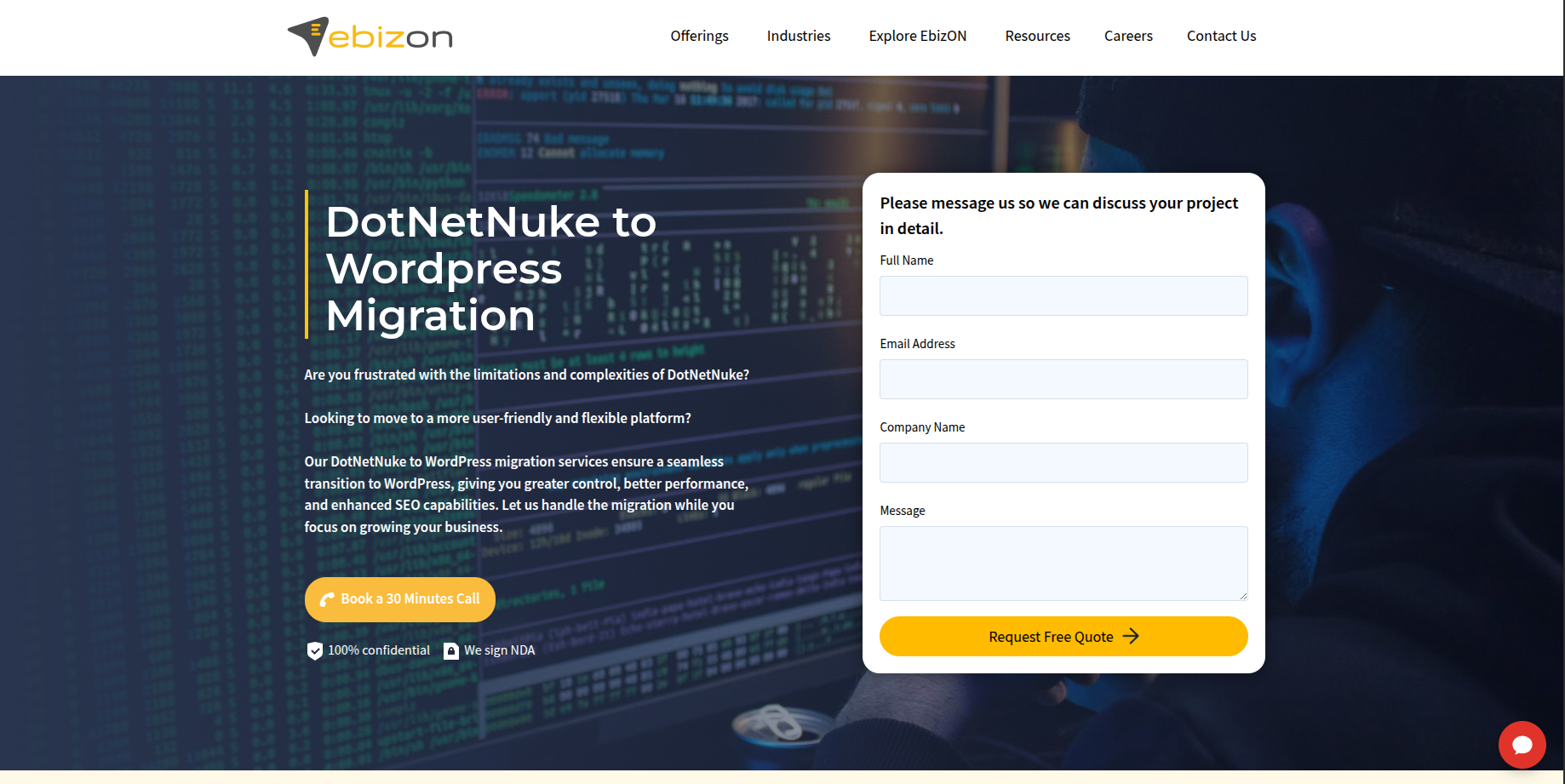
EbizON Digital is a strong option for businesses moving an established DotNetNuke website to WordPress while also needing development, design, SEO planning, or custom functionality. A DNN website can contain much more than normal pages, so the migration should begin by understanding content, URLs, modules, forms, integrations, and business workflows. The new WordPress site can then be planned around what needs to migrate, what needs to be rebuilt, and what can be improved. This approach is useful for businesses that do not want to simply copy an old website into a new CMS. It also gives teams a chance to improve how the new site is managed after launch.
- DNN content migration: Plan the transfer of pages, images, files, content, and other important website information.
- Custom WordPress development: Rebuild important functionality when an existing DNN feature does not have a direct WordPress replacement.
- SEO migration planning: Protect important pages through URL mapping, redirects, metadata review, and post-launch checks.
- Website modernization: Use the migration to improve navigation, mobile experience, page structure, and content management.
- Best suited for: Businesses with complex DotNetNuke to WordPress migration and development requirements.
Before finalizing the scope, businesses can review EbizON Digital’s enterprise-focused DotNetNuke to WordPress migration service for complex business websites to understand how the migration can be approached.
2. CMSTOWP
Structured DotNetNuke to WordPress Migration for Content and SEO Preservation
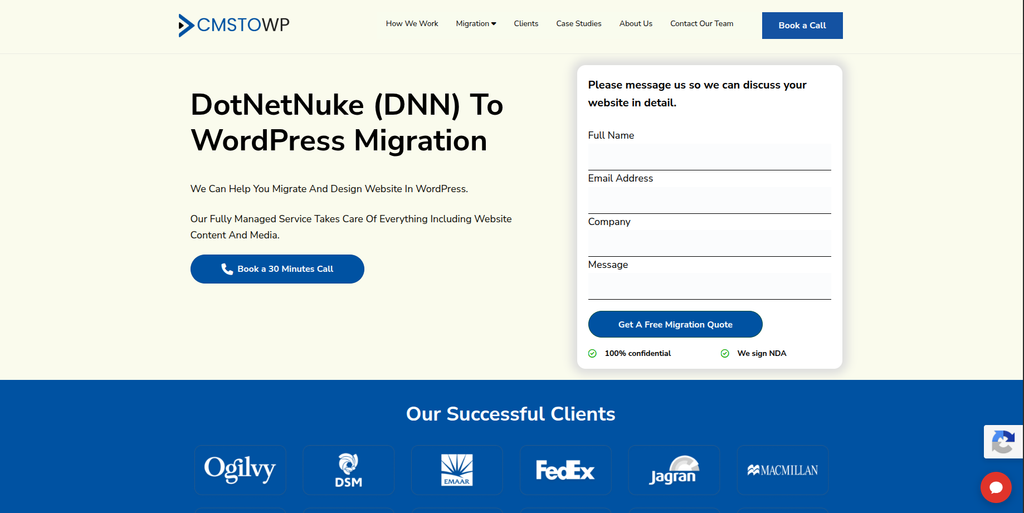
CMSTOWP is worth considering when the main requirement is moving an existing CMS website into WordPress in a structured way. DotNetNuke websites may contain years of pages, images, documents, metadata, and URLs that need to be reviewed before anything is transferred. A migration-focused process can help separate content that should move from old material that no longer needs to remain on the website. It can also identify DNN functionality that needs to be recreated in WordPress. This makes CMSTOWP relevant for businesses that want migration to remain the main focus of the project.
- CMS migration focus: Suitable when moving an existing website to WordPress is the main project requirement.
- Content transfer planning: Pages, media, documents, and other website content can be mapped before migration.
- URL and SEO review: Important DNN URLs should be identified and connected with the right WordPress destinations.
- WordPress setup: The destination website can be prepared around the content and functionality being transferred.
- Best suited for: Businesses looking for a structured DotNetNuke to WordPress website migration process.
A migration should also include testing after the content has moved. Broken media, missing pages, incorrect formatting, and old internal links can easily be missed when hundreds or thousands of items are transferred.
For companies that want migration to remain the main focus, CMSTOWP provides a structured DotNetNuke to WordPress migration solution for content-heavy websites.
3. ZAF Technologies
WordPress Development Support for DNN Websites Needing a Fresh Build
ZAF Technologies can be evaluated when a DotNetNuke migration also requires general web development and WordPress work. Moving away from an older CMS can be a good time to review the website design, page structure, mobile experience, and custom functionality instead of recreating everything exactly as it was. The important step is to confirm how the team would handle DNN-specific content extraction and feature mapping. Businesses should also ask for examples of CMS migration projects with similar technical requirements. The final decision should be based on migration experience, testing, and technical fit.
- WordPress development: Relevant when the destination website requires WordPress development as well as content migration.
- Website redesign: Useful for businesses that want to refresh an older DNN website during the move.
- Custom functionality: Ask how existing DNN features would be replaced with plugins or custom WordPress development.
- Migration experience to verify: Request examples involving older CMS platforms and complex content transfers.
- Best suited for: Businesses combining DNN website migration with WordPress redevelopment.
4. OneTel
A Development Partner to Evaluate for Custom DNN to WordPress Projects
OneTel is another company to consider when building a shortlist for a DotNetNuke to WordPress project. Because DNN websites can vary greatly, businesses should not choose a provider only from general web development experience. The team should first inspect the existing DNN environment and explain how pages, files, modules, URLs, and custom features would move to WordPress. Any functionality that cannot be transferred directly should be identified before development begins. Asking for a small technical discovery phase can help make the final migration scope clearer.
- Technical discovery: Ask the team to review the current DNN website before giving a final migration plan.
- Content mapping: Confirm how existing pages, files, images, and metadata would move into WordPress.
- Feature replacement: Identify which DNN modules require plugins, configuration, or custom development.
- QA process: Request clear testing for desktop, mobile, forms, navigation, URLs, and important functionality.
- Best suited for: Businesses willing to validate technical DNN to WordPress migration capabilities before hiring.
5. WebInsighter
Web Development Support for Modernizing a DotNetNuke Website
WebInsighter can be considered when the migration is also being used to modernize an older business website. A move from DotNetNuke to WordPress gives a company a chance to rethink page layouts, navigation, user experience, SEO structure, and how content is managed internally. The migration team should still treat existing DNN content and URLs as valuable assets rather than starting from zero. Businesses should ask how current pages will be inventoried and how custom DNN functionality will be handled. Direct DotNetNuke migration experience should be verified during the selection process.
- Web development: Relevant when the project involves a new website experience rather than data transfer alone.
- User experience: Useful when old DNN pages need clearer navigation and modern layouts.
- SEO consideration: Existing URLs, metadata, headings, and valuable content should be reviewed before launch.
- Experience to verify: Ask for examples of WordPress migrations involving custom or older CMS platforms.
- Best suited for: Companies planning a DotNetNuke migration with broader website modernization.
6. Vivid
WordPress Development and Support for Long-Term CMS Management
Vivid is worth evaluating for businesses that want WordPress development combined with ongoing website support after migration. Moving from DNN does not end when the new website goes live. WordPress core, themes, plugins, backups, security, and hosting all need regular attention. This makes post-launch planning especially important for teams leaving a CMS they may have used for many years. Businesses should still verify direct DotNetNuke migration experience and ask how complex DNN modules would be recreated or replaced.
- WordPress capability: Relevant when the new website needs ongoing WordPress development and management.
- Ongoing maintenance: Useful for teams that want help with updates, backups, hosting, and technical support.
- Migration planning: Existing DNN content and functionality should be reviewed before WordPress development starts.
- Experience to verify: Ask specifically for DNN or comparable CMS migration examples.
- Best suited for: Businesses seeking WordPress migration followed by ongoing website maintenance.
The WordPress documentation for moving and managing WordPress websites also highlights the importance of backups, URL settings, files, databases, and redirect testing. These are useful checks when planning what happens to the new site after the DNN migration.
7. Supravirtual
Custom Web Development for DNN Websites With Special Functionality
Supravirtual can be evaluated when a DNN website includes more than standard content pages. Older business websites may contain custom applications, databases, forms, integrations, or workflows built around the original CMS. These features need to be discovered before the WordPress build begins because they may require custom development rather than a normal content import. Businesses should ask for a feature-by-feature migration plan that explains what will be transferred, replaced, rebuilt, or retired. Direct DotNetNuke experience should also be confirmed before choosing the company.
- Custom development: Relevant when existing DNN functionality needs to be recreated for WordPress.
- Database planning: Important for websites that store information outside normal page content.
- Integration review: Existing forms, APIs, payment tools, or business systems should be checked before migration.
- Technical verification: Request similar CMS migration examples and a clear testing process.
- Best suited for: Businesses with custom DNN functionality that needs careful WordPress redevelopment.
8. Western Technological
Technical WordPress Development for Integration-Heavy DNN Migrations
Western Technological can be considered when a DotNetNuke migration has a strong technical development requirement. Some DNN websites connect with databases, third-party services, APIs, ecommerce tools, or custom business applications. In these cases, transferring page content is only one part of the job. The migration team needs to understand how those connections work and decide how they will operate after WordPress replaces DNN. Businesses should verify direct DNN experience and ask for a technical plan before approving the migration.
- Backend development: Useful when the website contains custom logic or database-driven features.
- API integration: Relevant for DNN websites connected with external tools and business systems.
- WordPress development: Helpful when the destination requires technical WordPress work beyond a standard theme.
- Migration experience to verify: Confirm how the team would handle DNN-specific modules and content structures.
- Best suited for: Businesses planning an integration-heavy DotNetNuke to WordPress migration.
9. Big Boom Design
WordPress Migration With Website Design and Ongoing Support
Big Boom Design is an option to evaluate when a business wants its move from DNN to WordPress to include a visual and usability refresh. Older DotNetNuke websites may still work technically but can have outdated layouts, navigation, mobile experiences, or page structures. Migration gives the business a chance to fix those issues while moving content into WordPress. The migration plan should still protect existing URLs and valuable content rather than treating the project as a completely new website. Businesses should verify the team’s experience with DotNetNuke or similarly complex CMS migrations.
- WordPress development: Relevant for businesses moving their website onto the WordPress platform.
- Website redesign: Useful when the existing DNN website also needs a modern visual refresh.
- Migration support: Ask how existing content, media, URLs, and functionality would be transferred.
- Ongoing support: Consider the maintenance and technical help required after the new site launches.
- Best suited for: Businesses combining DNN to WordPress migration with website redesign and support.
10. Cibeles
A Web Development Option to Assess for Structured DNN Migration
Cibeles completes the list of companies to evaluate for a DotNetNuke to WordPress migration project. As with any provider, the decision should be based on how well the team understands the existing website rather than on a general web development proposal. A good discovery process should identify pages, media, users, URLs, modules, integrations, forms, and custom functionality before the migration begins. Businesses should also ask how SEO and redirects will be handled if WordPress uses a different URL structure. Relevant DNN and WordPress migration examples should be requested before final selection.
- Migration discovery: Start with an inventory of existing DNN content, features, and technical dependencies.
- WordPress planning: Define how the destination website will handle current content and functionality.
- SEO protection: Make URL mapping, metadata, internal links, and redirects part of the project scope.
- Experience to verify: Request direct examples of DNN or similar CMS migration work.
- Best suited for: Businesses comparing structured development partners for DNN to WordPress migration.
What Data Can Be Moved From DotNetNuke to WordPress?
The answer depends on how the DNN website was built.
Standard pages are usually easier to deal with than custom modules. That is why the first stage should be an inventory.
Your migration team should review:
- Page titles
- Page content
- Images
- PDFs and documents
- Blog posts
- News articles
- Categories
- Tags
- Users
- Forms
- SEO metadata
- URLs
- Menus
- Internal links
- Custom modules
- Databases
- Integrations
WordPress provides tools for importing content from other publishing systems, but not every source platform or custom feature has a one-click migration path.
The WordPress content importing documentation explains that different systems can require different procedures and tools.
For a custom DNN website, this means migration may involve a mix of scripts, database work, manual cleanup, WordPress plugins, and custom development.
How to Choose a DotNetNuke to WordPress Migration Company
Do not start by asking only, “How much will it cost?”
Start by asking, “What exactly are you going to migrate?”
Two companies can give very different prices because they may be quoting very different projects.
1. Ask for a DNN Website Audit
The company should understand the existing website before giving a final migration plan.
Ask them to review:
- Number of pages
- DNN version
- Custom modules
- Users
- Media library
- Forms
- Integrations
- Important URLs
- Organic traffic pages
- Custom databases
- Existing hosting
This creates a much clearer project scope.
2. Ask What Will Be Migrated and What Will Be Rebuilt
Not everything moves in the same way.
Normal page content may be transferred. A custom DNN module may need to be rebuilt. Another feature may be replaced by a WordPress plugin.
Ask the company to label each major feature as:
Migrate | Rebuild | Replace | Remove | Needs Review
That simple list can prevent confusion later.
3. Check Their SEO Migration Plan
This is especially important for websites that already receive organic traffic.
Your migration company should identify valuable URLs before launch and map them to the new WordPress website.
Google recommends permanent server-side redirects when URLs change. Its official guidance for redirects and Google Search explains how redirects help users and search engines reach the correct destination.
Your SEO checklist should include:
- Old URLs
- New URLs
- 301 redirects
- Page titles
- Meta descriptions
- Canonical tags
- Internal links
- XML sitemap
- Robots settings
- Broken links
- Google Search Console
- Analytics tracking
4. Ask About WordPress Development
A migration is not always just content transfer.
Your new WordPress site may need:
- Custom post types
- Advanced forms
- Search functionality
- Membership features
- User roles
- API integrations
- CRM integrations
- Custom plugins
- Multilingual content
- Ecommerce functionality
- Custom templates
Make sure these requirements are included in the project before you approve the quote.
5. Check the Testing Process
Testing should happen before launch.
A staging website allows the team to compare the old DNN site with the new WordPress version.
Test:
- Main navigation
- Important pages
- Forms
- Search
- Images
- Downloads
- User login
- Mobile layouts
- Integrations
- Page speed
- Analytics
- SEO metadata
- Redirects
- 404 errors
Do not wait for customers or Google to find the problems first.
6. Ask About Post-Launch Support
Even a carefully tested migration can have small problems after launch.
Some issues appear only when real visitors start using the new website.
Ask how long the migration team will support:
- Broken pages
- Redirect errors
- Missing media
- Form problems
- Plugin conflicts
- Mobile issues
- Tracking errors
- Search Console errors
- Performance problems
Post-launch support should be discussed before launch day.
Common DotNetNuke to WordPress Migration Mistakes
One common mistake is moving every old page without checking whether it is still useful.
If your DNN website has been running for many years, you may have outdated pages, duplicate content, old PDFs, expired campaigns, and unused sections.
Migration is a good time to clean this up.
Another mistake is redesigning everything without keeping track of the old URLs.
The new site may look much better, but search engines still know the old addresses. If those URLs disappear without proper redirects, organic traffic can be affected.
Another problem is forgetting custom DNN modules.
A feature may look simple on the front end but have complex logic behind it. Forms, calculators, member areas, search tools, and database-driven pages should be identified early.
Finally, do not switch off the old site before checking the new one.
Create backups and keep a rollback plan.
DotNetNuke to WordPress Migration Checklist
Use this simple checklist before launching your new WordPress website:
Before Migration
- Back up the DNN website
- Export important databases
- Crawl existing URLs
- Record important SEO pages
- List DNN modules
- List integrations
- Identify forms
- Review users
- Review media
- Define WordPress requirements
During Migration
- Transfer content
- Transfer images and files
- Build WordPress templates
- Recreate required functionality
- Configure plugins
- Rebuild forms
- Test integrations
- Transfer metadata
- Map URLs
- Prepare redirects
Before Launch
- Test desktop pages
- Test mobile pages
- Test navigation
- Test forms
- Test search
- Test downloads
- Test user accounts
- Check metadata
- Check internal links
- Check redirects
- Check analytics
- Check Search Console setup
- Generate the new sitemap
After Launch
- Crawl the new website
- Check 404 errors
- Check redirects
- Review Search Console
- Check analytics
- Test forms again
- Monitor important pages
- Review organic traffic
- Fix broken links
- Keep backups
Google notes that search visibility can temporarily move around while it recrawls and processes changed URLs after a site move. This makes monitoring important after launch.
FAQs
1. What is DotNetNuke to WordPress Migration?
DotNetNuke to WordPress migration is the process of moving a website from DNN, formerly known as DotNetNuke, to WordPress. It may include pages, images, files, users, metadata, URLs, forms, navigation, and custom functionality.
2. Why migrate from DotNetNuke to WordPress?
Businesses may move because they want easier content management, a different development ecosystem, more flexibility for marketing teams, access to WordPress plugins, or a redesigned website. The reason should depend on your business and technical requirements.
3. Can all DNN content be moved to WordPress?
Much of the website content can usually be transferred, but custom DNN modules may require additional work. Some functionality may need to be rebuilt, replaced by a WordPress plugin, or redesigned.
4. Can I migrate from DNN to WordPress without losing SEO?
A carefully planned migration can reduce SEO risk. The team should review existing URLs, rankings, metadata, internal links, backlinks, canonical tags, redirects, sitemaps, and Search Console before and after launch.
5. Do I need 301 redirects during DNN migration?
You normally need redirects when old DNN URLs change after moving to WordPress. Each valuable old page should point to the most relevant new destination instead of sending everything to the homepage.
6. Can DNN users be migrated to WordPress?
User information may be transferable, but the process depends on how accounts and authentication work in the existing DNN installation. Password handling, roles, permissions, privacy, and custom profile fields should be reviewed separately.
7. What happens to custom DotNetNuke modules?
Custom modules need a technical review. A feature may be replaced by an existing WordPress plugin, recreated through custom WordPress development, integrated with another service, or retired if it is no longer needed.
8. How long does DotNetNuke to WordPress migration take?
There is no single timeline. A small content website can be much simpler than a large DNN installation containing thousands of pages, custom modules, integrations, user accounts, or multiple languages. A technical audit is the best way to estimate the project.
9. Should I redesign my website while migrating from DNN?
You can. Migration is often a useful time to improve navigation, mobile layouts, content structure, and page design. However, changing the CMS, URLs, content, and design at the same time increases project complexity, so testing becomes even more important.
10. What should I check after moving from DotNetNuke to WordPress?
Check important pages, images, files, forms, navigation, search, mobile layouts, user accounts, integrations, redirects, metadata, internal links, analytics, XML sitemaps, and Google Search Console. Also crawl the new site to find broken links and unexpected 404 errors.
Conclusion
A DotNetNuke to WordPress Migration is more than moving text from one CMS to another.
Your DNN website may contain years of content, search visibility, files, custom modules, forms, integrations, and business processes. All of these need to be understood before the migration starts.
The safest process begins with an audit.
Know what you have. Decide what needs to move. Identify what needs to be rebuilt. Create a URL map. Build the WordPress site in staging. Test it carefully. Then launch and monitor it.
The 10 companies covered in this guide offer different types of development and migration support. EbizON Digital and CMSTOWP are directly relevant options to explore for this specific migration requirement, while the other companies should be evaluated against the size and technical needs of your DNN website.
Most importantly, choose a migration partner based on its plan for your actual website rather than a generic migration package.
A good DotNetNuke to WordPress migration should leave you with more than a new CMS. It should give your team a WordPress website that is easier to manage, easier to improve, and ready for the next stage of your business.