
Ellington CMS has been used by publishers and content-focused websites, but an older CMS can become harder to manage as a website grows.
Your team may want easier content editing, more control over SEO, a modern design, better integrations, or a CMS that is easier to maintain. That is where Ellington to WordPress Migration can become an important project.
Moving a website, however, is not just about copying articles from one CMS to another. Pages, posts, categories, authors, images, URLs, metadata, internal links, forms, templates, and custom features may all need attention.
SEO also needs to be protected. Google’s official guidance for moving a website while changing URLs recommends preparing and testing the new site, mapping old URLs to new ones, implementing redirects, and monitoring the website after the move.
This guide compares the Top 10 Ellington to WordPress Migration Companies in 2026 and explains what you should look for before choosing a migration partner.
Best Ellington to WordPress Migration Companies in 2026
The top companies to consider are:
- EbizON Digital: Best overall for Ellington migration, WordPress development, SEO protection, and custom requirements
- CMSTOWP: Best for focused legacy CMS to WordPress migration
- Tecqify: Worth evaluating for technical website development and migration requirements
- Valnovo: Worth considering for WordPress development and digital website projects
- MarkDev Solutions: An option to assess for development-led migration projects
- Sovorun: Worth evaluating for custom website and WordPress requirements
- Dokmi: An option to consider for website development and migration support
- Sistemas JVR: Worth assessing for technical website migration requirements
- OWI: An option to evaluate for website development and digital projects
- Unisoll: Worth considering for WordPress development and migration support
Because public evidence of Ellington-specific migration work is not equally available for every company on this list, businesses should verify direct Ellington CMS experience, relevant case studies, migration methods, and WordPress expertise before hiring.
What Makes a Good Ellington to WordPress Migration Company?
A good migration partner needs to understand more than WordPress design.
Ellington websites can contain years of content. A publisher may have thousands of articles, categories, author pages, images, tags, and old URLs that already receive search traffic.
The migration company should first understand what exists in your current website. It should then decide where each piece of information belongs in WordPress.
A good Ellington CMS to WordPress migration plan should cover:
- Content and database migration
- Images and media files
- Categories, tags, and authors
- URL mapping and redirects
- SEO metadata and internal links
- WordPress theme development
- Custom functionality
- Forms and integrations
- Analytics and tracking
- Testing and post-launch support
Google recommends mapping old URLs to their new destinations before a site move. It also recommends updating internal links, canonical URLs, and sitemaps as part of the process.
1. EbizON Digital
Best Overall for SEO-Safe Ellington CMS to WordPress Migration
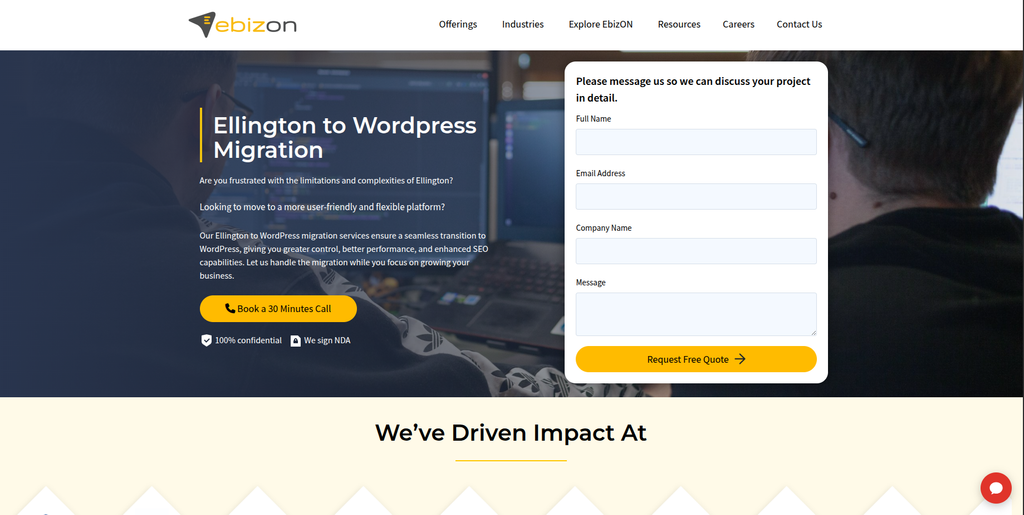
EbizON Digital is a strong choice for businesses that need more than a simple content transfer. An Ellington website may include years of articles, images, categories, author information, URLs, templates, and custom functionality. Moving this information safely requires both migration planning and WordPress development knowledge. EbizON can be considered when the new website also needs design changes, integrations, performance improvements, or custom features. This makes it particularly relevant for organizations that want the migration to support their website for the long term.
- Content migration: Plan the transfer of pages, posts, categories, images, authors, and other important website information.
- SEO protection: Review URLs, redirects, metadata, internal links, canonicals, and important organic landing pages.
- WordPress development: Build or customize the new WordPress website around business and publishing requirements.
- Custom functionality: Rebuild or replace important Ellington features that cannot be transferred directly.
- Best suited for: Businesses looking for an end-to-end Ellington CMS to WordPress migration company.
Before starting development, the existing website should be audited so the migration team knows exactly what must be moved, rebuilt, redirected, or removed. Businesses that need this wider approach can explore EbizON Digital’s professional Ellington to WordPress migration service for content-rich websites.
2. CMSTOWP
Focused Legacy Ellington CMS to WordPress Migration Support
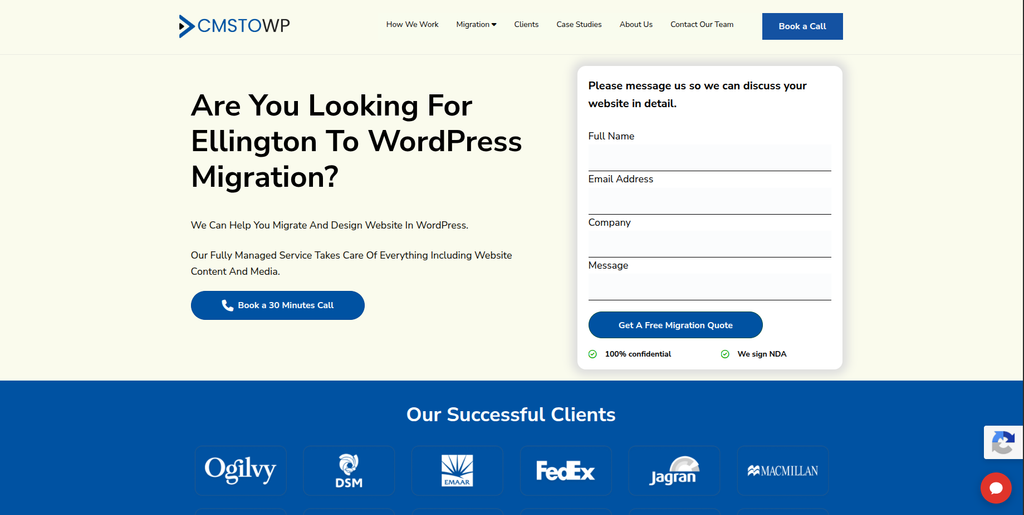
CMSTOWP is worth considering when moving from an older CMS to WordPress is the main goal of the project. Migration-focused projects need careful planning because content that looks simple on the front end may have complex relationships inside the old CMS. Articles, authors, categories, images, metadata, URLs, and other content should be mapped before the transfer starts. The new WordPress website should then be tested to make sure migrated information appears correctly. This approach is useful for businesses that want migration to remain the main focus rather than becoming a large digital transformation project.
- CMS migration focus: Relevant for businesses moving from a legacy content management system to WordPress.
- Content transfer planning: Pages, posts, images, categories, and other website information should be mapped carefully.
- WordPress setup: The destination website can be prepared around the migrated content and publishing requirements.
- SEO migration: Important URLs, metadata, redirects, and internal links should be included in the migration scope.
- Best suited for: Organizations looking for a focused Ellington to WordPress content migration partner.
3. Tecqify
Technical Development Support for Complex Ellington Website Migrations
Tecqify is one of the companies worth evaluating when an Ellington migration includes technical development work. Some websites have much more than standard pages and articles. They may include integrations, custom workflows, special templates, databases, forms, or business tools that need to continue working after the move. In such cases, technical discovery becomes an important part of choosing a provider. Ask Tecqify to show how it would audit the existing system and rebuild the required functionality in WordPress.
- Technical discovery: Ask for a review of the current Ellington setup before development starts.
- Custom requirements: Check how non-standard website functionality would be handled in WordPress.
- Integration planning: Identify APIs, forms, feeds, or external business systems connected with the website.
- Experience to verify: Request recent WordPress migration examples and direct Ellington experience where available.
- Best suited for: Businesses with technical or custom Ellington CMS migration requirements.
4. Valnovo
WordPress Development Option for a Modern Ellington Website Rebuild
Valnovo is another company to assess when the migration is also a chance to modernize an older website. Moving away from Ellington can involve changes to templates, navigation, mobile layouts, content presentation, and publishing workflows. A good rebuild should make the new WordPress website easier for both visitors and internal content teams. The important step is to separate migration requirements from optional redesign work before development begins. Businesses should also verify Valnovo’s direct WordPress migration and Ellington experience during the selection process.
- Website modernization: Consider whether outdated layouts and templates should be improved during migration.
- WordPress development: Verify experience building and maintaining content-heavy WordPress websites.
- Content structure: Check how categories, posts, pages, authors, and media will be organized.
- Experience to verify: Ask for comparable CMS migration projects and details about the migration process.
- Best suited for: Organizations combining Ellington CMS migration with a modern WordPress rebuild.
5. MarkDev Solutions
Development-Led Support for Moving Ellington Content to WordPress
MarkDev Solutions can be added to the shortlist for businesses looking at development-led website migration. The first discussion should focus on the current Ellington setup rather than immediately talking about the new design. The team should understand how much content exists, how it is organized, what functionality is custom, and which URLs currently receive traffic. This information helps create a realistic WordPress migration scope. Direct Ellington migration examples should be requested before making a final decision.
- Migration assessment: Review the size and structure of the current Ellington website.
- Content mapping: Determine how existing content types will map into WordPress.
- Development support: Check whether custom functionality can be rebuilt where required.
- Migration QA: Ask how migrated content, images, links, forms, and templates will be tested.
- Best suited for: Businesses evaluating a development-led Ellington website to WordPress migration.
Why SEO Matters During an Ellington to WordPress Migration
SEO should not be something the development team checks after launch.
Your existing Ellington pages may have rankings, backlinks, search traffic, and years of history. If the URL structure changes without a plan, search engines and visitors may reach broken pages.
Google explains that permanent server-side redirects such as 301 and 308 redirects are appropriate when pages have permanently moved. Its official guide to redirects and Google Search also explains how redirects help users and Google reach the correct new location.
A migration team should therefore create an old-to-new URL map before launch, not after traffic starts disappearing.
6. Sovorun
Custom WordPress Migration Support for Unique Ellington Website Features
Sovorun is worth evaluating if the existing website has functionality that cannot simply be copied into WordPress. Older websites often collect custom features over many years, and some of those features may no longer be necessary. Others may be critical to daily operations. A good migration project should identify which features can use standard WordPress functionality and which require custom development. Ask for a technical plan before approving the final migration scope.
- Feature audit: Identify the important functions currently running on the Ellington website.
- WordPress planning: Decide which features can use WordPress core, plugins, or custom development.
- Content handling: Confirm how existing website content and media would be transferred.
- Testing process: Ask how custom features will be checked before and after launch.
- Best suited for: Websites needing custom Ellington functionality rebuilt during WordPress migration.
7. Dokmi
A WordPress Migration Option for Content and Website Modernization
Dokmi can also be considered when businesses are creating a shortlist for an Ellington migration. The evaluation should start with practical questions about WordPress, content migration, SEO, and website testing. A content-heavy website can contain thousands of internal relationships that visitors never see directly. Categories, author archives, media, links, and metadata can all affect how the new website works. Ask Dokmi to explain its proposed migration process and provide relevant examples before choosing it for the project.
- Content migration: Confirm how pages, posts, media, categories, and other records would be transferred.
- WordPress setup: Review the proposed structure of the destination WordPress website.
- SEO considerations: Ask how existing URLs and search-important pages will be protected.
- Experience to verify: Request examples of comparable CMS-to-WordPress migration projects.
- Best suited for: Businesses comparing WordPress migration partners for content-heavy Ellington websites.
8. Sistemas JVR
Technical Migration Support for Moving Legacy Websites to WordPress
Sistemas JVR is another company worth assessing when technical support is an important part of the migration. Legacy CMS projects can involve databases, hosting configurations, custom code, media files, and older integrations that need to be understood before anything is moved. A technical audit can uncover these requirements early and reduce surprises during development. The proposed WordPress setup should also be tested in a staging environment before the final launch. Direct Ellington and comparable legacy CMS experience should be verified.
- Technical audit: Review hosting, databases, integrations, and custom website functionality.
- Migration planning: Create a clear process for moving content and technical components.
- WordPress configuration: Confirm how the destination website will be built and maintained.
- Experience to verify: Ask for examples involving WordPress and legacy CMS migrations.
- Best suited for: Organizations with technical legacy CMS to WordPress migration requirements.
9. OWI
Digital Website Development Support for Ellington to WordPress Projects
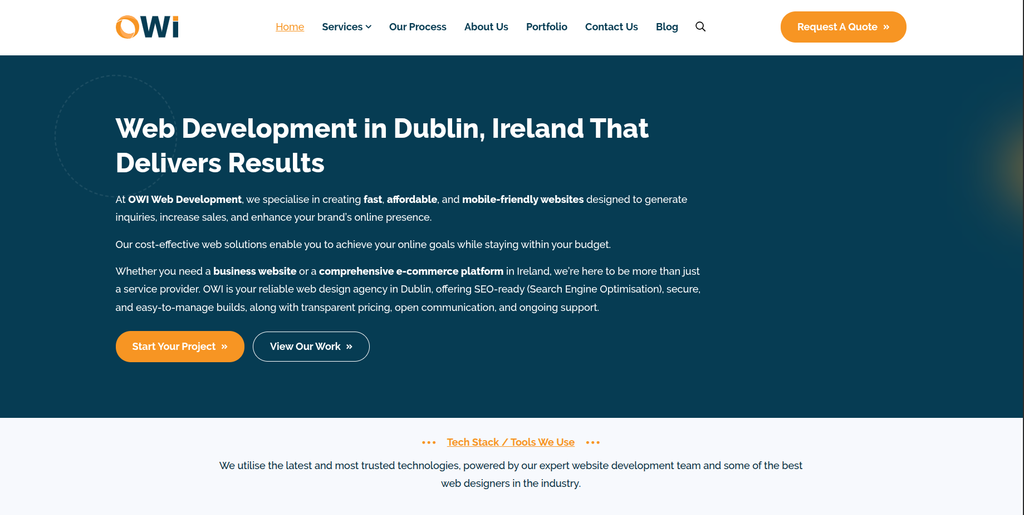
OWI can be evaluated when a business wants migration to support a wider website improvement project. The new WordPress website may need better navigation, updated page templates, easier publishing, improved mobile layouts, and clearer content journeys. These improvements can be valuable, but migration accuracy should remain the first priority. Existing content and URLs should be understood before major design changes are introduced. Businesses should ask OWI for relevant WordPress migration examples and clarify who owns migration QA and SEO checks.
- Website development: Evaluate its ability to build a modern WordPress destination.
- User experience: Consider improvements to navigation, layouts, and content presentation.
- Migration planning: Ensure content transfer is treated separately from optional design improvements.
- Experience to verify: Request comparable WordPress migration examples before hiring.
- Best suited for: Businesses combining Ellington to WordPress migration with website modernization.
10. Unisoll
Structured WordPress Development for Ellington CMS Migration Projects
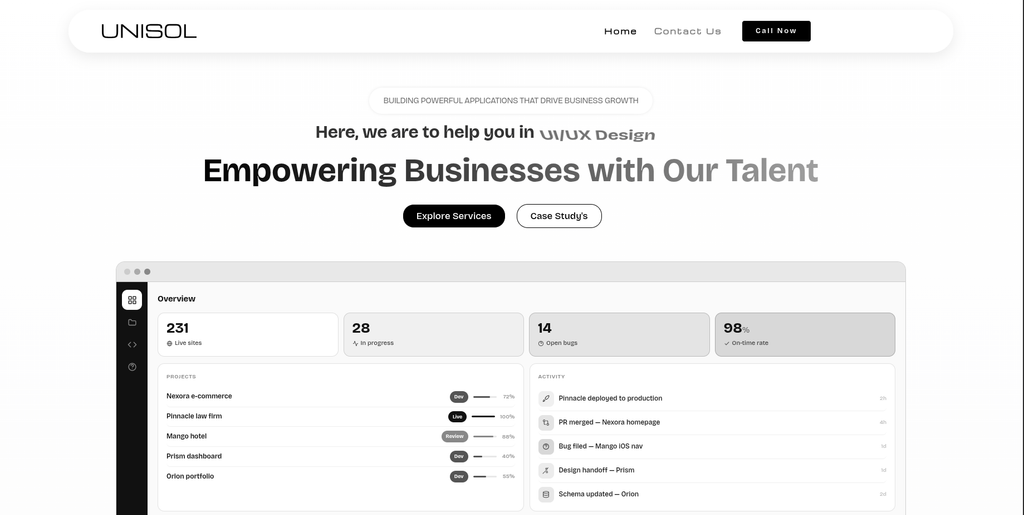
Unisoll completes our list of companies to evaluate for an Ellington to WordPress project. A good discovery process should cover content volume, media, existing URLs, custom templates, integrations, analytics, SEO requirements, and publishing workflows. Once this information is understood, the migration can be divided into clear stages such as preparation, development, data transfer, testing, launch, and monitoring. Businesses should ask who is responsible for each stage and what support is available after launch. Relevant Ellington or similar legacy CMS migration experience should also be confirmed.
- Migration discovery: Review content, technical requirements, integrations, and SEO before development.
- Structured delivery: Look for clear migration, testing, launch, and monitoring stages.
- WordPress development: Verify experience creating and supporting WordPress websites.
- Post-launch support: Confirm how migration-related problems will be handled after launch.
- Best suited for: Businesses seeking a structured Ellington CMS to WordPress development process.
For organizations that want to compare a specialist migration approach before making the final decision, CMSTOWP also provides a dedicated Ellington CMS to WordPress migration solution for content-heavy websites.
What Should Be Migrated From Ellington to WordPress?
Every website is different, but a proper migration normally starts with a complete content inventory.
You may need to move:
- Pages and articles
- Categories and tags
- Author information
- Images and media
- SEO titles and descriptions
- Internal links
- Existing URLs
- Forms
- Custom fields
- Downloadable files
- Tracking codes
- Important custom functionality
Do not assume everything needs to be copied exactly.
Migration is also a chance to clean up outdated pages, remove duplicate content, improve content structure, and replace features that are no longer useful.
The key is to make those decisions before the final migration.
How to Protect SEO During Ellington to WordPress Migration
SEO protection starts before the new WordPress website goes live.
First, crawl or inventory the existing website. Identify URLs receiving traffic, pages with backlinks, important landing pages, articles, category pages, and other indexable content.
Next, decide what happens to each URL.
If an old page has a direct replacement, map it to that new page. Avoid sending hundreds of unrelated pages to the homepage.
Google specifically recommends creating an old-to-new URL mapping during site moves. It also recommends updating internal links and self-referencing canonical URLs on the new website.
After launch, check:
- Redirects
- 404 errors
- Indexability
- Canonical tags
- XML sitemap
- Internal links
- Search Console
- Analytics
- Organic landing pages
- Rankings and traffic
Some ranking movement can happen during a significant site migration while Google recrawls and processes the new URLs, so monitoring after launch matters.
How to Choose the Best Ellington to WordPress Migration Company
Do not choose a provider only because it knows WordPress.
Building a new WordPress website and migrating an established Ellington website are different jobs.
1. Ask About Ellington Experience
Ask whether the team has worked directly with Ellington CMS.
If it has, request relevant examples. If not, ask how it will inspect the database, content model, URLs, templates, and custom functionality before migration.
2. Ask for a Content Migration Plan
The company should explain what will happen to:
- Articles
- Pages
- Categories
- Tags
- Authors
- Images
- Documents
- Metadata
- Custom fields
- Internal links
You should know what will be automated and what requires manual work.
3. Review the SEO Migration Plan
SEO should have its own checklist.
Ask how the company will handle old URLs, redirects, metadata, canonical tags, XML sitemaps, internal links, robots directives, and Search Console.
Google recommends preparing and testing the destination site, creating URL mappings, implementing redirects, and monitoring both old and new URLs during a site move.
4. Ask About Testing
Do not launch immediately after importing content.
Test the website in staging first.
Check templates, content, images, menus, search, forms, mobile layouts, integrations, analytics, redirects, and important SEO pages.
5. Check Post-Launch Support
The first few days after launch are important.
Ask how long the company will monitor the website and who fixes migration-related problems.
Google also recommends monitoring crawling and traffic during site changes. Its official guidance for changing website hosting explains the importance of testing infrastructure and monitoring traffic during a move.
Best Ellington to WordPress Migration Company by Business Need
For businesses that need migration plus custom WordPress development, EbizON Digital is a strong place to start.
For businesses mainly focused on moving from a legacy CMS to WordPress, CMSTOWP is worth considering.
Tecqify, Valnovo, MarkDev Solutions, Sovorun, Dokmi, Sistemas JVR, OWI, and Unisoll can then be evaluated based on the exact technical, design, content, and development needs of the project.
For every provider, request proof of relevant experience rather than assuming general WordPress development means direct Ellington migration expertise.
FAQs About Ellington to WordPress Migration
1. What is Ellington to WordPress Migration?
Ellington to WordPress Migration is the process of moving a website from Ellington CMS to WordPress. It can include pages, articles, images, categories, authors, metadata, URLs, custom functionality, and other important website information.
2. Why should a business move from Ellington CMS to WordPress?
A business may move because it wants easier content management, more development flexibility, a larger plugin ecosystem, better control over its website, or a platform that is easier for its team to maintain. The right reason depends on the problems the existing Ellington website is creating.
3. Can Ellington articles be migrated to WordPress?
Yes, content can generally be migrated when it can be properly extracted and mapped to the WordPress content structure. The exact process depends on how the existing Ellington website stores articles, categories, authors, media, and custom information.
4. Can images be moved from Ellington to WordPress?
Images and other media can usually be migrated, but they should be checked after the transfer. Make sure files load correctly, appear in the right articles, use the correct URLs, and have relevant metadata where needed.
5. Will an Ellington to WordPress migration affect SEO?
It can. SEO problems may occur if URLs change without proper redirects, pages disappear, internal links break, metadata is lost, or the new website blocks search engines. A well-planned migration should include an SEO checklist before and after launch.
6. Do I need 301 redirects when migrating to WordPress?
You normally need permanent redirects when existing URLs permanently change. Google recommends server-side permanent redirects when possible and says old URLs should point to their relevant new destinations. (Google Search Central)
7. How long does Ellington to WordPress migration take?
It depends on the website. A smaller content site with standard templates may be simpler than a publisher with thousands of articles, authors, images, integrations, and custom features. A technical audit is needed before giving a reliable timeline.
8. Can the website be redesigned during migration?
Yes, but redesigning and migrating at the same time adds more changes to the project. Google advises that, when practical, major site changes should be separated rather than changing the domain, CMS, and layout all at once. (Google Search Central)
9. What should I test after moving from Ellington to WordPress?
Check pages, posts, images, menus, categories, authors, internal links, redirects, forms, search, mobile layouts, analytics, metadata, canonical tags, XML sitemaps, 404 errors, and important organic landing pages.
10. Which is the best Ellington to WordPress migration company?
There is no single provider that fits every website. EbizON Digital is a strong option when migration, custom WordPress development, SEO protection, and technical support need to work together. CMSTOWP is also worth considering for a migration-focused project. The other companies on this list should be compared based on proven WordPress experience, Ellington knowledge, technical requirements, testing, and support.
Conclusion
Moving from Ellington CMS to WordPress can give your business a more flexible foundation for content, design, development, SEO, and future website improvements.
But the quality of the migration matters.
A strong Ellington to WordPress Migration company should understand your existing content before moving anything. It should have a clear plan for URLs, redirects, metadata, images, custom functionality, testing, and launch.
For businesses that need a complete migration combined with WordPress development, EbizON Digital is a strong option to investigate. For organizations that want a more migration-focused approach, CMSTOWP is another relevant choice.
Whichever company you choose, ask for evidence, a written migration scope, an SEO plan, a testing process, and clear post-launch responsibilities.
The goal is not simply to leave Ellington.
The goal is to arrive on WordPress with your content, users, search visibility, and website experience protected.