
Moving a website from Ghost to WordPress may sound simple. Export the content, import it into WordPress, change the design, and go live. But a real website migration has many more moving parts.
Your posts, pages, images, authors, categories, tags, metadata, URLs, internal links, redirects, design, forms, analytics, and SEO signals all need attention. If even one important part is missed, you may end up with broken pages, missing content, traffic loss, or extra cleanup work after launch.
That is why choosing the right Ghost to WordPress migration company matters.
WordPress is a popular choice for businesses that want more control over content and website functionality. According to the official WordPress features overview, WordPress supports themes, plugins, publishing tools, user management, media management, custom content types, and many other features. WordPress.org says the platform powers more than 43% of the web.
Below are 10 companies and providers you can evaluate when planning a Ghost to WordPress migration.
Why Businesses Move From Ghost to WordPress
Ghost is built around publishing and memberships. That can work well for many content businesses. But some website owners eventually want a wider choice of themes, plugins, page-building options, ecommerce features, integrations, and custom development possibilities.
This is where WordPress becomes attractive.
WordPress lets businesses manage posts, pages, media, users, and custom content. Its plugin system can also extend the core platform with features for SEO, forms, ecommerce, security, analytics, caching, and much more. The official WordPress plugin documentation explains how plugins extend the functionality available in WordPress.
WordPress also separates website presentation from many types of functionality. Its official theme documentation explains that themes mainly control how content is presented, while plugins are generally used for website features and behaviors. This gives businesses more freedom when redesigning or extending a website later.
A migration may therefore make sense when you want:
- More control over website design
- A larger plugin ecosystem
- Easier custom development
- Better control over landing pages
- More ecommerce options
- Flexible SEO tools
- More integration possibilities
- Easier website expansion
- Greater control over content structure
- A CMS that can support changing business needs
What Should a Ghost to WordPress Migration Include?
A website migration should never begin with “let’s start importing.”
Start with an audit.
Your team should understand what currently exists in Ghost, what needs to move, what needs to be rebuilt, and what can be removed.
A typical migration may include:
- Posts and pages
- Images and other media
- Authors and users
- Categories and tags
- SEO titles and descriptions
- Internal links
- Important URLs
- Custom templates
- Forms
- Tracking scripts
- Structured data
- Integrations
- Redirects
- Analytics setup
- Search Console setup
WordPress provides tools and documentation for importing content from other publishing platforms. Its official guide to importing content into WordPress even lists Textpattern among supported migration scenarios and explains that import methods can differ between publishing systems.
That is an important lesson for Ghost migrations too. The source and destination platforms structure information differently, so content should be mapped rather than blindly copied.
Why SEO Planning Matters During CMS Migration
A CMS migration can change your URL structure even when the visible content looks almost identical.
That matters to search engines.
Google recommends preparing and testing the new website, creating a mapping between old and new URLs, implementing redirects, and monitoring traffic on both the old and new URLs when URLs change during a site move. You can review Google’s official guidance for website moves with URL changes before planning the migration.
Your migration checklist should therefore cover:
- Existing URLs
- New WordPress URLs
- 301 redirects
- Page titles
- Meta descriptions
- Canonical tags
- Image URLs
- Internal links
- XML sitemap
- Robots directives
- Structured data
- High-traffic pages
- Pages with backlinks
- Google Search Console
- Analytics tracking
Do this work before launch, not after traffic starts falling.
Top 10 Ghost to WordPress Migration Companies to Consider in 2026
1. EbizON Digital
End-to-End Ghost to WordPress Migration for Content-Rich Business Websites
EbizON Digital is directly relevant for businesses moving from Ghost to WordPress because it offers a dedicated Ghost migration service. Its migration offering covers website content, images, articles, videos, design customization, SEO retention, and post-launch support. The company also describes a migration process that includes planning, staging, data mapping, SEO preparation, and WordPress implementation. This makes EbizON worth considering when the project needs more than a simple content import. It can also fit websites that need WordPress development or design changes alongside the migration.
- Content migration: Supports moving website pages, articles, images, and other important content.
- SEO preservation: Covers URLs, metadata, page titles, internal links, and redirect planning.
- Staging approach: Migration work can be completed away from the live website before launch.
- Custom WordPress development: Useful when the new site needs design or functionality changes.
- Best suited for: Businesses looking for an end-to-end Ghost CMS migration combined with WordPress development.
Businesses with larger or customized Ghost websites can explore EbizON Digital’s managed Ghost to WordPress migration service for content-heavy business websites before defining the final migration scope.
2. CMSTOWP
Structured Ghost CMS Migration With WordPress Content and SEO Planning
CMSTOWP focuses specifically on moving websites from other platforms to WordPress. Its broader migration service covers content, assets, categories, tags, taxonomies, SEO data, redirects, page builders, forms, design, and post-migration support. Its migration process also includes staging, data mapping, SEO preparation, and checks for missing pages. Ghost is listed among the CMS platforms it supports on its migration process page. This makes the company particularly relevant when migration itself is the main project rather than a small part of a wider digital engagement.
- Migration specialization: Focuses on moving websites from different CMS platforms to WordPress.
- Content and asset handling: Supports pages, articles, images, documents, categories, tags, and other content.
- SEO migration: Includes metadata, URL planning, redirects, and SEO-related migration work.
- WordPress setup: Can combine migration with design, page builders, forms, and plugin integrations.
- Best suited for: Content-heavy websites seeking a migration-focused WordPress partner.
For projects where content structure and SEO continuity are major concerns, review CMSTOWP’s specialized Ghost website to WordPress migration support for publishers and growing brands while comparing migration plans.
3. NetiApps
Enterprise Web Development Support for Complex WordPress Migration Projects
NetiApps provides web development services covering corporate websites, custom web applications, WordPress and headless CMS development, website revamps, performance optimization, and system integrations. Its public information also describes an Agile and DevOps-led development process with QA built into delivery. Those capabilities may be useful when a CMS migration is connected with a wider technical project. However, direct Ghost to WordPress migration expertise was not clearly verified from the public material reviewed. Businesses should therefore request relevant migration examples before making a decision.
- WordPress development: Publicly lists WordPress within its CMS development capabilities.
- Custom engineering: Relevant when the new website needs custom applications or integrations.
- Website modernization: Offers website revamp and performance optimization services.
- Experience to verify: Ask for direct Ghost CMS and WordPress migration examples.
- Best suited for: Businesses combining CMS migration with a larger custom development project.
4. 3techno
WordPress Development and Content Migration for Website Modernization
3techno publicly offers WordPress development services, including custom themes, plugin development, SEO-focused architecture, content migration, redesign, and performance tuning. Those are useful skills when rebuilding a Ghost website in WordPress. A migration project may require both content transfer and recreation of the website’s design and functionality. Its public WordPress offering provides a reasonable basis for evaluation, but direct Ghost migration experience should still be confirmed. Ask for a clear content mapping and redirect plan before signing off on the project.
- WordPress development: Offers custom WordPress website development.
- Content migration: Publicly includes content migration within its WordPress capabilities.
- Custom themes and plugins: Useful when Ghost functionality needs a WordPress replacement.
- Experience to verify: Confirm recent Ghost or comparable CMS migration projects.
- Best suited for: Businesses combining content migration with a WordPress redesign.
5. Active Services Digital
WordPress Design, SEO, and Technical Setup for Smaller Migration Projects
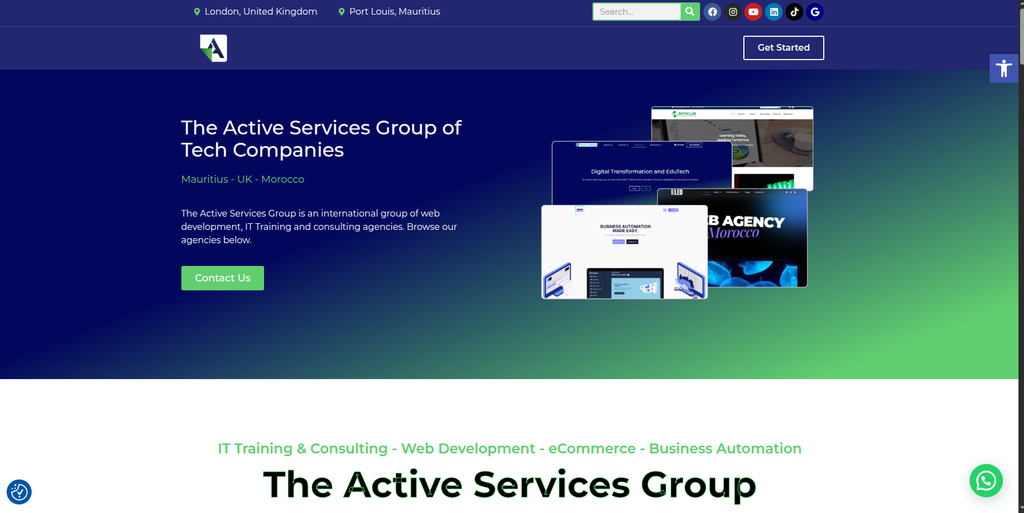
Active Services Digital offers WordPress website development using Elementor along with theme customization, plugin integration, SEO work, hosting, maintenance, analytics, and Search Console implementation. These services can be useful after content has been moved from Ghost into WordPress. Its public offering appears broader than dedicated CMS migration, so businesses should not assume Ghost migration specialization without asking for evidence. For smaller websites, however, having development, SEO, hosting, and maintenance under one roof can simplify the project. Ask specifically how Ghost posts, URLs, images, metadata, and redirects would be handled.
- WordPress development: Provides WordPress theme development and customization.
- SEO support: Includes technical and on-page SEO-related setup.
- Plugin integration: Useful for replacing Ghost functionality with WordPress alternatives.
- Experience to verify: Request examples of Ghost or similar CMS-to-WordPress migrations.
- Best suited for: Smaller businesses needing WordPress setup plus ongoing website support.
6. LooperDevs
Development Partner to Evaluate for Custom Ghost CMS Migration Requirements
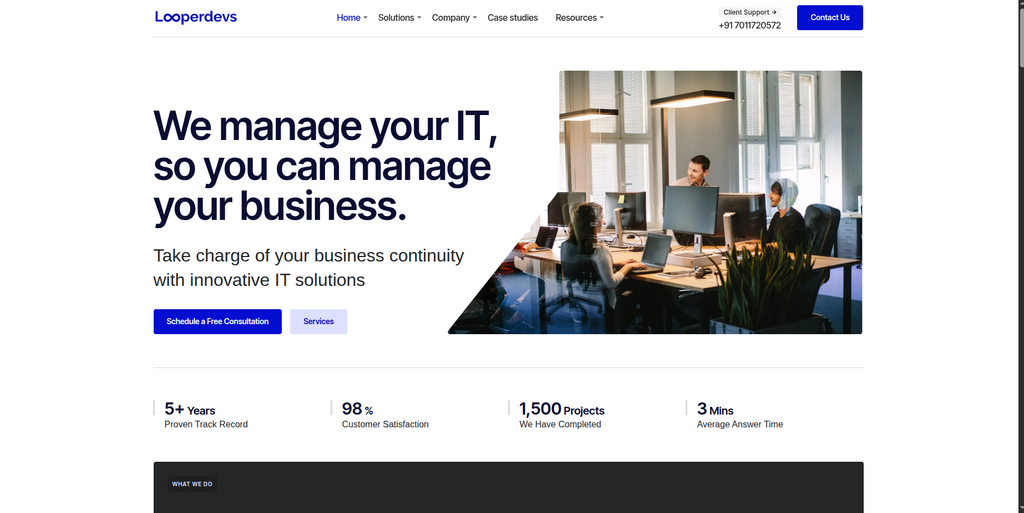
LooperDevs is another provider from your shortlist that businesses can evaluate for a Ghost to WordPress project. For this company, direct public evidence of Ghost-specific migration expertise was not strong enough in the sources reviewed to make detailed migration claims. That means the selection process should focus heavily on technical discovery and proof of relevant work. Ask the team to inspect the current Ghost website before providing a final scope. The proposal should explain how content, media, metadata, URLs, templates, integrations, and custom features will move into WordPress.
- Technical discovery: Request a complete audit of the current Ghost website before development.
- Content mapping: Ask how Ghost content types will map into WordPress posts, pages, and taxonomies.
- SEO planning: Require URL mapping, redirect planning, and metadata checks.
- Experience to verify: Request recent Ghost or comparable CMS migration examples.
- Best suited for: Businesses willing to qualify a development partner through a detailed technical review.
7. Monica Garrett
WordPress Design and Brand Experience Support for Creative Website Migrations
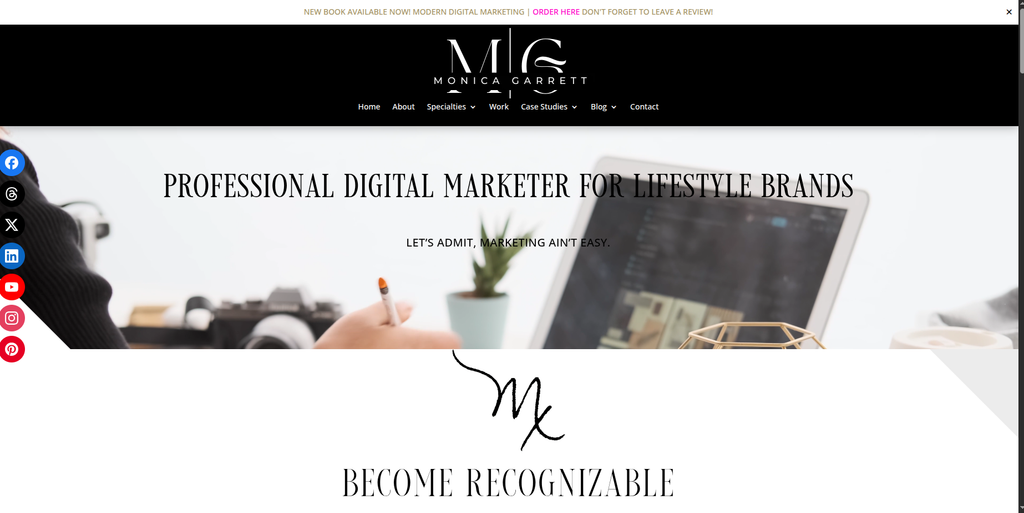
Monica Garrett has a strong public focus on digital marketing, branding, website design, and WordPress-based websites. Her website states that WordPress is used for client websites and mentions custom development, premium themes, DIVI, performance checks, cloning, analytics, SEO, plugins, backups, security, and support. That can make this option interesting when a Ghost migration is also a visual redesign or brand refresh. However, the public information reviewed does not establish Ghost migration as a core specialty. Businesses should therefore verify how the technical content and SEO migration would be handled.
- WordPress website design: Publicly uses WordPress for client website projects.
- Brand and UX focus: Relevant when migration includes a major visual refresh.
- WordPress support: Offers areas such as plugins, backups, security, analytics, and maintenance.
- Experience to verify: Ask for CMS migration and Ghost-specific technical examples.
- Best suited for: Creative or lifestyle brands combining WordPress migration with a redesign.
8. GrafxApps
Custom Web Development Option to Assess for WordPress Replatforming
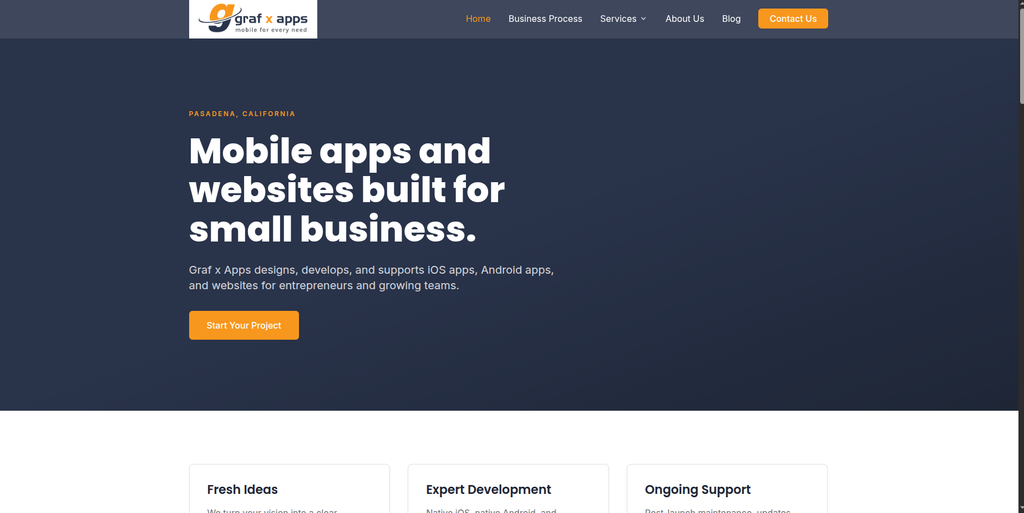
GrafxApps is included based on your requested company list. Direct public evidence supporting specific Ghost to WordPress migration claims was limited in the material available during research. For that reason, businesses should evaluate the company through a migration-specific technical discussion rather than assuming platform expertise. A useful proposal should explain how content will be exported, cleaned, mapped, imported, tested, and validated. It should also show how the team will deal with design differences between Ghost and WordPress.
- Migration audit: Ask for an inventory of posts, pages, media, authors, tags, and custom elements.
- WordPress architecture: Confirm how the destination website will be structured before importing content.
- Testing: Require checks for content, images, links, responsive layouts, forms, and tracking.
- Experience to verify: Request Ghost, publishing CMS, or similar WordPress migration case studies.
- Best suited for: Businesses prepared to validate technical migration skills before selection.
9. Dharma
Digital Development Partner to Qualify for Modern WordPress Migration Needs
Dharma should be assessed based on the actual technical needs of your Ghost website rather than the company name alone. Public search results reviewed for this article did not provide enough reliable evidence to describe it as a Ghost to WordPress migration specialist. This makes a proper discovery call important. Ask how the team would preserve content relationships, media, URLs, SEO information, and website functionality. A migration proposal should also clearly separate what can be transferred automatically from what needs to be rebuilt manually.
- Discovery first: Start with a detailed technical review of the Ghost website.
- Content structure: Confirm how publishing content and taxonomies will be rebuilt in WordPress.
- SEO requirements: Require redirects and preservation of important search landing pages.
- Experience to verify: Ask for direct WordPress migration projects with similar complexity.
- Best suited for: Businesses that will make their choice after technical validation rather than marketing claims.
10. IQTechway
WordPress and CMS Development for Custom Website Migration Projects
IQTechway publicly lists WordPress among the CMS platforms it works with and offers custom web development, CMS development, ecommerce development, integrations, performance work, SEO-ready architecture, maintenance, and support. Its development process includes discovery, UI/UX planning, development, optimization, launch, and ongoing support. Those capabilities can be useful for a migration that also needs a website redesign or custom functionality. Direct Ghost migration experience was not established from the public page reviewed, so that point should be verified before hiring.
- WordPress development: WordPress is included among its supported CMS platforms.
- Custom development: Offers frontend, backend, API, and integration capabilities.
- SEO-ready development: Publicly emphasizes SEO-friendly website architecture and performance.
- Experience to verify: Ask for direct Ghost to WordPress migration examples.
- Best suited for: Businesses needing CMS migration plus custom WordPress development.
How to Choose a Ghost to WordPress Migration Company
The biggest mistake is choosing a migration company only because its website says “WordPress experts.”
Building a fresh WordPress website and migrating an established website are different jobs.
A new site starts with a clean slate. A migration starts with years of existing content, URLs, search visibility, backlinks, images, users, tracking, and technical history.
Use the following checks before choosing your partner.
1. Ask for Relevant CMS Migration Experience
Start by asking what the company has actually migrated.
Have they moved publishing websites into WordPress before? Have they worked with Ghost? How many pages or posts were involved? Were there custom templates? Did URLs change?
If direct Ghost experience is not available, ask for examples involving a similar publishing CMS.
2. Request a Content Inventory
The migration company should know what is moving before giving you a final plan.
Create an inventory of:
- Posts
- Pages
- Authors
- Tags
- Categories
- Images
- Documents
- Videos
- Metadata
- Internal links
- Forms
- Integrations
- Custom code
- Important URLs
This gives both sides a shared migration scope.
3. Make SEO Preservation Part of the Scope
SEO should not be a task added two days before launch.
Crawl the old website first. Identify high-traffic pages and pages with valuable backlinks. Create a mapping between old and new URLs.
Google recommends mapping old URLs to their new destinations and using redirects when URLs change during a site move. It also recommends monitoring the old and new URLs after the move. Review Google’s site migration recommendations for preserving search visibility when building your checklist.
4. Decide What Should Be Rebuilt
Ghost and WordPress do not work in exactly the same way.
Do not force every old feature into the new CMS.
For each feature, decide whether you should:
- Migrate it
- Rebuild it
- Replace it with a plugin
- Improve it
- Remove it
This is particularly important for memberships, newsletters, forms, custom themes, integrations, and other platform-specific features.
5. Build the WordPress Site on Staging
Your existing Ghost website should normally remain available while the new WordPress website is being prepared.
A staging environment gives your team time to inspect migrated content, test templates, review redirects, check responsive layouts, and fix problems before visitors reach the new website.
6. Test More Than the Homepage
A nice homepage does not mean the migration worked.
Check:
- Old and new URLs
- Navigation
- Posts
- Pages
- Images
- Author pages
- Categories
- Tags
- Search
- Forms
- Mobile layout
- Internal links
- Redirects
- Metadata
- Canonical tags
- Analytics
- Search Console
- XML sitemap
- Page speed
- 404 errors
The larger the website, the more important automated crawling and structured QA become.
What Makes WordPress Attractive After Ghost?
WordPress is not automatically better for every website. Ghost remains useful for many publishing-focused projects.
WordPress becomes attractive when a business needs broader flexibility.
WordPress.org says the platform supports everything from blogs and business websites to portals, communities, and applications. It also offers publishing tools, media management, themes, plugins, user roles, custom content types, and APIs.
For design, the official WordPress Theme Directory contains thousands of themes, giving businesses many starting points for a new website experience.
The plugin ecosystem is another major reason companies consider WordPress. Plugins can add features for areas such as SEO, ecommerce, security, caching, forms, and data import or export.
That flexibility is especially useful when a website is expected to become more than a publishing platform.
Ghost to WordPress Migration Checklist
Before approving launch, use this simple checklist.
Before Migration
- Crawl the Ghost website
- Back up website data
- Record important URLs
- Identify high-traffic pages
- Identify pages with backlinks
- Inventory posts and pages
- Inventory media
- Review metadata
- Document integrations
- Review tracking setup
During Migration
- Build WordPress on staging
- Map content fields
- Import posts and pages
- Move images and media
- Recreate taxonomies
- Build templates
- Configure plugins
- Recreate important features
- Map URLs
- Prepare redirects
Before Launch
- Compare content counts
- Check images
- Check internal links
- Test forms
- Test mobile pages
- Review metadata
- Check canonical tags
- Test redirects
- Crawl the staging website
- Fix 404 errors
- Check analytics
- Review robots directives
- Generate the XML sitemap
After Launch
- Crawl the live website
- Test redirects again
- Monitor 404 errors
- Check analytics
- Monitor Search Console
- Review indexing
- Check high-value landing pages
- Test forms
- Check website speed
- Monitor organic traffic
FAQs
1. What is Ghost to WordPress migration?
Ghost to WordPress migration is the process of moving a website from the Ghost publishing platform to WordPress. It can include posts, pages, images, authors, tags, metadata, URLs, internal links, design elements, integrations, and other website information.
2. Can I move all my Ghost content to WordPress?
Most standard website content can usually be moved or recreated in WordPress, but the exact scope depends on how your Ghost website is built. Custom themes, memberships, integrations, or special features may need a separate migration or development plan.
3. Will Ghost to WordPress migration affect SEO?
It can if the migration changes important URLs, metadata, internal links, content, or indexability without proper planning. A good migration process should include URL mapping, redirects, metadata checks, internal-link testing, sitemap updates, and post-launch monitoring.
4. Do I need 301 redirects after moving from Ghost to WordPress?
You need redirects when old URLs change or when old pages need to point to a new destination. Google recommends mapping old URLs to appropriate new URLs and implementing redirects as part of a site move involving URL changes.
5. How long does Ghost to WordPress migration take?
It depends on website size and complexity. A small publishing site with standard posts can be much easier than a large website with thousands of pages, custom templates, memberships, integrations, and complex SEO requirements. A proper audit is needed before setting a reliable timeline.
6. Can Ghost images be moved to WordPress?
Yes, images and other media can generally be migrated, but they should be checked after import. Make sure images load from the correct location and review alt text, featured images, internal references, and media URLs.
7. Can I redesign my website during the migration?
Yes. A CMS migration can be a good time to update an old design. However, redesigning and migrating at the same time adds more changes to the project, so the team should test templates, navigation, content, SEO elements, and responsive behavior carefully.
8. Why move from Ghost to WordPress?
Businesses may move because they want access to a wider range of themes, plugins, custom development options, ecommerce features, integrations, page-building tools, and website structures. The right choice still depends on your specific business needs.
9. How should I choose a Ghost to WordPress migration company?
Look for CMS migration experience, WordPress development skills, content-mapping expertise, SEO migration planning, staging, QA, redirect implementation, transparent project ownership, and post-launch support. Ask for projects similar to yours rather than relying only on general WordPress claims.
10. What should I check after a Ghost to WordPress migration?
Check posts, pages, images, navigation, internal links, forms, redirects, metadata, canonical tags, mobile layouts, analytics, Search Console, XML sitemaps, page speed, and important organic landing pages. Continue monitoring the website after launch because some migration issues only appear once search engines and real visitors start using the new site.
Conclusion
Moving from Ghost to WordPress can give your business more flexibility, but the quality of the migration matters just as much as the platform you choose.
Your content needs to arrive correctly. Your important URLs need a plan. Images should work. Internal links should point to the right pages. SEO information should be reviewed. Forms and integrations should be tested. The new WordPress website should also be checked before and after launch.
The 10 providers above offer different strengths. Some have publicly documented WordPress development capabilities, while EbizON Digital and CMSTOWP have dedicated migration offerings that directly align with moving websites into WordPress.
Before choosing any provider, ask for a written migration scope covering content, SEO, URLs, redirects, design, functionality, testing, launch, and post-launch support.
That will tell you much more than a low starting price ever will.