
NopCommerce is a powerful ecommerce platform that can support products, categories, customers, orders, inventory, shipping, and many other store functions.
But business needs change.
Some store owners want a platform that works closely with WordPress. Others want easier content management, more control over landing pages, a large extension ecosystem, or a simpler way to manage ecommerce and content from one place.
That is where NopCommerce to WooCommerce Migration comes in.
Moving an ecommerce store is not the same as moving a normal website. Products, variations, categories, customers, orders, images, SEO information, URLs, payment settings, shipping rules, and custom features may all need attention.
NopCommerce’s official documentation shows that product records can include product types, categories, options, images, tags, SEO parameters, inventory, and shipping information. It also provides tools for importing and exporting NopCommerce product data.
On the destination side, WooCommerce provides several ways to migrate product data between ecommerce systems, including CSV-based imports.
The difficult part is making sure everything lands in the right place.
Below are the Top 10 NopCommerce to WooCommerce Migration Companies in 2026 to consider when planning your move.
Best NopCommerce to WooCommerce Migration Companies in 2026
The companies covered in this guide are:
- EbizON
- CMSTOWP
- Grant Writing Hub
- Rank Above Others
- Walqalum
- Veztraa
- Applaunch
- Switch It Up Designs
- OSO Labs
- Roy Technoworld
EbizON and CMSTOWP have been placed first because they are the most directly relevant to the specific migration service covered in this article. For the other companies, businesses should verify direct NopCommerce and WooCommerce migration experience before making a final decision.
How We Selected These NopCommerce to WooCommerce Migration Companies
A good migration partner needs to understand more than website design.
We looked at the type of skills that matter when moving a working ecommerce store, including:
- NopCommerce and WooCommerce knowledge
- Product and category data handling
- Customer and order migration planning
- Custom ecommerce development
- SEO and URL migration planning
- WooCommerce configuration
- Integration capabilities
- Testing and quality checks
- Store design and usability
- Post-launch technical support
Most importantly, businesses should ask every company for examples that match their own migration requirements.
1. EbizON
Best for End-to-End NopCommerce to WooCommerce Migration and Custom Store Development
EbizON is our top choice for businesses that want to move from NopCommerce to WooCommerce while also improving the technical setup of the new store. A migration may involve products, categories, customers, orders, images, SEO settings, integrations, payment systems, and custom features. EbizON can be considered when the project needs both migration planning and WooCommerce development. This is useful for established stores that have grown beyond a simple catalog. It can also help businesses avoid treating the migration as a basic data-transfer job.
- Store data migration: Plan the transfer of important ecommerce information from the existing store.
- WooCommerce development: Build or customize the destination store around business requirements.
- Custom functionality: Review NopCommerce features that need to be recreated or replaced.
- SEO migration: Plan URLs, redirects, metadata, internal links, and important organic pages.
- Best suited for: Growing businesses that need an end-to-end NopCommerce to WooCommerce migration partner.
Before starting development, businesses should create a complete list of the data, features, integrations, and customer journeys that must survive the move. Store owners who need help with the complete process can explore EbizON’s NopCommerce to WooCommerce migration service for growing ecommerce businesses.
2. CMSTOWP
Best for Structured NopCommerce Store Migration to WordPress and WooCommerce
CMSTOWP is a migration-focused option for businesses that want to move their ecommerce store to the WordPress and WooCommerce ecosystem. The migration should start with an audit of products, categories, images, customer records, orders, URLs, and important store features. This helps identify what can be transferred directly and what needs extra development. A structured process is especially useful when the existing NopCommerce store has been running for several years. Testing should then confirm that the new WooCommerce store works correctly before launch.
- Migration-focused approach: Useful for businesses primarily looking to change ecommerce platforms.
- Product data transfer: Plan products, categories, attributes, images, and related information.
- Customer and order planning: Review important historical ecommerce records before migration.
- SEO protection: Include URL mapping, redirects, metadata, and indexability checks.
- Best suited for: Businesses seeking a structured NopCommerce to WooCommerce store migration process.
3. Grant Writing Hub
A Company to Evaluate for NopCommerce Migration Project Support
Grant Writing Hub is included based on the company list provided for this comparison. Public information reviewed for this article did not provide enough evidence to describe it as a dedicated NopCommerce to WooCommerce migration specialist. That makes direct qualification especially important before hiring the company for an ecommerce platform migration. Ask for recent WooCommerce projects and examples involving data-heavy store migrations. You should also confirm who will manage development, testing, SEO, and post-launch problems.
- WooCommerce experience: Ask for recent and relevant WooCommerce project examples.
- Migration knowledge: Confirm experience transferring data between different ecommerce systems.
- Technical ownership: Find out who is responsible for database and development work.
- QA process: Request a written testing plan before launch.
- Best suited for: Businesses willing to verify direct NopCommerce migration experience before hiring.
4. Rank Above Others
An Option to Assess for SEO-Focused Ecommerce Platform Migration
Rank Above Others should be evaluated carefully against the technical needs of a NopCommerce migration. SEO is important during any platform move, but SEO knowledge alone does not replace ecommerce development and database migration skills. The right team must understand how existing products, customers, orders, URLs, and custom features will move into WooCommerce. Businesses should therefore ask for technical migration examples as well as SEO experience. A clear division of responsibility between development and SEO teams is also important.
- SEO planning: Check how existing organic landing pages will be protected.
- URL migration: Ask for a page-by-page redirect and URL mapping process.
- WooCommerce capability: Verify direct development experience on the destination platform.
- Data migration: Confirm how ecommerce records will be transferred and tested.
- Best suited for: Stores that want to evaluate SEO and technical migration capabilities together.
5. Walqalum
Best for Custom Web Development and Integration-Heavy WooCommerce Projects
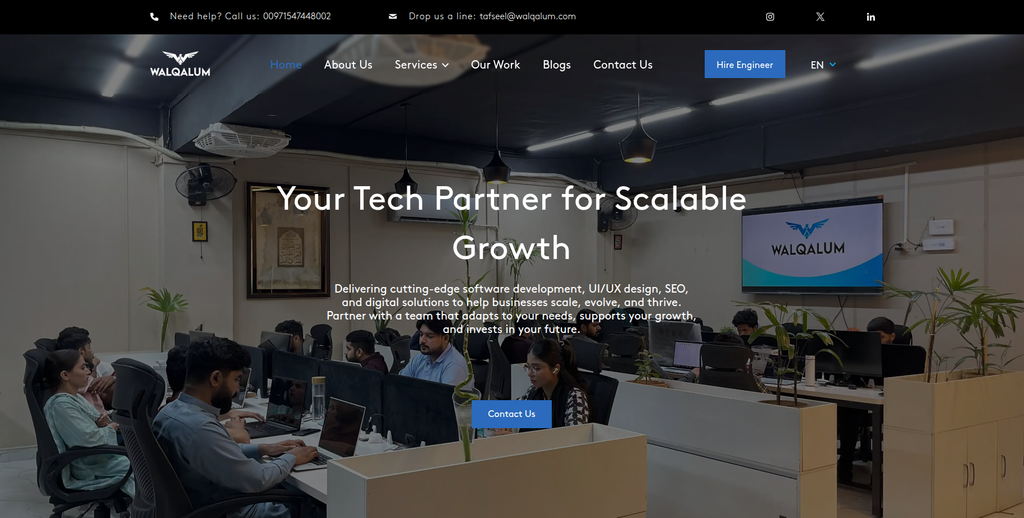
Walqalum provides web development, custom software, ecommerce development, CMS development, and other technical services. Its public website describes ecommerce development that includes secure payment integration, inventory management, and optimized product pages. It also offers custom software and web application development. These skills can be useful when a NopCommerce store contains features that cannot simply be copied into WooCommerce. Direct NopCommerce migration experience should still be verified before selecting the company.
- Ecommerce development: Publicly lists ecommerce website development among its capabilities.
- Custom development: Relevant when existing store functionality needs custom work.
- CMS knowledge: Works with CMS-based website development alongside broader web services.
- Testing and support: Publicly describes testing, launch, maintenance, and technical support.
- Best suited for: Stores with custom development or integration-heavy ecommerce migration requirements.
6. Veztraa
Best for Custom WooCommerce Development and Modern Ecommerce Integrations
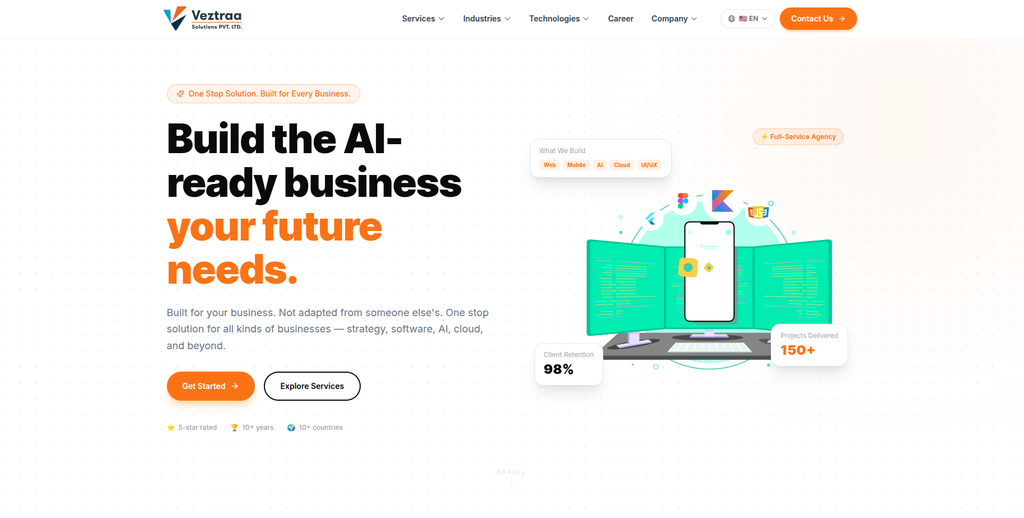
Veztraa provides custom software, web development, ecommerce development, and WooCommerce-related services. Its public services include WooCommerce and headless commerce, while its web development offering includes ecommerce web applications and testing. This can make the company worth evaluating when a migration requires more than standard WooCommerce setup. For example, an established NopCommerce store may have integrations or custom business workflows that need to be rebuilt. Businesses should still request examples of direct NopCommerce migration work before making a decision.
- WooCommerce capability: WooCommerce is publicly listed within its ecommerce services.
- Custom software: Relevant when the existing store uses special business processes.
- Web application development: Useful for more complex ecommerce requirements.
- Testing capabilities: Offers manual and automated web application testing.
- Best suited for: Businesses planning a custom NopCommerce migration with modern WooCommerce development.
7. Applaunch
Best for Web Development and Custom Digital Commerce Projects
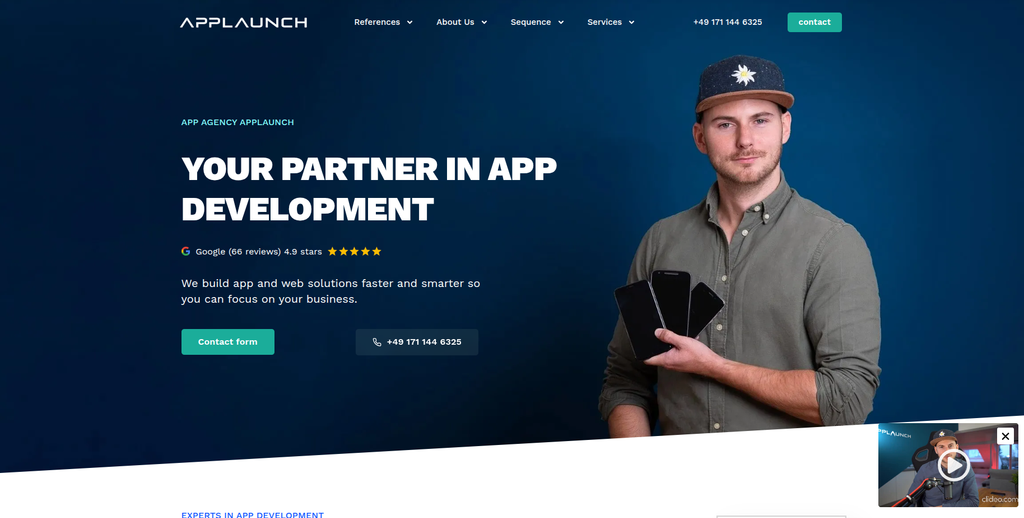
Applaunch is mainly positioned around app and web development rather than dedicated ecommerce platform migration. Its public information says the company works with startups and businesses across app development, web development, SaaS, portals, platforms, and ecommerce projects. It also states that it has completed more than 80 web projects. This broader development background may be useful when the new WooCommerce store connects with custom applications or web systems. However, direct NopCommerce and WooCommerce migration experience should be confirmed before hiring.
- Web development: Provides custom web development alongside its app services.
- Ecommerce exposure: Ecommerce is listed among its web solution categories.
- Custom platforms: Relevant for stores connected with portals or other applications.
- Technical discovery: Ask how the team would map NopCommerce features to WooCommerce.
- Best suited for: Businesses whose ecommerce migration forms part of a wider web development project.
8. Switch It Up Designs
Best for WooCommerce Migration Projects That Also Need a Store Redesign
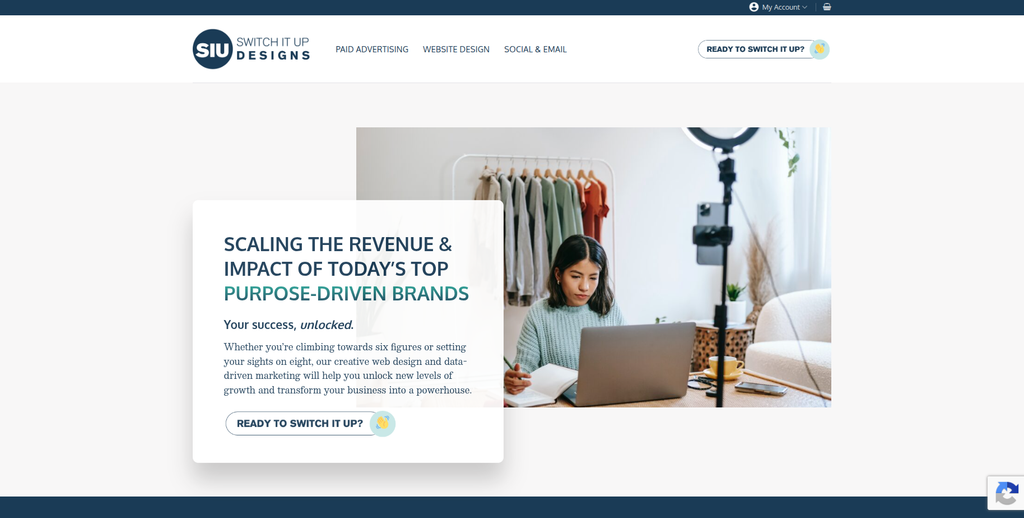
Switch It Up Designs is a Philadelphia-based digital agency focused on website development, marketing, and growth. Its public website describes WordPress development and high-converting ecommerce stores, making it worth considering when design and customer experience are important parts of the migration. The agency also highlights ecommerce conversion work on its website. This could make it useful when the move from NopCommerce is also an opportunity to improve product pages and the buying journey. Businesses should separately verify its direct NopCommerce migration and data-transfer experience.
- WordPress development: Publicly lists WordPress as part of its website development work.
- Ecommerce design: Relevant for businesses that want to improve the shopping experience.
- Conversion focus: Useful when product and sales pages need improvement after migration.
- Experience to verify: Ask specifically about NopCommerce data and WooCommerce migrations.
- Best suited for: Brands combining NopCommerce migration with ecommerce redesign and conversion improvements.
9. OSO Labs
A Development Partner to Qualify for Custom NopCommerce Migration Needs
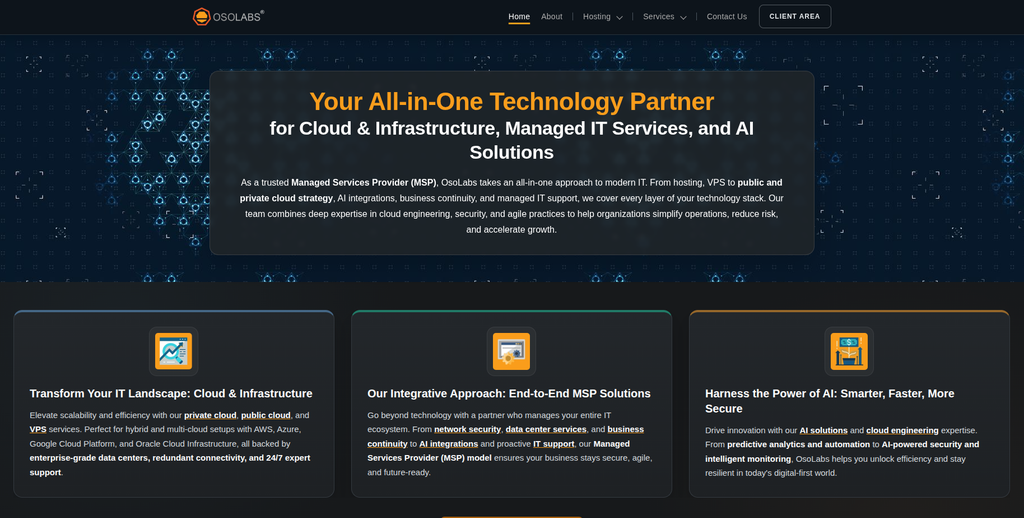
OSO Labs is another company from the requested shortlist that should be qualified against the exact migration scope. A NopCommerce store may have years of product information, customer data, custom code, integrations, and SEO value behind it. The migration partner therefore needs a clear technical process rather than simply installing WordPress and WooCommerce. Ask OSO Labs to review the existing environment before providing a final migration plan. Direct examples of comparable ecommerce migration work should also be requested.
- Technical assessment: Request a review of the existing NopCommerce environment.
- WooCommerce knowledge: Confirm direct development experience with WooCommerce stores.
- Custom features: Ask how special NopCommerce functions would be handled.
- Migration QA: Confirm how data accuracy and checkout functions will be tested.
- Best suited for: Businesses prepared to qualify technical experience for a custom NopCommerce migration.
10. Roy Technoworld
Best for Custom Ecommerce Development and Feature-Rich Store Projects
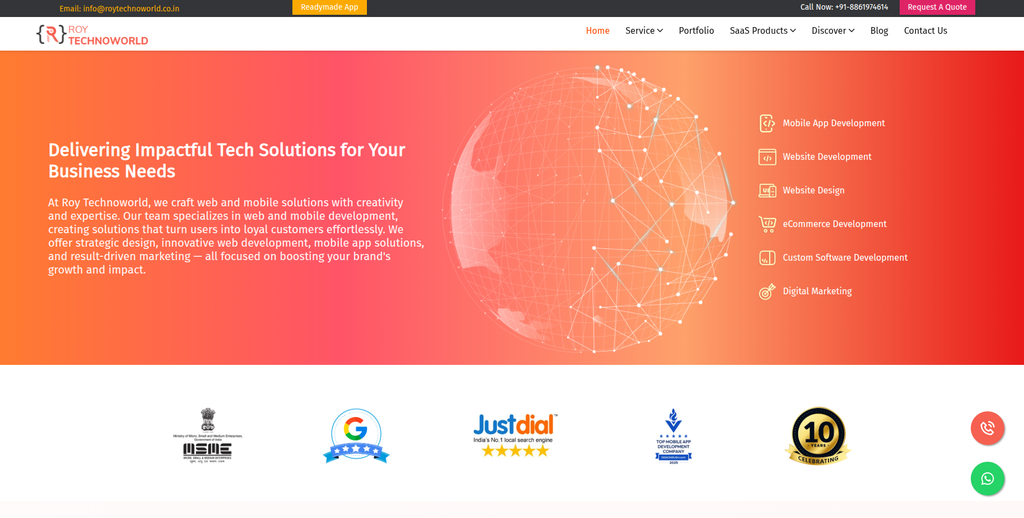
Roy Technoworld provides web and mobile development and publicly shows ecommerce development work in its portfolio. One ecommerce project described on its website includes bulk product uploads, coupons, secure payments, referral tracking, email marketing features, and an affiliate dashboard. This kind of development background can be useful when a NopCommerce store contains more than basic products and checkout pages. It may also help when custom functionality must be recreated during the WooCommerce build. Direct NopCommerce to WooCommerce migration experience should still be confirmed during the selection process.
- Ecommerce development: Public portfolio includes feature-rich ecommerce work.
- Custom functionality: Relevant for stores that require special features after migration.
- Payment experience: Portfolio work includes payment integrations.
- Product management: Public project information includes bulk product functionality.
- Best suited for: Businesses that need custom ecommerce development alongside platform migration.
What Should Be Migrated From NopCommerce to WooCommerce?
Every store is different, but most migrations need to consider much more than products.
NopCommerce itself supports detailed product information, including product types, categories, attributes, images, tags, SEO parameters, inventory, and shipping information. Its documentation also supports exporting product information in XML or Excel formats.
Your migration checklist may include:
- Products
- SKUs
- Categories
- Product descriptions
- Prices
- Product images
- Attributes
- Product variations
- Inventory
- Customers
- Billing and shipping information
- Orders
- Reviews
- Coupons
- SEO metadata
- Content pages
- URLs
- Payment settings
- Shipping rules
- Tax configuration
- Integrations
- Custom functionality
Do not assume that because information can be exported from NopCommerce, it will automatically fit into WooCommerce correctly.
Data mapping matters.
For example, WooCommerce’s documentation explains that fields must be mapped correctly when product data is imported. An incorrect field or format can prevent an import from working as expected. You can read more about mapping and importing ecommerce product data into WooCommerce.
Why SEO Matters During NopCommerce to WooCommerce Migration
SEO can be one of the biggest risks during a platform migration.
Imagine that a product page currently ranks well on Google. After migration, WooCommerce gives the product a different URL. If the old page simply disappears, visitors and search engines reaching that address may hit an error.
Multiply that problem by hundreds or thousands of products and categories.
That is why URL mapping should happen before launch.
Google recommends preparing a mapping between old and new URLs, testing the new site, setting up redirects, and monitoring traffic after a site move. Google also notes that ranking fluctuations can happen while the new URLs are crawled and processed. Its official guide to website moves and URL migrations is useful reading before changing a large ecommerce site’s URL structure.
A proper SEO migration should review:
- Product URLs
- Category URLs
- High-traffic landing pages
- Pages with backlinks
- Meta titles
- Meta descriptions
- Canonical tags
- Internal links
- Image references
- XML sitemaps
- Robots directives
- Structured data
- Search Console
- Analytics
- 301 redirects
Do not leave this work until launch day.
How to Choose the Best NopCommerce to WooCommerce Migration Company
Choosing a migration partner should start with your existing store, not with agency pricing.
1. Ask About NopCommerce Experience
Your development team needs to understand what it is moving.
NopCommerce can contain product attributes, grouped products, downloadable products, recurring products, rental products, tags, reviews, inventory settings, shipping information, and other product data.
Ask the company to inspect your store before giving you a final migration plan.
2. Ask How Your Data Will Be Mapped
NopCommerce and WooCommerce do not store every piece of information in exactly the same way.
Your migration company should explain how source data will map to WooCommerce.
This includes:
- Products
- Categories
- Variations
- Attributes
- Customers
- Orders
- Reviews
- Coupons
- Images
- Custom fields
WooCommerce’s migration documentation shows that customers, products, reviews, coupons, orders, and subscriptions can have relationships that need to be maintained during a migration.
3. Check Their SEO Migration Plan
Ask for an SEO checklist before signing the contract.
You want to know:
- Which URLs will change?
- Who creates the redirect map?
- Who checks important organic pages?
- Will metadata be transferred?
- Who tests redirects?
- Who updates the XML sitemap?
- Who checks Search Console after launch?
A migration company that cannot clearly answer these questions may be treating SEO as an afterthought.
4. Ask About Custom NopCommerce Features
Do not assume every NopCommerce plugin or custom feature has an identical WooCommerce replacement.
Create a list of everything your store currently does.
Then ask the migration team to label each feature:
- Migrate
- Rebuild
- Replace with WooCommerce functionality
- Replace with an extension
- Remove
- Review further
This makes the migration scope much clearer.
For businesses that want a specialist to assess the existing store and plan the move, CMSTOWP offers a structured NopCommerce to WooCommerce migration solution for products, customers, and store data.
Notice that this internal link appears later in the buying guide rather than directly inside the CMSTOWP company profile. This keeps internal linking more natural and avoids making every company section follow exactly the same pattern.
5. Make Sure They Test the Store
A migration is not complete when the import finishes.
The new store needs real testing.
Check:
- Product pages
- Categories
- Search
- Filters
- Product variations
- Add to cart
- Customer accounts
- Coupons
- Checkout
- Payments
- Shipping
- Taxes
- Order emails
- Mobile layout
- Analytics
- Redirects
For large stores, test samples from different product and customer groups instead of checking only the first few records.
6. Ask About Post-Launch Support
Some problems only appear after real customers start using the new store.
Ask how long migration support continues after launch and what is included.
You should know who handles missing records, broken redirects, checkout problems, integration errors, tracking problems, or plugin conflicts.
NopCommerce to WooCommerce Migration Checklist
Before launch, use a simple checklist.
Before Migration
- Back up the NopCommerce store
- Record product and customer counts
- Crawl existing URLs
- Export important data
- Identify custom functionality
- List third-party integrations
- Record important SEO pages
- Create the URL mapping
- Prepare the WooCommerce staging store
During Migration
- Import products
- Map categories
- Transfer images
- Check attributes and variations
- Migrate customer information
- Migrate required order information
- Configure WooCommerce
- Rebuild necessary features
- Configure integrations
- Prepare redirects
Before Launch
- Test checkout
- Test payment gateways
- Test shipping
- Check mobile pages
- Test customer accounts
- Compare data counts
- Check important SEO pages
- Test redirects
- Review analytics
- Review Search Console setup
After Launch
- Monitor errors
- Check orders
- Check payment processing
- Review 404 pages
- Monitor organic traffic
- Check Search Console
- Test important redirects
- Review customer feedback
- Fix migration-related bugs
Best NopCommerce to WooCommerce Migration Company by Business Need
For an end-to-end NopCommerce to WooCommerce migration with custom development, start by evaluating EbizON.
For a migration-focused move from NopCommerce to WooCommerce, consider CMSTOWP.
For custom web development needs, Walqalum and Veztraa may be worth evaluating.
For a project that includes custom web applications, Applaunch may fit the shortlist.
For a migration combined with ecommerce design and conversion improvements, consider Switch It Up Designs.
For custom ecommerce functionality, Roy Technoworld may also be worth evaluating.
For Grant Writing Hub, Rank Above Others, and OSO Labs, ask for direct NopCommerce and WooCommerce migration examples before making a decision.
The best company is not simply the largest company on the list. It is the company that can show how it will safely move your specific store.
FAQs About NopCommerce to WooCommerce Migration
1. What is NopCommerce to WooCommerce Migration?
NopCommerce to WooCommerce Migration is the process of moving an ecommerce store from NopCommerce to WooCommerce. It can include products, categories, customers, orders, images, attributes, URLs, SEO information, and custom store functionality.
2. Which is the best NopCommerce to WooCommerce migration company?
EbizON is our top option for businesses that need migration plus WooCommerce development and customization. CMSTOWP is another strong option when the project is mainly focused on structured platform migration. The best choice still depends on your store size, data, integrations, and custom features.
3. Can NopCommerce products be migrated to WooCommerce?
Yes. NopCommerce supports exporting product information, while WooCommerce provides several ways to import product data. The important part is correctly mapping product names, SKUs, categories, prices, images, attributes, variations, and other fields.
4. Can customer and order data be moved to WooCommerce?
Many types of customer and order information can be migrated, depending on the source data and migration method. The team should first review the NopCommerce database and determine what information needs to remain available in WooCommerce.
5. Will moving from NopCommerce to WooCommerce affect SEO?
SEO can be affected if URLs, content, internal links, redirects, metadata, or crawl settings are handled incorrectly. Google recommends creating a URL mapping, using appropriate redirects, testing the new site, and monitoring it after a site move.
6. Do I need 301 redirects after moving to WooCommerce?
You need redirects when important old NopCommerce URLs change. Each valuable old URL should normally point to the most relevant new destination rather than sending everything to the homepage.
7. How long does NopCommerce to WooCommerce migration take?
It depends on the size and complexity of the store. Product volume, customers, historical orders, custom features, integrations, design changes, and SEO requirements can all affect the timeline. A proper technical review should happen before a final timeline is promised.
8. Can custom NopCommerce functionality be moved to WooCommerce?
Sometimes the same business function can be recreated, but the original code usually cannot simply be copied from one platform to another. The migration team may use WooCommerce core functionality, an extension, an integration, or custom development to reproduce the required behavior.
9. Should I redesign my store during migration?
You can, but it increases the number of changes happening at once. If your current design is outdated, migration can be a good opportunity to improve it. For larger stores, keeping unnecessary changes separate can make testing and troubleshooting easier.
10. What should I test after NopCommerce to WooCommerce migration?
Check products, categories, images, variations, customer accounts, checkout, payments, shipping, taxes, coupons, emails, mobile pages, integrations, analytics, SEO metadata, internal links, redirects, XML sitemaps, and important organic landing pages.
Conclusion
Moving from NopCommerce to WooCommerce can give businesses a different way to manage ecommerce, WordPress content, product pages, plugins, marketing, and custom development from one ecosystem.
But the migration needs careful planning.
Products need to land correctly. Customer and order information needs to remain useful. Custom features need replacements. Checkout needs to work. Important URLs need redirects. SEO signals need protection.
That is why choosing the right NopCommerce to WooCommerce Migration company matters.
EbizON is our top choice when businesses need migration combined with WooCommerce development, integrations, customization, and long-term technical support. CMSTOWP is also worth considering for businesses that want a migration-focused process.
For the other companies on this list, compare their skills against your actual store and ask for direct examples of similar migrations.
The safest partner is the one that can explain exactly what will happen to your products, customers, orders, URLs, SEO, integrations, and custom functionality before the migration starts.