
Running an online store gets harder when the platform no longer fits the way your business works. A shop may start small, but over time it can collect thousands of products, customer records, orders, images, plugins, payment settings, shipping rules, and custom features.
This is why some store owners start looking at xt:Commerce to WooCommerce Migration.
xt:Commerce is still an active ecommerce platform, and its official documentation was being updated in July 2026. It supports shop management, plugins, templates, customer groups, and custom changes. But some businesses want to move to a WordPress-based setup where their store, content, SEO pages, and blog can be managed in one place.
WooCommerce is an open-source ecommerce platform built on WordPress. Its official documentation covers products, orders, shipping, taxes, payments, customization, and platform migration. WooCommerce also provides different ways to import and move product information between systems.
The move still needs careful planning.
A weak migration can lead to missing products, broken images, wrong prices, lost customer information, dead URLs, checkout errors, or a fall in organic traffic. A strong migration should move the important parts of your store while giving customers a smooth experience on the new website.
This guide compares the Top 10 xt:Commerce to WooCommerce Migration Companies in 2026 and explains what to check before choosing a migration partner.
Best xt:Commerce to WooCommerce Migration Companies in 2026
Here are the 10 companies covered in this guide:
- EbizON: Best overall for xt:Commerce migration, WooCommerce development, and custom integrations
- CMSTOWP: Best for focused xt:Commerce to WooCommerce data migration
- NC Website Designer: Best to evaluate for WordPress and small business website support
- Anne Schmidt Co.: Best for WooCommerce projects with custom web design and technical SEO
- Media Design Services: Best to assess for website development and ecommerce support
- PalladiumMD: Best to evaluate for digital website development needs
- The Bogdanov Group: Best for custom technical development and project support
- DesignTork: Best to assess for design-led website modernization
- Virtual Creatives: Best to evaluate for ecommerce design and conversion-focused store development
- 151 Digital: Best for Shopify and WooCommerce ecommerce development, migrations, and SEO planning
This list puts EbizON and CMSTOWP first because they have dedicated service pages for the migration covered in this article. For the other companies, publicly visible web, ecommerce, design, or development experience can be useful, but direct xt:Commerce migration experience should be checked before hiring.
How We Selected These xt:Commerce to WooCommerce Migration Companies
An ecommerce migration should not be judged only by how good the new website looks. The main question is whether the business can move without losing important data or breaking the buying experience.
We looked at areas such as:
- xt:Commerce and ecommerce migration relevance
- WooCommerce development capability
- Product and category data handling
- Customer and historical order migration
- Image and media transfer
- SEO and URL redirect planning
- WordPress and WooCommerce setup
- Payment and shipping configuration
- Custom integrations and development
- Testing and post-launch support
WooCommerce has a dedicated migration documentation hub that explains different ways merchants can prepare, transfer data, and move stores to WooCommerce.
1. EbizON
Best for Complex xt:Commerce Migration With Custom WooCommerce Development
EbizON is a strong option when moving from xt:Commerce involves more than transferring a list of products. Established stores may have custom features, payment systems, business tools, unusual product structures, or integrations that also need to work after the move. This means the project can require database migration, WooCommerce development, integration work, design changes, and testing at the same time. Businesses should decide which features must be moved, which should be rebuilt, and which can be improved in WooCommerce. EbizON is therefore especially relevant for stores with broader technical requirements.
- End-to-end migration: Suitable for projects involving both ecommerce data and WooCommerce development.
- Product and customer transfer: Important store records can be mapped as part of the migration scope.
- Custom WooCommerce work: Existing xt:Commerce features can be reviewed for rebuilding or replacement.
- Integration planning: Useful when the store connects to CRM, ERP, payments, marketing, or other systems.
- Best suited for: Growing businesses with complex xt:Commerce to WooCommerce migration requirements.
Businesses that need technical work beyond a basic data transfer can review EbizON’s custom xt:Commerce store migration service for building a flexible WooCommerce website.
2. CMSTOWP
Best for a Structured xt:Commerce Store Move to WooCommerce
CMSTOWP is a good choice for businesses that want the migration itself to remain the main focus of the project. An xt:Commerce store may contain products, categories, customers, orders, images, content, metadata, and URLs that need to be mapped carefully into WooCommerce. A migration-focused approach can help separate essential data transfer from optional redesign work. This makes the project easier to plan and test before launch. CMSTOWP is worth considering when your main goal is moving the current ecommerce setup to WordPress and WooCommerce in a structured way.
- Migration-focused approach: Relevant for businesses mainly concerned with changing ecommerce platforms.
- Product data planning: Products, categories, attributes, images, and related information can be reviewed.
- Customer and order handling: Existing business records can be included based on the migration scope.
- SEO migration: Important URLs, metadata, redirects, and organic landing pages should be considered.
- Best suited for: Businesses seeking a focused xt:Commerce store migration partner for WooCommerce.
A store owner comparing specialist options can also explore CMSTOWP’s complete xt:Commerce to WooCommerce migration solution for products, customers, and store data before creating the final migration scope.
3. NC Website Designer
Best to Assess for WordPress and Small Business Ecommerce Support

NC Website Designer is one of the companies businesses can investigate when looking for website and WordPress support around a migration project. For an xt:Commerce move, however, the key question is not simply whether a provider can build a WordPress website. The team also needs to understand ecommerce data, WooCommerce products, existing URLs, customer information, and the technical structure of the old store. Ask for examples that match the size and complexity of your current shop. Direct xt:Commerce migration experience should be confirmed before the company reaches your final shortlist.
- WordPress capability: Verify recent WordPress and WooCommerce development projects.
- Store setup: Ask whether WooCommerce configuration and product setup are handled in-house.
- Data migration: Confirm how products, images, categories, customers, and orders would be moved.
- SEO planning: Ask how valuable existing URLs and metadata would be protected.
- Best suited for: Smaller businesses willing to verify ecommerce migration experience before hiring.
4. Anne Schmidt Co.
Best for Custom WooCommerce Design With Technical SEO and Ongoing Support
Anne Schmidt Co. publicly offers website development, ecommerce solutions, technical SEO, performance work, and ongoing website support. The studio also states that its founder is a certified WordPress expert and Shopify Partner with more than 10 years of web development experience. These skills can be useful when the destination WooCommerce site needs custom design and technical improvements. However, general ecommerce and WordPress experience should not be treated as proof of direct xt:Commerce migration experience. Businesses should ask how the team would extract the old data and map it correctly into WooCommerce before choosing this option.
- Ecommerce solutions: Public services include product setup, checkout, payments, shipping, and tax-related work.
- WordPress expertise: Relevant when WooCommerce is the destination platform.
- Technical SEO: Helpful when migration also needs search visibility and performance checks.
- Ongoing support: Website maintenance and post-launch support are listed among its services.
- Best suited for: Brands combining WooCommerce migration with custom design and technical SEO improvements.
5. Media Design Services
Best to Evaluate for Website Development and Ecommerce Store Support
Media Design Services is another company from the requested shortlist to investigate for an ecommerce migration. Before choosing the company, businesses should ask for clear examples of WooCommerce work and platform-to-platform store migrations. An xt:Commerce site can have years of product data, customer information, custom settings, images, and SEO value behind it. These items need a clear mapping and testing process rather than a simple website rebuild. The provider should therefore explain the full migration method before the project starts.
- Website development: Check whether the team has recent ecommerce website projects.
- WooCommerce experience: Ask for examples involving WooCommerce stores of similar size.
- Data transfer: Confirm how products, customers, orders, images, and other data will be handled.
- Testing: Request checks for checkout, payments, shipping, mobile pages, and redirects.
- Best suited for: Businesses comparing website development providers for an ecommerce migration project.
6. PalladiumMD
Best to Assess for Custom Website Development During an Ecommerce Move
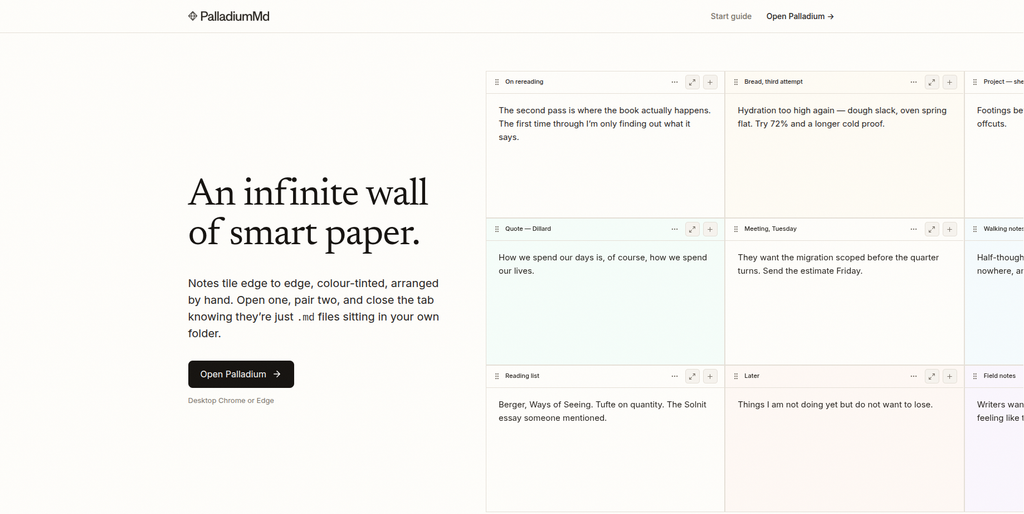
PalladiumMD should be assessed against the actual technical needs of the xt:Commerce store rather than selected from a general website portfolio alone. Older ecommerce stores can contain custom workflows and business rules that are not obvious from the front end. Before planning WooCommerce development, those functions should be listed and reviewed one by one. Businesses should also ask how source data will be extracted, cleaned, imported, and checked after migration. Direct evidence of WooCommerce and ecommerce migration work should guide the final decision.
- Discovery first: The current xt:Commerce setup should be audited before estimating migration work.
- WooCommerce capability: Confirm recent experience building and supporting WooCommerce stores.
- Custom features: Ask how non-standard functions would be rebuilt or replaced.
- Migration QA: Product counts, prices, images, links, and checkout should be checked after transfer.
- Best suited for: Stores that can validate the provider’s technical migration experience before selection.
7. The Bogdanov Group
Best for Hands-On Technical Development and Custom Migration Problems
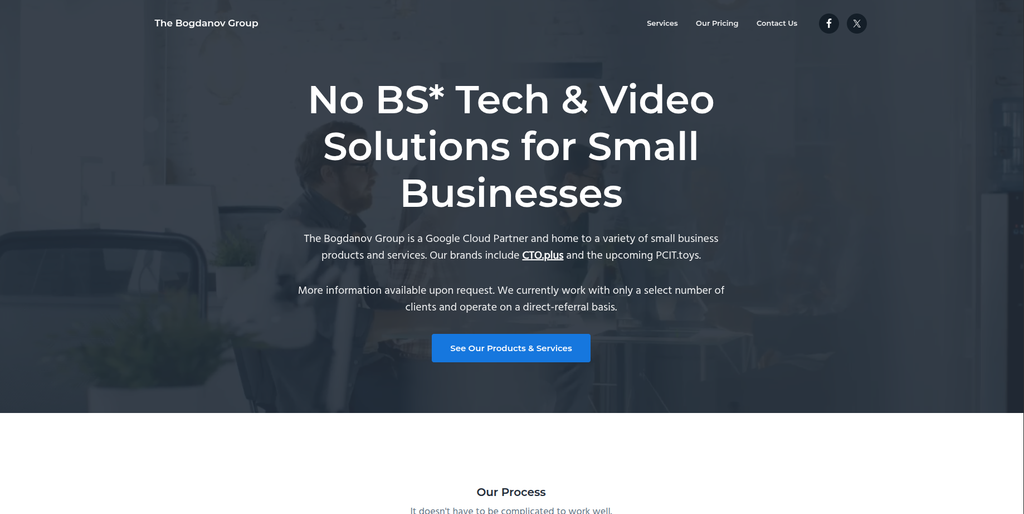
The Bogdanov Group publicly describes its approach as hands-on management and development and says it tackles technical problems directly rather than only managing projects at a high level. That can be useful when a store migration has unusual technical challenges. xt:Commerce installations may include custom code, old integrations, or business-specific processes that need more than a standard import tool. The migration team should identify these risks during discovery and decide how each feature will work in WooCommerce. Direct WooCommerce and xt:Commerce migration experience should still be verified.
- Hands-on development: Publicly positioned around solving technical project problems directly.
- Custom requirements: Can be assessed where a store has non-standard functionality.
- Technical discovery: Useful when an older platform needs detailed review before migration.
- Experience to verify: Ask specifically for WooCommerce and ecommerce migration examples.
- Best suited for: Businesses facing custom technical challenges during an ecommerce platform migration.
8. DesignTork
Best to Assess for Design-Led Store Modernization During Migration
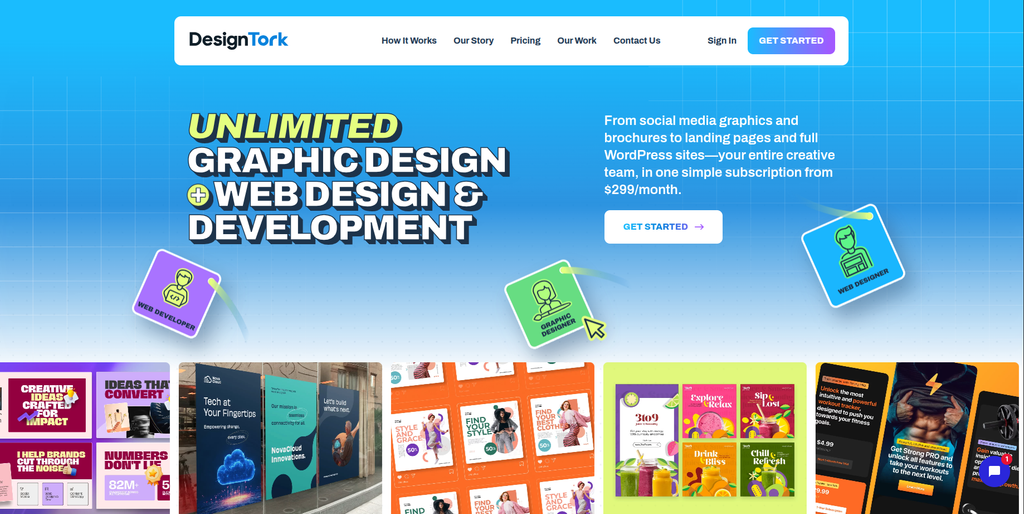
DesignTork is mainly presented publicly as a design service provider offering areas such as graphic design, branding, web design, and digital marketing. This makes it more relevant when a store owner also wants to improve the visual experience while changing platforms. A design refresh can be useful during migration, but it should not replace proper ecommerce data planning. Products, customers, URLs, redirects, integrations, and checkout still need technical ownership. Businesses should therefore confirm whether WooCommerce development and xt:Commerce migration can be handled directly or would require another technical partner.
- Web design: Relevant if the new WooCommerce store needs a visual refresh.
- Branding support: Useful when migration is part of a wider brand update.
- User experience: Store navigation and page presentation can be improved during redesign.
- Technical fit to verify: Confirm direct WooCommerce development and migration capability.
- Best suited for: Businesses combining ecommerce migration with a design and branding refresh.
9. Virtual Creatives
Best to Evaluate for Conversion-Focused Ecommerce Design and Development

Virtual Creatives can be considered when the new WooCommerce store also needs better design, usability, and conversion planning. Ecommerce migrations provide a useful chance to clean up product pages, navigation, mobile layouts, trust signals, and customer journeys. But the source-data side still needs equal attention because attractive pages cannot fix missing orders or broken product information. Businesses should ask for WooCommerce projects similar to their own and confirm who owns the xt:Commerce data migration. The strongest fit will be a project where design and technical migration planning work together.
- Ecommerce design: Relevant for businesses improving product and shopping experiences.
- Conversion focus: Useful when page layouts and buying journeys also need improvement.
- WooCommerce fit: Confirm recent WooCommerce development examples.
- Migration ownership: Ask who handles source data, redirects, and technical validation.
- Best suited for: Brands wanting a modern WooCommerce store with stronger ecommerce user experience.
10. 151 Digital
Best for WooCommerce Development, Ecommerce Migration, and SEO-Safe Rebuilds
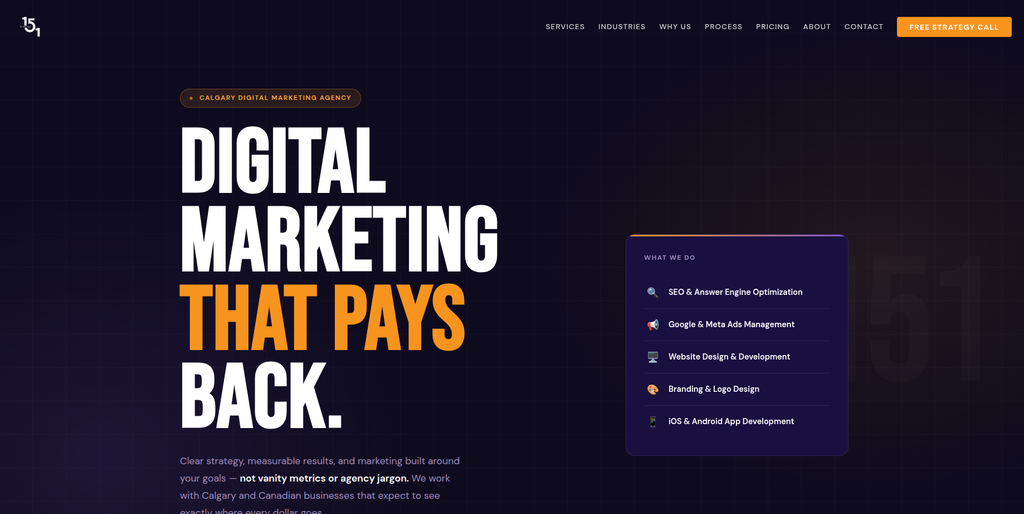
151 Digital has one of the clearer public ecommerce offerings among the supplied competitors. Its ecommerce services cover Shopify, WooCommerce, product pages, checkout optimization, payment gateways, inventory integrations, and SEO-ready store development. The company also states that it handles migrations from existing ecommerce systems and plans product data, customer transfers, URL redirects, and SEO preservation. Its website redesign process includes migration QA and post-launch monitoring. Direct xt:Commerce experience should still be checked, but the broader migration and WooCommerce capabilities make 151 Digital worth evaluating.
- WooCommerce development: WooCommerce is publicly included among its ecommerce platforms.
- Migration services: The company states that it migrates stores from existing and custom platforms.
- SEO planning: Public process information includes URL redirects and metadata preservation.
- Integrations: Ecommerce services include payment, inventory, accounting, email, and other tool connections.
- Best suited for: Businesses seeking an ecommerce migration partner with WooCommerce and SEO experience.
What Should Be Migrated From xt:Commerce to WooCommerce?
Before talking about design, make a complete list of what exists in the current store.
A typical xt:Commerce migration may need to review:
- Products
- SKUs
- Product descriptions
- Prices
- Categories
- Product attributes
- Variations
- Images
- Customers
- Historical orders
- Coupons
- Tax information
- Shipping settings
- Content pages
- SEO metadata
- Old URLs
- Custom plugins
- Third-party integrations
WooCommerce keeps product information in the WordPress database and provides several methods for moving product data. Its official guide to migrating WooCommerce product information between systems explains options including WordPress exports and CSV-based imports.
The exact method used for xt:Commerce will depend on how the source store is built.
A clean migration usually starts with data discovery. The team should understand what exists before deciding how it will move.
Why Businesses Move From xt:Commerce to WooCommerce
A platform change should solve a business problem.
There is little value in moving just because another ecommerce platform is more popular.
Businesses may consider WooCommerce because they want:
- WordPress and ecommerce in one system
- More control over content pages
- A large extension ecosystem
- Flexible product management
- More control over design
- Easier blogging and content marketing
- Custom checkout options
- Payment and shipping flexibility
- More developer options
- Greater control over the store database
WooCommerce describes itself as an open-source ecommerce platform built on WordPress. Its documentation covers everything from product management and orders to payments, shipping, taxes, reporting, and customization.
That flexibility is useful, but it also means WooCommerce must be set up correctly.
How to Choose the Best xt:Commerce to WooCommerce Migration Company
Do not pick a migration company simply because it says “WooCommerce development” on its website.
A developer can be good at creating a new WooCommerce store and still have limited experience moving an old ecommerce database.
Here are the most important things to check.
1. Start With an xt:Commerce Store Audit
The migration company should first understand what is inside your existing store.
Ask the team to review:
- Number of products
- Product types
- Categories
- Attributes
- Images
- Customers
- Orders
- Content pages
- Plugins
- Custom code
- Payment systems
- Shipping setup
- Third-party integrations
- Current URL structure
xt:Commerce maintains an official online manual covering shop configuration, versions, plugins, templates, customer groups, and other platform functions.
That means two xt:Commerce stores can be very different from each other.
A migration quote should reflect your actual setup.
2. Ask for a Detailed Data Mapping Plan
Do not settle for the words “we will migrate your data.”
Ask what that actually means.
The plan should explain which xt:Commerce fields will map to which WooCommerce fields.
For example:
Old product title → WooCommerce product name
Old SKU → WooCommerce SKU
Old category → WooCommerce product category
Old options → WooCommerce attributes or variations
The same process should be followed for customers, orders, images, metadata, and other important information.
WooCommerce’s official migration resources show that ecommerce information can include users, customers, products, reviews, coupons, orders, and subscriptions.
Data relationships matter.
A migration is successful only when the information still makes sense after it reaches the new store.
3. Protect SEO Before Changing URLs
SEO should be planned before the new store goes live.
Changing an ecommerce platform can change product and category URLs.
If an important old page disappears without a suitable redirect, both customers and search engines can hit an error page.
Create a URL map that includes:
- Old product URL
- New product URL
- Old category URL
- New category URL
- Important content pages
- High-traffic landing pages
- Pages with backlinks
- Metadata
- Canonical settings
- Internal links
Redirects should be tested before and after launch.
The goal is simple: when somebody visits an important old URL, they should reach the closest correct page on the new WooCommerce store.
4. Decide What Happens to Custom xt:Commerce Features
Custom features are often where migration projects become difficult.
Your store may use a plugin or custom function for:
- Special pricing
- Product configuration
- Customer groups
- Shipping calculations
- Payment rules
- Wholesale orders
- Inventory
- ERP connections
- CRM connections
- Custom checkout behavior
Not every old feature needs to be copied.
Create four groups:
- Migrate
- Rebuild
- Replace
- Remove
This simple process prevents developers from wasting time rebuilding features your business no longer uses.
5. Use a Staging Store Before Launch
Never make the first full test on the live store.
WooCommerce recommends using a current backup and a staging environment before potentially disruptive technical changes.
Its official WooCommerce update and staging guidance recommends testing important store workflows such as products, cart, checkout, payments, shipping, taxes, and emails away from production first.
The same idea is useful during migration.
Your staging checks should include:
- Products
- Prices
- Images
- Variations
- Categories
- Customer accounts
- Orders
- Search
- Navigation
- Cart
- Checkout
- Payments
- Shipping
- Taxes
- Forms
- Emails
- Mobile pages
- Analytics
- Redirects
Fix issues there before customers use the new website.
6. Ask About Post-Launch Support
Migration day is not the end of the project.
Real customers may find problems your development team did not see during testing.
After launch, monitor:
- 404 errors
- Broken redirects
- Missing images
- Wrong product prices
- Checkout errors
- Payment failures
- Shipping problems
- Plugin conflicts
- Tracking issues
- Search Console errors
- Page speed
- Mobile usability
Ask the migration company how long its support period lasts.
Also ask what is included.
You do not want to discover after launch that every migration bug is suddenly treated as a new paid project.
Best xt:Commerce to WooCommerce Migration Company by Business Need
Different stores need different types of partners.
If you mainly want a full xt:Commerce migration combined with custom WooCommerce development, EbizON is a strong place to start.
If you want a migration-focused approach centered on transferring an existing store to WooCommerce, consider CMSTOWP.
If your project also requires custom design and technical SEO, Anne Schmidt Co. may be worth evaluating.
If your migration involves unusual technical development problems, The Bogdanov Group can be investigated further.
If you want WooCommerce development with ecommerce migration and SEO planning, 151 Digital has relevant public capabilities.
For every company, ask for evidence that matches your store rather than relying only on a service page.
FAQs
1. What is xt:Commerce to WooCommerce Migration?
xt:Commerce to WooCommerce Migration is the process of moving an ecommerce store from xt:Commerce to WooCommerce on WordPress. The migration can include products, categories, attributes, images, customers, orders, content pages, metadata, URLs, and other store information. Custom plugins and business features may need to be rebuilt or replaced rather than copied directly. The exact scope depends on how your existing xt:Commerce store was created.
2. Which is the best xt:Commerce to WooCommerce migration company?
There is no single company that is best for every store. EbizON is worth considering when the project includes both migration and custom WooCommerce development, while CMSTOWP can be useful when the main requirement is a focused platform migration. The right company depends on your catalog size, customer and order data, custom features, integrations, SEO requirements, budget, and post-launch needs.
3. Can products be moved from xt:Commerce to WooCommerce?
Yes, product data can generally be moved when the source information can be extracted and mapped to WooCommerce correctly. This may include titles, SKUs, descriptions, prices, images, categories, attributes, and variants. Complex products or custom fields may need special scripts or manual mapping. Always perform a test migration before moving the full catalog.
4. Can customer data be migrated to WooCommerce?
Customer records can often be transferred when the necessary information is available in the xt:Commerce database. The migration team should confirm which customer fields can be moved and how accounts will work after launch. Password handling can require special attention because different platforms may use different security methods. Test customer accounts before the new store goes live.
5. Can old xt:Commerce orders be migrated?
Historical orders may be migrated if the source data can be mapped properly into WooCommerce. Order migration can be more complicated than moving products because an order may connect customers, products, prices, taxes, shipping information, and payment details. Ask your migration provider exactly which historical order information will be available in the new system.
6. Will moving from xt:Commerce to WooCommerce hurt SEO?
Migration can affect SEO if important URLs, metadata, content, and internal links are changed without planning. Before launch, map valuable old URLs to the closest relevant WooCommerce URLs and create redirects where necessary. Important pages should also be checked for titles, descriptions, headings, canonical settings, structured data, and indexability. Monitor organic traffic and errors after launch.
7. How long does an xt:Commerce to WooCommerce migration take?
There is no fixed timeline because stores can vary greatly. A small store with standard products may be much easier to move than a store with thousands of SKUs, years of orders, custom plugins, integrations, multilingual content, or unusual checkout rules. A migration company should audit the current store before promising a final timeline.
8. Can custom xt:Commerce features be rebuilt in WooCommerce?
Many custom features can be rebuilt or replaced, but they may not work in exactly the same way. Some requirements can use WooCommerce core features, others can use extensions, and more unusual workflows may require custom development. Review every important xt:Commerce feature before development begins and decide whether to migrate, rebuild, replace, or remove it.
9. What should I test before launching the WooCommerce store?
Test products, prices, categories, variations, images, customer accounts, orders, navigation, search, cart, checkout, payments, shipping, taxes, emails, forms, integrations, analytics, mobile pages, and SEO redirects. Also compare product and customer record counts with the old store where possible. The goal is to find problems before customers do.
10. What should I ask a migration company before hiring?
Ask for relevant xt:Commerce, WooCommerce, and ecommerce migration experience. Request a written scope showing exactly what data will move, how custom functions will be handled, how SEO will be protected, how testing will work, and what happens after launch. Also ask what cannot be migrated directly. Clear limitations are usually a better sign than a provider promising that everything will move perfectly without first inspecting the store.
Conclusion
Moving from xt:Commerce to WooCommerce can give a business more control over its ecommerce website, WordPress content, design, plugins, marketing pages, and future development.
But xt:Commerce to WooCommerce Migration is not simply a matter of installing WooCommerce and uploading a product spreadsheet.
Your existing store may contain years of products, customers, orders, images, URLs, custom features, and integrations. These need to be understood before anything moves.
A strong migration project starts with an audit. It then moves through data mapping, WooCommerce setup, test migration, custom development, SEO redirects, QA, launch, and post-launch monitoring.
For businesses that need migration plus broader WooCommerce development and custom integrations, EbizON is a strong option to evaluate. Businesses looking mainly for a structured platform migration service can also consider CMSTOWP.
The eight other companies in this guide can fit different design and technical needs, but direct xt:Commerce experience should be verified before hiring.
Choose the company that can explain the entire move in simple terms. You should know what will migrate, what will change, what needs rebuilding, how SEO will be protected, and who will help if something goes wrong after launch.
That is what turns a platform change into a safer ecommerce migration.